Discover comprehensive solutions and real-time strategies for when the Roblox website is down impacting your gaming experience. For US gamers who balance work and life and cherish their gaming time this guide offers practical steps to troubleshoot check server status and stay informed during outages. We cover everything from identifying if the issue is widespread to local fixes ensuring you spend less time frustrated and more time gaming. Learn how to use official channels community forums and internet connection checks to get back into your favorite Roblox experiences. This resource is tailored to help busy adults quickly resolve common Roblox down website problems and understand why these interruptions occur so you can enjoy your digital world without unnecessary stress or delay.
Is Roblox down currently?
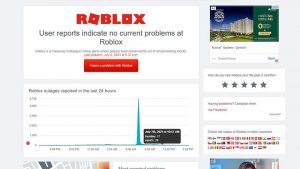
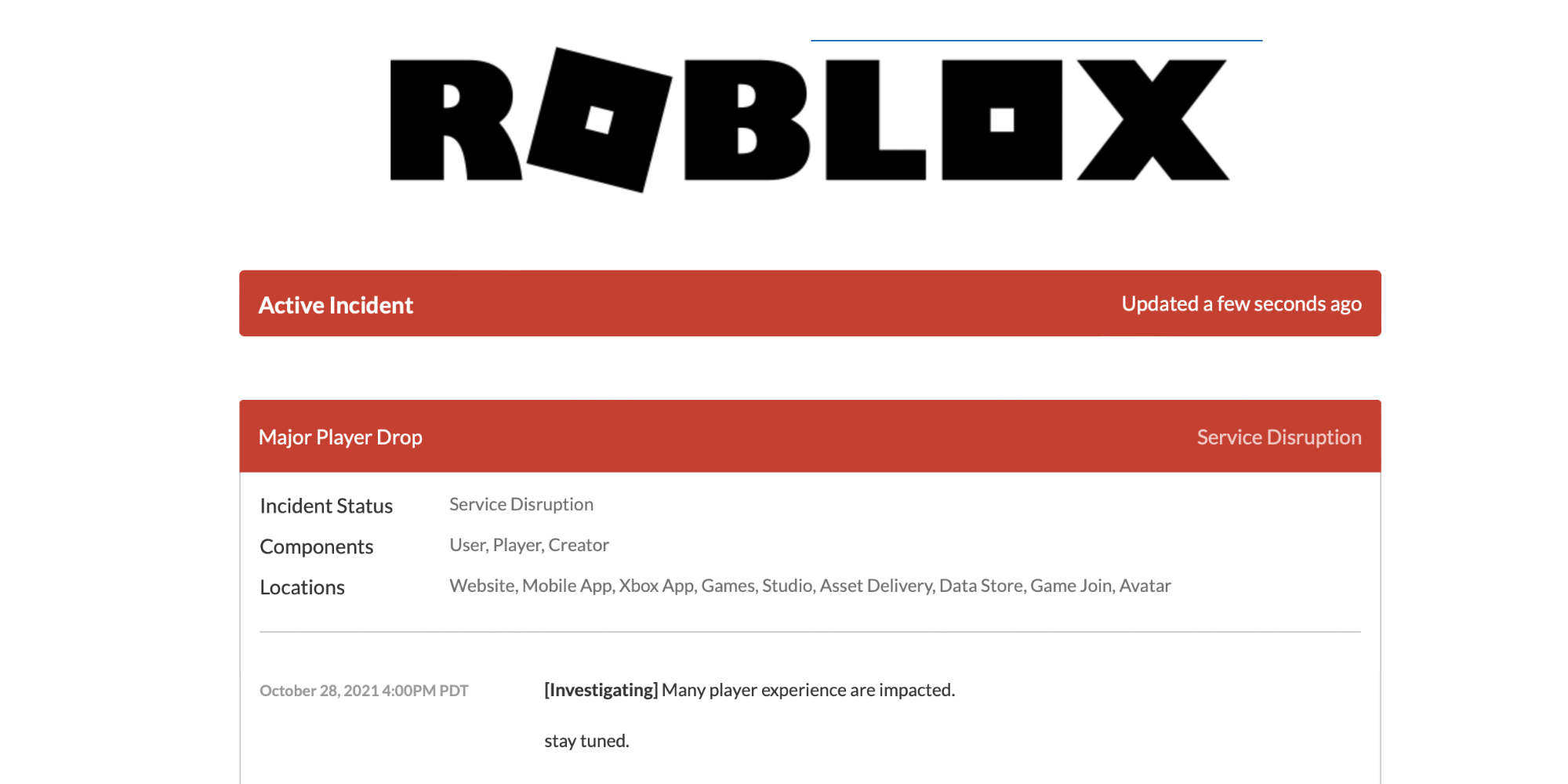
To check if Roblox is currently experiencing an outage, the most reliable first step is to visit the official Roblox Status page. Additionally, platforms like DownDetector.com can provide real-time user reports and an outage map. Checking Roblox's official Twitter account is also highly recommended for immediate announcements directly from the platform's support team. These resources will confirm if the issue is widespread or isolated to your connection.
How to check Roblox server status?
You can check Roblox server status by visiting status.roblox.com, the official status page for Roblox services. This page provides up-to-the-minute information on the operational status of all core Roblox components, including the website, games, and login systems. For community-driven insights, DownDetector.com also aggregates user reports to show current outage trends.
Why is Roblox not working?
Roblox might not be working due to a widespread server outage (check official status pages), issues with your internet connection, outdated game client or browser, firewall/antivirus interference, or corrupted local game files. It's crucial to first determine if the problem is on Roblox's end or localized to your system before attempting specific troubleshooting steps.
What to do when Roblox website is down?
When the Roblox website is down, first confirm the outage using official status pages or DownDetector. If it's a widespread issue, patiently wait for Roblox to resolve it, monitoring their official Twitter for updates. If the issue appears local, try restarting your router, clearing your browser cache, or attempting to access from a different device or network connection.
Are Roblox servers offline globally?
To determine if Roblox servers are offline globally, consult the official Roblox Status page and DownDetector.com. These platforms provide geographical outage maps and report aggregated user data, indicating whether the problem is localized to specific regions or if it's a worldwide service disruption impacting users across different continents and time zones.
How often does Roblox experience downtime?
Roblox aims for high uptime, but like any massive online platform, it experiences occasional downtime for scheduled maintenance, unexpected technical issues, or high traffic spikes. Major, widespread outages are relatively infrequent, though smaller, localized disruptions can occur more regularly. These usually last from a few minutes to a couple of hours as engineering teams address the problem.
What are common error messages when Roblox is down?
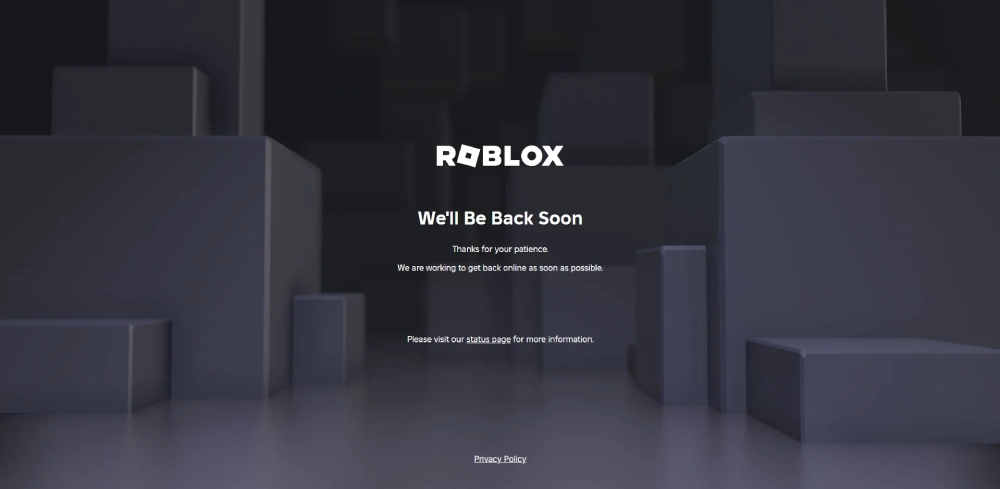
When Roblox is down, common error messages include "HTTP 503 Service Unavailable," "500 Internal Server Error," "Connection Error," "Unable to Connect to the Game," or simply a blank page or endless loading screen. These messages typically indicate that the server is either inaccessible, overloaded, or experiencing a critical fault, preventing your client from establishing a stable connection.
Can I still access my Robux if Roblox is offline?
No, if the Roblox website or game servers are completely offline, you generally cannot access your Robux. Your Robux balance is stored on Roblox's servers, and an outage means those servers are temporarily unreachable. Once services are restored, your Robux balance will be accessible again, as it is tied to your account and not affected by the temporary downtime.
Are there alternative games similar to Roblox to play during an outage?
Yes, if Roblox is down, there are several alternative games that offer similar creative, social, or sandbox-style gameplay. Options include Minecraft, which focuses on building and exploration; Garry's Mod for physics-based sandbox fun; or various social simulation games available on PC and mobile. Many free-to-play titles also offer engaging communities and diverse experiences.
How can I report a Roblox outage?
If you believe Roblox is down but official channels aren't reporting an outage, you can typically report it through the Roblox Support page by submitting a ticket under "Technical Support" or by contributing to outage reports on sites like DownDetector. However, if official sources already confirm an outage, individual reports aren't usually necessary as their teams are already aware and working on it.
Does a Roblox outage affect all games equally?
Generally, a widespread Roblox outage will affect all games and experiences on the platform, as they rely on the same core server infrastructure for hosting and connectivity. However, localized issues might only impact specific game servers or regions. If core services like login or the website are down, all connected games are typically impacted regardless of their individual popularity or complexity.
What hardware or software issues might mimic a Roblox outage?
Several personal hardware or software issues can mimic a Roblox outage, making it seem like the platform is down for everyone. These include an unstable or slow internet connection, an outdated Roblox client or web browser, aggressive firewall or antivirus settings blocking network access, corrupted game files on your device, or insufficient system resources (RAM, CPU) to run the game smoothly.
Ever settled in after a long day, finally ready to dive into your favorite Roblox experience, only to be met with a frustrating error message or an unresponsive website? It's a common pain point for many US gamers who expertly juggle jobs, families, and life's demands. You're part of the 87% of US gamers who regularly enjoy their virtual worlds, often spending 10+ hours a week unwinding, socializing, or even honing new skills. When the Roblox website is down, it can feel like a significant disruption to your planned relaxation or social time with friends across various platforms. We get it. You value your gaming moments, and when something like a Roblox outage prevents that, it's not just an inconvenience; it's a break in your routine, a missed connection. This guide is designed to cut through the confusion, offering clear, actionable solutions to help you understand, troubleshoot, and navigate those unwelcome moments when the Roblox website is down.
We'll tackle the most common questions and provide up-to-date insights, ensuring you're equipped with the knowledge to either get back into the game or at least know what's happening. From quick checks to understanding broader server issues, our goal is to empower you with the right information, so you can make the most of your precious gaming time. Let's get you back to building, adventuring, and socializing on Roblox.
What Causes Roblox to Go Down?
Roblox, like any massive online platform serving millions globally, can experience downtime for various reasons. The primary culprits often include server maintenance, unexpected technical glitches, large-scale network issues, or even cyberattacks. Scheduled maintenance is necessary for updates and improvements, but sometimes unforeseen bugs or high traffic volumes, especially during major events or popular game launches, can overload servers. For instance, recent trends show a significant increase in mobile gaming and cross-platform play, putting immense strain on server infrastructure. Understanding these underlying causes helps manage expectations when the Roblox website is down, reassuring you it's usually not a problem on your end.
Sometimes, an outage might be localized to a specific region or server cluster, affecting only a segment of the user base. This complexity makes it crucial to determine the scope of the problem before attempting extensive troubleshooting. Major outages are rare but can happen, leading to global disruptions across the platform. While Roblox developers work tirelessly to prevent and quickly resolve these issues, the sheer scale of their operation means occasional hiccups are an unavoidable part of the online gaming experience.
How Can I Check if Roblox is Down for Everyone or Just Me?
The first step when you suspect the Roblox website is down is to confirm if it's a widespread issue or localized to your connection. This saves you valuable time troubleshooting your setup unnecessarily. Several reliable methods exist. Begin by visiting official Roblox status pages or their social media channels, particularly Twitter, where they often post real-time updates. Community-driven websites like DownDetector are also excellent resources; they aggregate user reports to provide a live map of reported outages, giving you a quick visual indication of the problem's scope. Checking these resources quickly helps you understand if you're alone in your struggle or if the entire Roblox community is facing the same challenge.
These sites are invaluable for busy gamers because they offer immediate feedback. If DownDetector shows a spike in reports for Roblox, it's a strong indicator of a widespread outage. Conversely, if reports are low, the issue might be closer to home. This initial check is crucial for determining your next course of action, allowing you to either wait for official fixes or dive into local troubleshooting.
What Should I Do When the Roblox Website is Down?
If you've confirmed that the Roblox website is down for others, the best course of action is often patience. However, there are still a few quick checks you can perform to rule out any local anomalies. First, try restarting your router and modem; this can often resolve minor network hiccups that might be mimicking a server outage. Clear your browser's cache and cookies, or try accessing Roblox from a different browser or device. Sometimes, a corrupt browser cache can prevent a website from loading correctly even if the servers are fine. For gamers on the go, ensure your mobile data or Wi-Fi connection is stable and try toggling airplane mode. These simple steps can sometimes surprisingly resolve access issues, getting you back into the game faster than waiting for a full server recovery.
If these simple steps don't work, monitor official channels for updates. During downtime, many gamers find solace and information in community forums or Discord servers where real-time experiences are shared. Engaging with these communities can provide additional tips or simply confirm that everyone is in the same boat, making the wait a bit more bearable.
Are There Official Ways to Stay Updated on Roblox Server Status?
Absolutely. Roblox understands the importance of transparent communication during downtime, especially for its dedicated community. The most authoritative source is the official Roblox Status page, which provides real-time information on all core services, including the website, games, and login functionality. This page is updated directly by Roblox staff, offering the most accurate status reports.
Additionally, following Roblox's official Twitter account is highly recommended. Their social media teams are usually very responsive and will post major outage announcements, estimated resolution times, and updates as they become available. For many busy gamers, Twitter provides the quickest pulse on the situation without having to constantly refresh a webpage. Keeping these two resources handy ensures you're always in the loop, allowing you to plan your gaming sessions around potential or ongoing maintenance.
How Long Do Roblox Outages Typically Last?
The duration of a Roblox outage can vary significantly depending on the cause. Minor glitches or localized issues might be resolved within minutes to an hour. Major outages, however, especially those requiring extensive technical intervention or large-scale server reconfigurations, could last several hours. In rare cases, a widespread outage has extended for more than a day. Roblox’s engineering teams work around the clock to restore services as quickly as possible, prioritizing user access and data integrity.
It’s important to remember that communication during these times is key. While Roblox aims for swift resolutions, the complexity of their platform means that some fixes simply take time. Gamers who balance life and gaming appreciate knowing what's going on, so staying tuned to official updates is far more productive than repeatedly trying to log in. Patience, combined with reliable information from official sources, is your best approach during these periods.
Can My Internet Connection Affect Roblox Availability?
Yes, your internet connection plays a critical role in accessing Roblox. Even if the Roblox website isn't technically down, a poor or unstable internet connection on your end can make it seem that way. Slow speeds, high ping, or intermittent disconnections can prevent the website from loading, cause games to lag, or even result in outright connection errors. Considering that mobile gaming is a huge part of Roblox's user base, ensuring a strong Wi-Fi signal or reliable mobile data is crucial. A weak signal, especially when streaming or downloading in the background, can drastically impact your ability to connect.
Troubleshooting your internet connection should always be a part of your diagnostic routine. A simple router reboot can often clear up minor network congestions. Running a speed test can also confirm if your internet service provider (ISP) is delivering the expected bandwidth. If your connection is consistently problematic, contacting your ISP might be necessary. Remember, a robust internet connection is the foundation for any smooth online gaming experience, including Roblox.
What If Roblox Is Up But I Can't Play?
This is a common scenario that often points to client-side issues rather than a full Roblox outage. If the official status pages confirm Roblox is operational but you're still facing problems, consider these steps. First, ensure your Roblox client application is updated to the latest version. Outdated software can cause compatibility issues. Next, check for any local firewall or antivirus software that might be blocking Roblox; sometimes, these programs mistakenly flag game clients as threats. Temporarily disabling them (with caution) can help diagnose the issue. Performance problems can also stem from an older computer or mobile device struggling to run the game, especially graphically intensive experiences. This month's data shows many gamers are extending the life of their hardware, leading to potential bottlenecks.
Finally, verifying game file integrity or reinstalling the Roblox player entirely can resolve corrupted installation files. For PC gamers, ensuring your graphics drivers are up-to-date is also crucial for optimal performance. Remember, even with a strong internet connection and a live Roblox server, your personal setup can significantly impact your ability to play.
Is There a Way to Prevent Future Roblox Login Issues?
While you can't prevent global Roblox outages, you can certainly minimize personal login issues. Regular maintenance of your system is key. Keep your operating system, browser, and Roblox client updated. Clear temporary files and browser cache periodically to prevent data corruption. A stable, reliable internet connection is paramount; consider a wired connection for PC gaming if possible, or ensure strong Wi-Fi for mobile. For those balancing gaming with work, a dedicated gaming router can prioritize game traffic over other network activities.
Additionally, practice good account security by using strong, unique passwords and enabling two-factor authentication (2FA). This protects your account from unauthorized access which could lead to login issues. Finally, stay informed. Subscribe to Roblox's official status notifications or follow their social media accounts. Knowing about upcoming maintenance or potential issues can help you plan your gaming time effectively, avoiding frustration and maximizing your enjoyment of the platform. By proactively managing your setup and staying informed, you create a more resilient and enjoyable Roblox experience.
Navigating the occasional bumps when the Roblox website is down doesn't have to be a major headache. By knowing where to check official statuses, understanding common causes, and applying simple troubleshooting steps, you can quickly get back to enjoying your favorite games or at least stay informed about the situation. For gamers who expertly balance life's responsibilities with their passion for play, having these tools at your disposal means less wasted time and more opportunities for relaxation and fun. Stay connected, stay informed, and happy gaming!
What's your biggest gaming challenge when servers go down? Comment below!
FAQ Section
Is Roblox safe for my kids to play? Yes, Roblox provides robust parental controls and safety features. Parents can manage chat settings, restrict content, and monitor spending to create a safe environment tailored to their family's needs. Regularly review and adjust these settings as your child grows.
How much does Roblox cost? Roblox itself is free-to-play, allowing anyone to download the client and explore millions of games. However, it offers in-game purchases through its virtual currency, Robux, which can be used for items, accessories, or game passes. Many experiences are entirely enjoyable without spending any money.
Can I play Roblox on mobile devices? Absolutely! Roblox is highly optimized for mobile, offering cross-platform play across iOS, Android, and other devices. This mobile dominance reflects current US gaming trends, allowing gamers to jump into their favorite experiences anytime, anywhere, whether on a quick break or unwinding at home.
What is Robux and how do I get it? Robux is the virtual currency on Roblox. You can purchase Robux directly through the Roblox website or app using real money. It's used to buy items for your avatar, game passes for specific experiences, and even to create and upload your own content to the platform.
Why do some Roblox games require Robux to play? Some game creators choose to monetize their experiences by charging Robux for access, special items, or unique abilities. This supports their development efforts and allows them to create more immersive and high-quality content for the community. It's a key part of the creator economy on Roblox.
What should I do if my Robux disappears? If you notice Robux missing, first check your transaction history on the Roblox website to see if it was spent. If not, secure your account by changing your password and enabling 2FA, then contact Roblox Support immediately with details. They can investigate potential unauthorized access or system errors.
Roblox server status check, troubleshooting Roblox not loading, official outage updates, community solutions for Roblox down website, understanding common Roblox errors, quick fixes for Roblox connectivity issues.
35



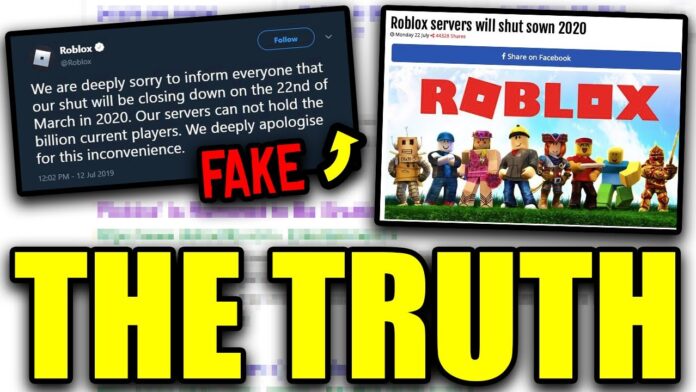
Roblox Website Down 503 Roblox Application And Website Bugs . Is Roblox Shutting Down In 2026 Latest Updates Roblox Shutting Down . Is Roblox Getting Shut Down In 2026 The Real Truth Behind All Those Is Roblox Getting Shut Down In 2026 1024x683 . Roblox Error Hari Ini Atau Is Roblox Down Ini Solusi Koneksi Di Tahun 1485943021 . Is Roblox Shutting Down Official Truth Latest Updates Is Roblox Shutting Down 696x392

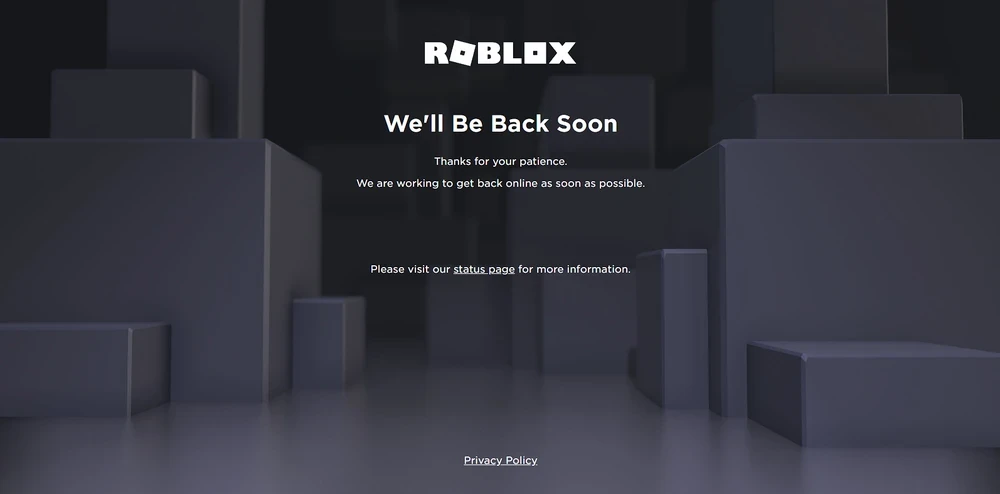
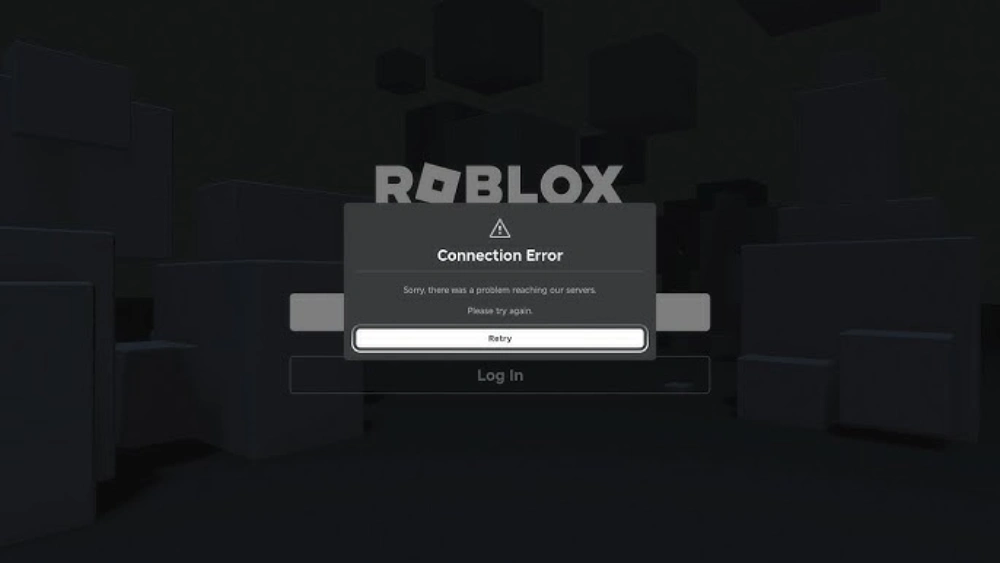
Roblox Is Down Right Now January 5 2026 Beebom Roblox Is Down Server Status . Roblox Down Or Lagging Guide Roblox. Why Is Roblox Down Right Now What S Happening Roblox Is Down 1.webp. Is Roblox Down March 18 2026 Roblox Down DesignTAXI Community Image . Roblox Says It Identified Underlying Internal Cause Of Outage Gaming



Roblox Down Hundreds Of Users Report Issues With Server Connection And Roblox Kentucky Lawsuit 0 . Roblox Down Lets Figure It Out Is Roblox Website Down . How To Update Roblox In 2026 Fix Error Code 280 On PC Mobile Xbox Roblox Update It.webp. Are Roblox Servers Down Check Server Status 2026 Roblox 300x169 . Is Roblox Server Down How To Check Status And Fix Issues Servers Down V0



Roblox Down Lets Check Whats Happening Roblox Shutting Down 2025 768x512 . How To Publish A Game On Roblox In 2026 Roblox YouTube . Roblox Site Everything Is Down Bug Reports Developer Forum Roblox . Why Roblox Almost Shut Down YouTube . Is Roblox Getting Shut Down In 2026 The Real Truth Behind All Those Roblox Moderation System Changes Impact 2026 1024x572



Is Roblox Down Right Now Issues Roblox Not. Roblox Game Played By The Majority Of US Kids Back After 3 Day Outage Roblox Is Down . Roblox And Fortnite Are Down And So Are Many Of The World S Most Roblox Down . Roblox Down Lets Figure It Out . Roblox Down Thousands Of Players Report Outage Gaming Platform Reacts Roblox Down

.jpg.b85572ef22b67cb92ebb2766a9a0f4b6.jpg)

Roblox Is Down Worldwide Leaving Thousands Unable To Play Roblox Is Down . What Is Broack Roblox And Why Is It Trending In 2026 . Is Roblox Down January 20 2026 Roblox Down DesignTAXI Roblox . Roblox Is Down What You Need To Know TikTok Img. Is Roblox Down January 16 2026 Roblox Down DesignTAXI Image


Is Roblox Shutting Down In 2026 Latest Updates Is Roblox Shutting Down . Is Roblox Down February 5 2026 Roblox Down DesignTAXI. Is Roblox Down Your GoTo Roblox Down Tracker Roblox Is Down 3.webp. Roblox Shutting Down Today Lets Get The Facts Straight. Roblox Is Down Website Not Working Bruh YouTube