Navigating the vast library of PC games to find titles that run flawlessly on your Steam Deck can feel like a quest in itself, especially for busy gamers balancing work, family, and a desire to unwind. You want that seamless handheld experience, but checking compatibility, optimizing settings, and troubleshooting can eat into your precious gaming time. This comprehensive guide cuts through the confusion, offering practical solutions and insights into Steam Deck support games. We will dive deep into what "Verified" and "Playable" truly mean, provide clear steps on how to find and enhance your favorite titles, and even offer smart tips for making unsupported games work. Our goal is to empower you to maximize your portable gaming enjoyment without the usual headaches, ensuring you spend less time tweaking and more time playing. Discover how to effortlessly expand your playable library and truly enjoy gaming on the go, making every moment count.
What exactly defines a Steam Deck supported game?
A Steam Deck supported game is one that Valve has officially tested and rated for its compatibility and performance on the Steam Deck. This includes criteria like full controller support, readable text, smooth framerates, and overall stability to ensure a great out-of-the-box experience.
How can I easily check Steam Deck compatibility for my existing library?
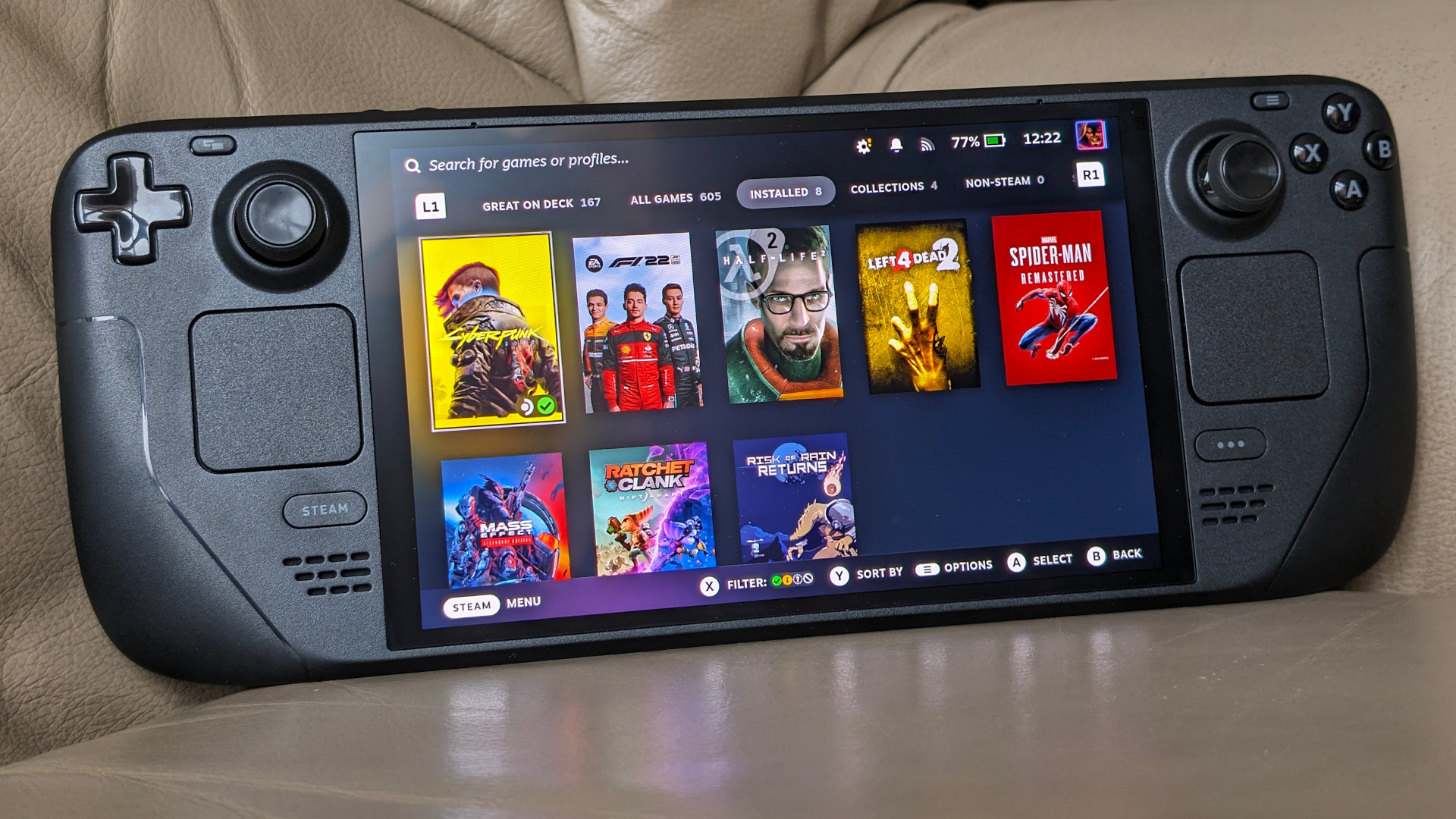
You can easily check your library by navigating to the "Great On Deck" section within your Steam Library on the Deck itself. This filter displays all your owned games that Valve has rated as "Verified" or "Playable," allowing you to quickly find titles ready for handheld play.
What's the difference between Verified and Playable ratings on Steam Deck?
"Verified" games offer a flawless experience without any user intervention, meeting all of Valve's performance and functionality criteria. "Playable" games run well but might require minor manual tweaks, such as adjusting settings or using the touchscreen for launchers, for optimal enjoyment.
Are "Unsupported" games always unplayable on the Steam Deck?
No, "Unsupported" games are not always completely unplayable. While Valve's rating indicates potential significant issues, the flexible nature of SteamOS and Proton, combined with community-driven tweaks, often allows users to make many unsupported titles run, albeit with some effort.
Which resources offer the best community insights for Steam Deck game performance?
ProtonDB.com is the leading community resource for detailed Steam Deck game performance and compatibility insights. Users submit comprehensive reports, including optimal settings and workarounds, for a vast library of titles, often exceeding Valve's official information.
Can I optimize unsupported games to run better on my Steam Deck?
Yes, often you can. Optimizing unsupported games typically involves experimenting with different Proton versions through the game's compatibility settings, adjusting in-game graphics options significantly, and sometimes applying community-found workarounds or custom configurations.
What are some top social games well-supported on Steam Deck for playing with friends?
Many popular social games are excellently supported on Steam Deck, allowing seamless cross-play with PC friends. Titles like Among Us, Stardew Valley, and Valheim (with some adjustments for the latter) are Verified or Playable, offering great multiplayer fun on the go.
Life moves fast. For many US gamers, balancing a demanding job, family commitments, and personal life leaves little room for extensive gaming sessions. When you do snatch some time, you want it to be relaxing, fun, and hassle-free. That's where the Steam Deck shines, promising your vast Steam library in the palm of your hand, wherever you are. But here's the catch many of us face: not every game on Steam plays perfectly on the Deck. You download a highly anticipated title, only to find it riddled with bugs, performance issues, or controller mapping nightmares. It's frustrating, a waste of precious time, and exactly what we want to avoid.
This article is your essential guide to navigating the world of Steam Deck support games. We understand you value performance, value for money, and staying current without the hype. We'll demystify compatibility ratings, offer practical tips for optimizing your experience, and help you discover new games that fit your busy lifestyle. Whether you're a parent squeezing in a quick session after the kids are asleep, or a professional unwinding during your commute, we're here to ensure your Steam Deck delivers the seamless gaming experience you deserve. Let's make every gaming moment count, stress-free.
What Exactly Defines "Steam Deck Support Games"?
"Steam Deck support games" refer to titles that Valve has tested and rated for their compatibility and performance on the Steam Deck handheld PC. This isn't just about whether a game launches; it's about whether it provides an excellent user experience right out of the box. Think smooth framerates, intuitive controls via the Deck's hardware, readable text, and overall stability. Valve categorizes these games to help you make informed decisions, ensuring your limited gaming time is spent playing, not troubleshooting.
The compatibility ratings are crucial for busy gamers. In a landscape where 87% of US gamers play regularly, often for 10+ hours a week, and increasingly on mobile devices, knowing a game will work flawlessly on a portable system like the Steam Deck is paramount. It minimizes setup issues, a common pain point for gamers seeking quick, reliable entertainment. Understanding these classifications empowers you to curate a library of truly portable-friendly titles.
How Do I Check a Game's Compatibility on Steam Deck?
Checking a game's compatibility for your Steam Deck is straightforward and can be done in a few ways. The primary method is directly through the Steam store, either on your PC, mobile app, or the Steam Deck itself. When you view any game's store page, you'll see a prominent "Steam Deck Compatibility" section. This section clearly displays the game's rating: Verified, Playable, Unsupported, or Unknown. This quick glance is often all you need to decide if a game is worth your time on the go.
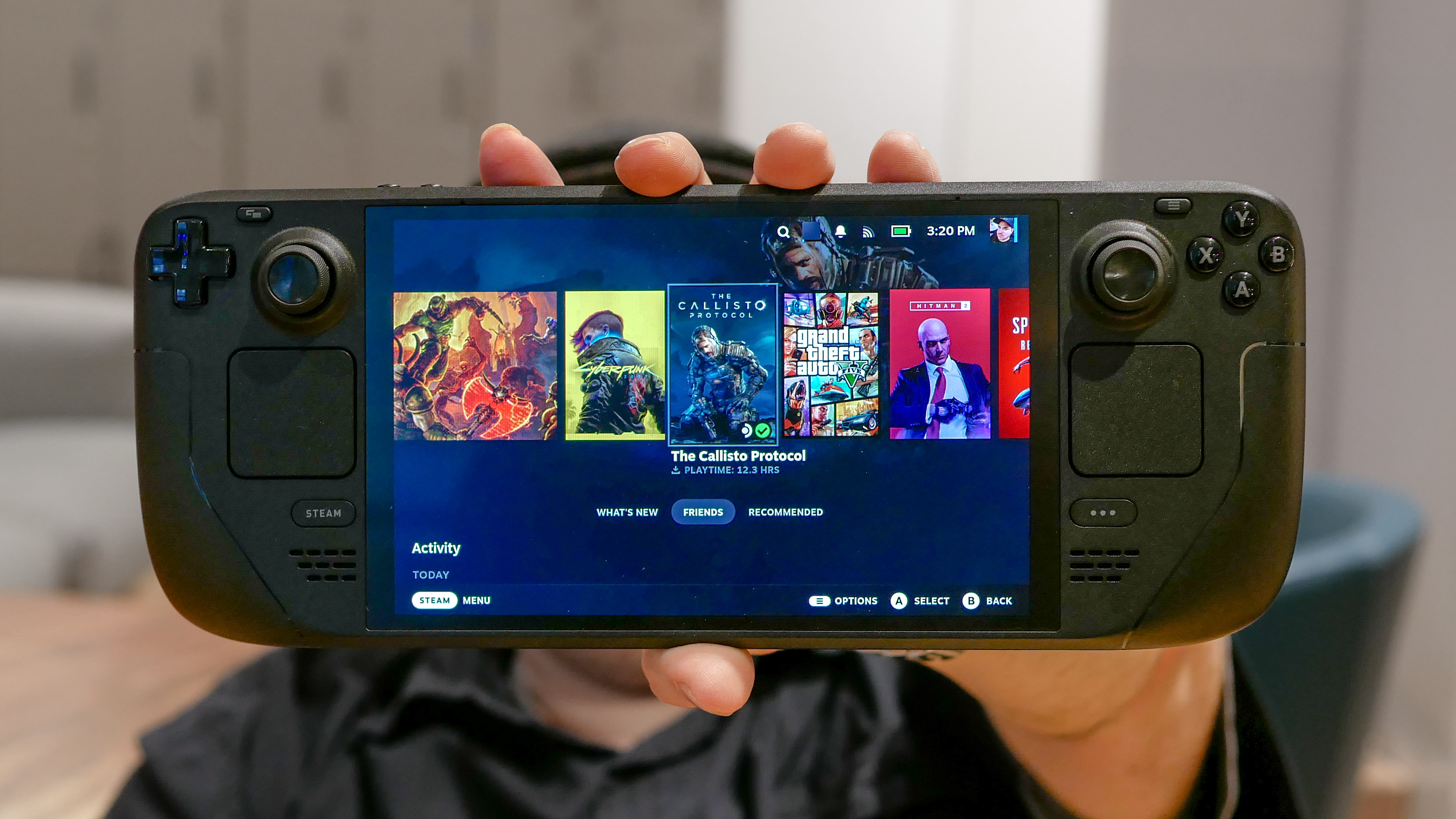
For a more personalized approach, especially for games you already own, Valve provides a dedicated "Great On Deck" section in your Steam Library. This feature filters your entire library, showing you exactly which of your purchased titles are Verified or Playable. It's an invaluable tool for leveraging your existing collection and quickly finding something to play. Many third-party websites and community databases also compile lists and detailed reports, offering insights that go beyond Valve's official ratings, including user-submitted performance data and tweak guides.
What Do the "Verified," "Playable," and "Unsupported" Categories Mean?
Valve employs a clear rating system to categorize Steam Deck support games, making it easier to manage expectations. Understanding these labels is key to a smooth gaming experience.
- Verified: These games offer the best experience. They've been thoroughly tested by Valve and meet all compatibility requirements. This means full controller support, readable text, seamless out-of-the-box functionality, and solid performance. Think of these as your go-to titles for reliable fun.
- Playable: These games run well, but might require some manual tweaking. This could involve adjusting settings, navigating a launcher with the touchscreen, or minor graphical glitches. They're still very enjoyable, but require a small upfront investment of time, which might be a consideration for time-constrained gamers.
- Unsupported: Games in this category either don't run at all or offer a poor experience. This could be due to anti-cheat software, incompatible resolutions, or severe performance issues. While some tech-savvy users might find workarounds, these are generally not recommended for casual play.
- Unknown: Many games, especially newer or less popular ones, might not have been tested yet. This doesn't mean they won't work; it simply means Valve hasn't officially assessed them. Community reports are often the best source of information for these titles.
Choosing Verified games ensures a stress-free session, crucial for those balancing gaming with life. Playable titles are great if you don't mind a quick adjustment, while Unsupported are best approached with caution or skipped entirely for a smooth experience.
Are "Unsupported" Games Completely Unplayable on Steam Deck?
Not necessarily. While "Unsupported" games are rated as such for a reason—they often present significant hurdles to a good experience—the Steam Deck's flexibility means that "unplayable" isn't always a definitive verdict. Many games labeled Unsupported can indeed be coaxed into running, sometimes even quite well, with a bit of effort. This often involves using different versions of Proton, which is the compatibility layer that allows Windows games to run on Linux, or applying community-made tweaks and settings adjustments.
For instance, some games might be unsupported due to specific launchers or anti-cheat systems. The community frequently finds ways to bypass or update these components. Others might simply need custom graphics settings to achieve playable framerates. However, it's important to approach these titles with realistic expectations. They will likely require more setup time and patience, which might not suit every gamer, especially those looking for immediate, casual play. Always check community forums like ProtonDB before diving into an unsupported title.
How Does Proton Improve Steam Deck Support for Windows Games?
Proton is a cornerstone of the Steam Deck's ability to play a vast library of Windows-native games. Developed by Valve in collaboration with CodeWeavers, Proton is a compatibility layer that allows titles designed for Windows to run on the Deck's Linux-based SteamOS. Essentially, it translates Windows API calls into something Linux can understand, bridging the gap between operating systems. Without Proton, the number of "Steam Deck support games" would be drastically smaller, limited almost exclusively to titles with native Linux ports, which are a minority in the PC gaming world.
Proton is constantly evolving, with Valve and the community regularly releasing updates that improve compatibility, performance, and stability for thousands of games. These updates often address specific issues like anti-cheat compatibility, graphical glitches, or controller recognition, progressively moving more titles from "Unsupported" or "Unknown" to "Playable" or even "Verified." This ongoing development is why a game that didn't run last month might work perfectly fine this month, directly impacting the ever-growing list of reliable Steam Deck support games. Keeping Proton updated is key to leveraging this crucial technology.
What Are Some Popular "Steam Deck Support Games" For Busy Gamers?
For gamers balancing work and family, quick, engaging, and relaxing titles are often ideal. The Steam Deck excels at providing these experiences. This month's data shows a strong trend towards cozy games, roguelikes, and accessible multiplayer options. Consider titles like
Vampire Survivors
, a Verified game perfect for short, satisfying runs. Its simple controls and addictive gameplay make it a fantastic choice for unwinding after a long day.Social gaming continues to dominate, with 60% of US gamers engaging in social play.
Among Us
andStardew Valley
(both Verified) are excellent examples, offering engaging multiplayer experiences that are easy to jump into with friends. For those who appreciate skill-building and strategy without a huge time commitment,Slay the Spire
(Verified) offers deep replayability in bite-sized sessions. Indie gems likeHades
andCeleste
(both Verified) provide captivating narratives and challenging gameplay that respect your time, making them highly recommended "Steam Deck support games" for a busy schedule.Tips for Optimizing Performance of "Steam Deck Support Games"?
Even for Verified and Playable titles, a little optimization can go a long way in enhancing your Steam Deck experience, extending battery life, and maintaining smooth gameplay. Here are some actionable tips:
- Adjust In-Game Settings: The first step is always to lower demanding graphical settings like shadows, anti-aliasing, and texture quality. The Steam Deck's smaller screen often makes higher settings less noticeable, while the performance gains are significant.
- Utilize the Performance Overlay: Access the Quick Access Menu (QAM) on your Deck (the '...' button) and navigate to the Performance tab. Here, you can enable an overlay to monitor frame rate, CPU/GPU usage, and battery drain. This helps you see the immediate impact of your setting changes.
- Cap Frame Rate: The Steam Deck's display runs at 60Hz. Capping your game's frame rate to 30fps or 40fps (often a sweet spot) through the QAM can drastically improve stability and battery life without feeling too choppy, especially for less action-intensive games.
- Experiment with TDP Limit: Also in the Performance tab, lowering the Thermal Design Power (TDP) limit can reduce power consumption and heat output, extending battery life. This is great for less demanding games where raw power isn't crucial.
- Update Proton: Regularly check for Proton updates via the Steam client in Desktop Mode. Newer versions often bring performance improvements and better compatibility for a wider range of "Steam Deck support games."
By applying these simple tweaks, you can fine-tune your games to run optimally, ensuring a consistent and enjoyable experience tailored to your preferences and battery needs.
How to Find New "Steam Deck Support Games" Without Breaking the Bank?
Gaming on a budget is a reality for many, and the Steam Deck offers numerous ways to expand your library without overspending. Leveraging sales, free-to-play options, and community insights are key strategies.
- Steam Sales: Valve frequently hosts major seasonal sales (Summer, Winter, Spring, Autumn) and smaller publisher-specific events. These are prime opportunities to snag Verified and Playable titles at steep discounts. Use the Steam store's filters to specifically look for "Great On Deck" games during these sales.
- Free-to-Play Titles: The free-to-play (F2P) market has exploded, with many excellent games fully supported on Steam Deck. Titles like
Apex Legends
,Warframe
, andDestiny 2
(with some caveats for anti-cheat) offer hundreds of hours of content for free. Always check their Deck compatibility, as some F2P games might have online requirements or anti-cheat systems that cause issues. - Humble Bundle & Fanatical: These third-party retailers offer curated game bundles and significant discounts, often including keys redeemable on Steam. Keep an eye out for bundles featuring indie darlings or older AAA titles known to be good "Steam Deck support games."
- Community Recommendations: Websites like ProtonDB, Reddit's r/SteamDeck, and various gaming forums are treasure troves of user-submitted reviews and recommendations. Gamers often highlight hidden gems that run perfectly on the Deck and are often available at budget-friendly prices.
- Wishlist Alerts: Use Steam's wishlist feature and set up email notifications for price drops. This ensures you're immediately alerted when a game you're eyeing goes on sale, helping you grab it at the best possible price.
By being strategic and leveraging available resources, you can keep your Steam Deck loaded with fantastic support games without emptying your wallet.
Can I Play Multiplayer "Steam Deck Support Games" With Friends On PC?
Absolutely, yes! One of the fantastic advantages of the Steam Deck being a portable PC is its seamless cross-play capability with desktop PCs. For the vast majority of multiplayer "Steam Deck support games," if your friends are playing on their Windows or Linux PCs, you can join them directly from your Steam Deck. This applies to a huge range of genres, from co-op adventures like
Baldur's Gate 3
(Verified) to competitive shooters and social deduction games.The key here is that the Steam Deck is running SteamOS, which is fundamentally a Linux distribution, but through Proton, it's mimicking a Windows environment for games. As long as the game itself supports cross-platform play between different PC operating systems (which most modern Steam games do), your Steam Deck will integrate perfectly. You'll log into your Steam account, use your friends list, and join sessions just as if you were on a desktop. This allows you to stay connected with your gaming buddies, whether you're at home or on the go, making the Deck an incredibly versatile social gaming device.
What If A "Steam Deck Support Game" Suddenly Stops Working?
It can be frustrating when a previously working "Steam Deck support game" suddenly encounters issues. This is a common pain point for gamers, but thankfully, there are several troubleshooting steps you can take before panicking. Most problems stem from updates, either to the game itself, SteamOS, or Proton.
- Restart Your Steam Deck: The oldest trick in the book often works wonders. A simple reboot can clear temporary glitches or memory issues.
- Check for Updates: Ensure both your SteamOS and the specific game are fully updated. Game developers frequently release patches that can break or fix compatibility. Also, check for newer versions of Proton in your game's compatibility settings. Sometimes, switching to a different Proton version (even an older stable one) can resolve an issue.
- Verify Game Files: In Desktop Mode, or by going to the game's properties in Game Mode, you can select the option to "Verify integrity of game files." This checks for corrupted or missing files and redownloads them, resolving many common problems.
- Consult ProtonDB & Community Forums: If the issue persists, check ProtonDB (a community-driven database for Linux game compatibility) and Reddit's r/SteamDeck. It's likely someone else has encountered the same problem and found a solution or workaround.
- Reinstall the Game: As a last resort, uninstalling and reinstalling the game can resolve deeply rooted corruption, though this should be considered after exhausting other options, especially for large titles.
By systematically working through these steps, you can often quickly get your "Steam Deck support games" back up and running smoothly.
How Does The Community Help Identify "Steam Deck Support Games"?
The Steam Deck community is an incredibly active and resourceful force in identifying and optimizing "Steam Deck support games." While Valve provides official ratings, the community often goes far beyond, offering granular details, troubleshooting tips, and performance benchmarks for thousands of titles, especially for those in the "Playable" or "Unknown" categories. This collective effort is vital for gamers who seek to push the boundaries of their Deck's capabilities or find solutions for obscure issues.
Key community platforms include:
- ProtonDB: This fan-run website is perhaps the most crucial resource. Users submit detailed reports on how games run with various Proton versions, including recommended settings, performance notes, and workarounds for specific problems. It's an indispensable tool for checking games not yet officially Verified or for troubleshooting Playable titles.
- Reddit (r/SteamDeck): This subreddit is a daily hub for discussions, news, troubleshooting, and game recommendations. Gamers share their experiences, ask questions, and celebrate new discoveries, often highlighting hidden gems or creative solutions for compatibility issues.
- YouTube & Twitch: Content creators regularly publish videos showcasing game performance, optimization guides, and lists of the best "Steam Deck support games." These visual guides can be incredibly helpful for seeing actual gameplay before purchasing.
By tapping into these community resources, gamers can access a wealth of real-world data and expertise, making their Steam Deck experience even better and more informed.
Are There Any Upcoming Trends in "Steam Deck Support Games" I Should Know About?
The landscape of "Steam Deck support games" is constantly evolving, influenced by new game releases, technological advancements, and shifting gamer preferences. One significant trend is the continued rise of cross-platform play, especially between PC and consoles, which inherently benefits the Steam Deck's PC-based ecosystem. This means more multiplayer titles will launch with robust PC functionality, making them strong candidates for Deck compatibility.
Another emerging trend is the increasing focus on accessibility and performance optimization by developers, even for smaller indie studios. As handheld PCs gain more market share, developers are becoming more mindful of ensuring their games run well on a wider range of hardware, including the Steam Deck. We're also seeing more developers specifically mentioning Steam Deck compatibility in their pre-release marketing, a clear sign of the platform's growing influence. Expect more "cozy" and social simulation games to launch with excellent Deck support, aligning with the current demand for relaxing, escapist experiences among US gamers.
Conclusion
Navigating the world of "Steam Deck support games" doesn't have to be a headache. By understanding Valve's compatibility ratings, leveraging community insights, and applying a few optimization tricks, you can unlock the full potential of your portable gaming powerhouse. Remember, your Steam Deck is designed to make gaming fit into your busy life, providing fun and relaxation without unnecessary friction. Don't let compatibility fears hold you back from enjoying your favorite titles on the go.
What's your biggest gaming challenge when it comes to handheld play? Comment below and share your thoughts!
FAQ Section
Is every game on Steam supported by Steam Deck?
No, not every game on Steam is officially supported. Valve has tested thousands of games, categorizing them as Verified, Playable, or Unsupported. Many others remain untested, listed as Unknown, but a large and growing number work perfectly.
Can I install non-Steam games on Steam Deck?
Yes, you can install non-Steam games, emulators, and other applications on your Steam Deck. By switching to Desktop Mode, you can use the built-in Discover Software Center or install apps and games just like on a regular Linux PC, often adding them to Steam for easy launch.
How often does the compatibility list update?
Valve continuously tests and updates the compatibility ratings for Steam games. New titles are added regularly, and existing ones might have their ratings change as SteamOS, Proton, or the games themselves receive updates. Checking frequently is a good habit.
What's the best way to report a game's compatibility?
While Valve doesn't offer a direct public reporting tool, contributing to community sites like ProtonDB is the most effective way to share your findings. These community reports often influence how games are perceived and optimized by other users.
Does offline play work well with Steam Deck games?
Yes, many Steam Deck support games work excellent offline. Ensure the game doesn't require a constant internet connection for DRM or multiplayer and that you've downloaded all necessary updates before going offline. Some games might require an initial online check-in.
What are some good resources for "Steam Deck Support Games" outside Steam?
Beyond Steam's official ratings, ProtonDB is an invaluable community-driven database for detailed compatibility reports. Reddit's r/SteamDeck and various gaming YouTube channels also offer excellent user experiences, reviews, and optimization guides.
Steam Deck game compatibility explained, Verified and Playable ratings, Proton compatibility layer, finding top Steam Deck games, optimizing performance, community game tips, unsupported game workarounds, handheld gaming library management, value for money in gaming.
35

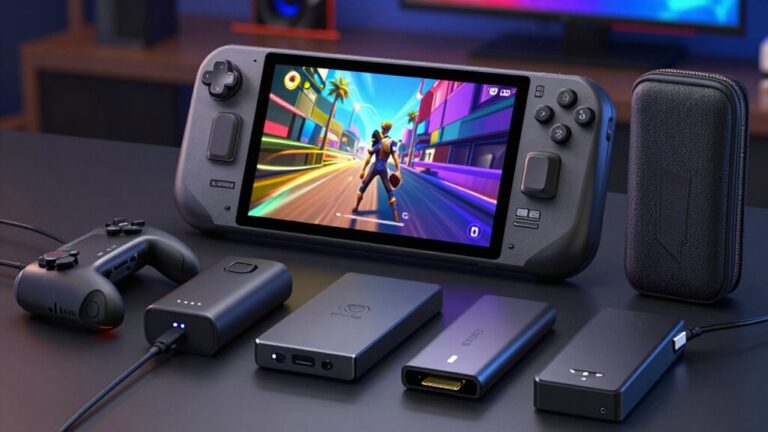
Best Steam Deck Games To Play In 2026 Best Steam Deck Games 2026 Featured Image Fgc.webp. DiabloLike Games On Steam Deck Steam Deck Oled Review Featured . Valve Quietly Its Most Affordable Steam Deck Tom S Guide . The Best Steam Deck Games Worth Playing In 2026 GamesRadar 1200 80 . Steam Deck OLED In 2026 Review Performance Value And Buying Advice Stream Ps5 Games On Steam Deck Oled.webp



Steam Deck Support Achieved Game Verified By Valve After 4 Years Steam Deck Verified Game 01 28 2026 8bb90b67 0de4 48a4 A793. STEAM DECK O MELHOR CONSOLE PRA 2026 YouTube . The Steam Deck Challenge Share Your Top 5 Games Of 2026 LevelUpTalk Steam Deck Top Games 2026 01 22 2026 0ac9c5a3 5f2d 49fd 819b. Enam Game Horor Siap Steam Deck Dalam Satu Bundle Hanya The Medium Humble Bundle Rilis Paket 5 Game Kompatibel Steam Deck Cocok Scaled . After Baldur S Gate 3 S Steam Deck Success Larian Says It Ll Do Its Divinity Steam Deck

Is The Steam Deck Still Relevant In 2026 LevelUpTalk Steam Deck Comparison 01 26 2026 F28a9009 2cef 4269 B85f. Steam Deck 2 Leads Portable Gaming In 2026 Separating Fact From Image 25 . Here S The Most Played Games On Steam Deck For January 2026 . Steam Deck OLED Price Rising In March 2026 Outlook Respawn Steam Deck . 7 Best Steam Deck Accessories To Enhance Your Gaming Experience In 2026 Top Steam Deck Accessories 2026 85cqc 768x432
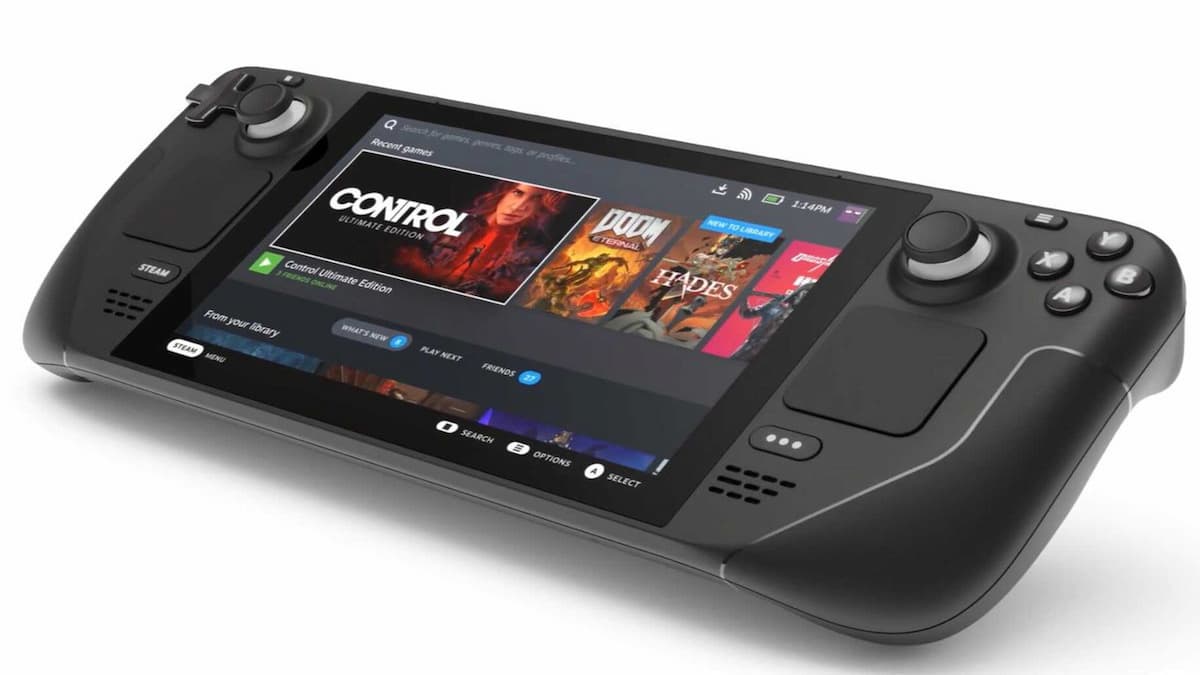
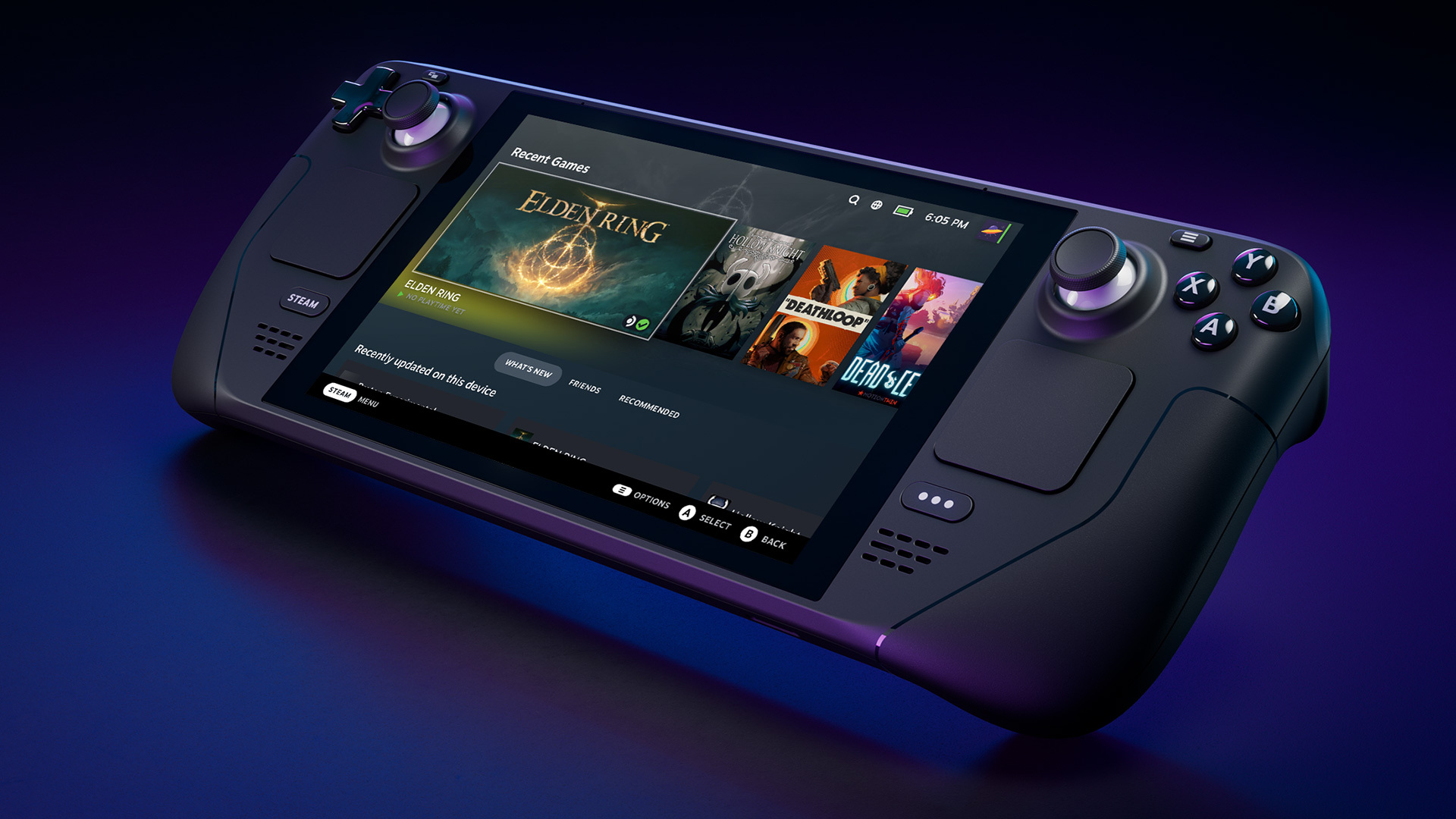

All Steam Deck Verified Games April 2026 Gamer Journalist Steam Deck . Steam Deck News Social Media Image . Switching To The Steam Deck In 2026 After Years With Nintendo Switch GeForce Now Ultimate Steam Deck 3 . Your Guide To Getting A Steam Deck In 2026 LevelUpTalk Steam Deck Console 02 19 2026 00fa7ed9 51b8 4785 A153. Steam Deck Users Warned About Playing 1 Selling Steam Game ComicBook Com Steam Deck




The Top 20 Most Played Steam Deck Games Of 2025 Steam Deck HQ. Steam Deck 2 Specs Leak The Exciting Ultimate Guide To Valve S Next Steam Deck 2 Handheld Gaming Console 1 . SteamOS 3 6 19 Brings More Fluid Support Linux Gaming News Steamos 3 6 19 Brings More Fluid Support Steam Deck . Why Multilayer Games Lack Support On Steam Deck LevelUpTalk Steam Deck Multiplayer Game 02 10 2026 73cdb870 4269 449a 9a2d. List Of Steam Deck Verified Games Windows Central


Upgrade Your Steam Deck Top SSDs For 2026 Revealed . Popular Mod Site Admits Steam Deck Support Isn T Good Enough Fix Is On. Looks Like Valve S Steam Machine Might Finally Be On Its Way After A . Battlefield 6 S Javelin Anti Cheat Secure Boot Requirement Could Kill . Steam Machine Hardware Support Appears In Latest SteamOS Build Along Steam Machine Hardware On Steamos




Best Steam Deck Games To Play In 2026 TOP 5 Best Deck. Steam Deck Support And Launch Discounts Sisme Games. RecalBox 10 Raspberry Pi 5 Steam Deck New Interface The Most Steamdeck Support . Steam Deck Does Not Fully Support First Big Game Of 2026 ComicBook Com S T E A M D E C K 770bac . One Of 2026 S First Big RPGs Gets Steam Deck Verified ComicBook Com Steam Deck Resize