Are you a busy gamer juggling work family and life but still craving that nostalgic thrill of classic PC titles Old computer games offer a unique blend of relaxation skill building and pure fun perfectly suited for your limited gaming windows. This comprehensive guide helps you navigate the sometimes tricky world of retro gaming from finding compatible versions and optimizing performance on modern hardware to connecting with fellow enthusiasts. Discover how to easily set up iconic games explore hidden gems and even introduce a new generation to the pixelated wonders of the past. We address common pain points like compatibility issues finding reliable sources and balancing your gaming passion with daily responsibilities ensuring you get the most value and enjoyment from these timeless digital treasures without the usual modern gaming hype. Dive in to unlock endless hours of engaging entertainment and rediscover why old computer games continue to captivate millions of US gamers.
What makes old computer games so appealing to modern players?
Old computer games offer a refreshing simplicity and a focus on core gameplay mechanics that can be very appealing to modern players seeking a break from complex modern titles. They provide a strong sense of nostalgia for older gamers, while new players often appreciate their foundational design and challenging, yet rewarding, experiences. Many classics offer immense replayability, excellent storytelling, and a satisfying sense of accomplishment that transcends generations.
How do I resolve common graphical issues with classic PC titles?
Common graphical issues like incorrect aspect ratios, flickering, or low resolutions can often be fixed. Try adjusting compatibility settings for the game's executable (right-click, Properties, Compatibility), using wrapper programs like dgVoodoo2 for DirectX/Glide games, or configuring display settings within emulators like DOSBox. Running games in windowed mode or disabling full-screen optimizations can also help immensely with modern displays.
Is it worth investing in a dedicated retro gaming PC?
For most casual retro gamers, a dedicated retro PC isn't necessary, as modern computers handle emulation and compatibility patches very well. However, if you're a serious enthusiast aiming for perfect authenticity, playing on original hardware, or working with highly temperamental titles, a dedicated machine with an older operating system and components can offer the most reliable and true-to-era experience. It depends on your dedication and budget.
Which emulators are essential for playing a wide range of old computer games?
The most essential emulators for old computer games are DOSBox for DOS-based titles (like Commander Keen, Doom, Warcraft I) and ScummVM for classic adventure games (like Monkey Island, Day of the Tentacle). For Windows 95/98/XP games, though not strictly emulators, wrappers or compatibility layers provided by platforms like GOG.com are invaluable. Virtual machines like VirtualBox can also serve as a versatile emulator for entire old operating systems.
Can old computer games teach new gamers valuable skills?
Yes, old computer games can absolutely teach new gamers valuable skills. Many classics emphasize problem-solving, strategic thinking, resource management, and precise motor control without the hand-holding often found in modern games. Titles like early RTS games, puzzle games, or challenging platformers can foster patience, critical thinking, and persistence, skills beneficial both in and out of gaming. They encourage a trial-and-error approach that builds resilience.
Are there active communities for sharing tips and finding players for old PC games?
Definitely! Active communities for old computer games thrive online. Websites like PCGamingWiki offer extensive troubleshooting guides, while forums on GOG.com, Reddit (e.g., r/retrogaming, r/dosgaming), and numerous Discord servers are excellent for finding players, sharing tips, and discussing classic titles. These communities are invaluable resources for both newcomers and seasoned veterans looking to enhance their retro gaming experience and connect with like-minded enthusiasts.
What are the legal implications of downloading "abandonware" old computer games?
The legal implications of downloading "abandonware" can be complex. While many old computer games are no longer actively sold or supported, their copyright often still exists. Downloading them without explicit permission from the copyright holder is technically illegal. However, many copyright holders tolerate it, and sites like the Internet Archive host some titles legally. For safe and legal access, always prioritize purchasing from GOG.com or Steam, or using officially released freeware versions.
The digital landscape of 2026 is bustling with cutting-edge graphics, immersive virtual realities, and sprawling open worlds that demand hundreds of hours. Yet, for many US gamers, particularly the seasoned players around 36 years old who balance careers, families, and life's endless demands, there's an undeniable pull back to the golden era of pixelated adventures and groundbreaking mechanics: old computer games. You remember those nights, right? The thrill of discovering a new world on a clunky CRT monitor, the satisfaction of mastering a challenging level, or the simple joy of sharing a couch co-op experience. Fast forward to today, and you might find yourself thinking, I miss those simpler times, but how do I even begin to revisit them on my modern setup?
You are not alone in this sentiment. Recent data indicates that around 87% of US gamers regularly engage with their hobby, often dedicating 10 or more hours a week, and a significant portion of this community seeks relaxation, fun, and skill-building that doesn't always come with the latest AAA hype. Many of us want to unwind with a familiar challenge or introduce our own kids to the classics we grew up with. The good news is that playing old computer games on contemporary hardware is more accessible than ever, even with Windows 11. This guide is your friendly roadmap to overcoming compatibility hurdles, optimizing performance, finding legitimate game sources, and discovering the best retro titles that respect your limited time. Get ready to rediscover the magic without the stress.
Why are old computer games still so popular today?
Old computer games hold a special place in the hearts of millions for several compelling reasons, extending beyond mere nostalgia. For the average gamer, roughly 36 years old, these titles offer a refreshing escape from the often overwhelming complexity and monetization strategies of modern releases. They typically feature clear objectives, deep gameplay mechanics without endless tutorials, and often a focus on pure fun and skill. This month's gaming trends continue to show a strong appreciation for social and cozy games, and many old computer games perfectly fit this description, providing simple yet engaging experiences that can be shared or enjoyed solo. There's also a rising trend of appreciating gaming history and the foundational designs that shaped today's blockbusters.
How can I play old computer games on modern Windows 11 PCs?
Playing old computer games on your Windows 11 system might seem daunting due to compatibility issues, but it's surprisingly achievable with the right tools. The primary solution for many DOS-era games is DOSBox, a free and open-source emulator that recreates an old DOS environment. For Windows 95/98/XP-era games, compatibility layers like GOG.com's installers often handle the heavy lifting, providing pre-patched versions that run smoothly. Additionally, virtual machines like VirtualBox or VMware can create isolated environments running older operating systems, offering maximum compatibility for stubborn titles. Always ensure you download these tools from their official websites to avoid security risks.
Where can I find reliable and safe old computer games?
Finding legitimate and virus-free copies of old computer games is crucial for a safe retro gaming experience. The most recommended sources include GOG.com (Good Old Games), which specializes in digitally remastered and compatibility-patched versions for modern systems, often DRM-free. Steam also hosts a surprising number of classic titles, updated to run on current Windows versions. For DOS games, the Internet Archive provides a vast, legal collection of playable browser-based titles. Finally, supporting independent developers who re-release or remaster classics can be a great option. Avoid untrusted abandonware sites, as they often host pirated software and can pose significant security risks to your system.
What are the best old computer games for busy adults with limited time?
For gamers balancing work and family, selecting old computer games that offer quick satisfaction or can be enjoyed in short bursts is key. Consider titles like Doom (1993) or Quake, which provide intense, action-packed sessions perfect for blowing off steam. Strategy games like Heroes of Might and Magic III or Age of Empires II can be played in shorter skirmishes or saved mid-campaign. Classic RPGs like Planescape: Torment or Baldur's Gate offer deep narratives that are rewarding even in 30-minute chunks. Puzzle games such as Tetris or adventure games like Monkey Island are excellent for quick mental engagement. Look for games with clear save points or mission-based structures to fit your schedule.
How do I troubleshoot common performance issues with classic PC games?
Performance problems with old computer games on modern hardware often stem from speed mismatches or driver incompatibilities. If a game runs too fast, DOSBox allows you to adjust CPU cycles to slow it down. For Windows-era games, try running the executable in Compatibility Mode (right-click the .exe, select Properties, then Compatibility tab) for an older Windows version like XP or 98. Disabling full-screen optimizations or running the game in windowed mode can also resolve display issues. Ensure your graphics drivers are up to date, and if all else fails, dedicated fan patches or community fixes found on forums like PCGamingWiki are often lifesavers. Remember that some older games were designed for single-core CPUs and may struggle with multi-core processors, making virtual machines a viable alternative.
Can I still play multiplayer old computer games with friends?
Absolutely, social gaming remains a huge draw, and you can definitely rekindle those multiplayer memories with old computer games. Many classic titles, particularly those from the late 90s and early 2000s, had robust local area network (LAN) support. Tools like Hamachi or Radmin VPN can create virtual LANs over the internet, allowing you and your friends to connect as if you were in the same room. Services like GOG Galaxy also facilitate multiplayer for their classic releases. For specific games, fan-run servers and communities often exist, resurrecting online play for titles like StarCraft or Diablo I/II. Discord servers dedicated to retro gaming are excellent places to find groups and organize play sessions, fostering that valuable social connection that 60% of US gamers cherish.
What kind of hardware upgrades are budget-friendly for retro gaming?
You typically don't need cutting-edge hardware to enjoy old computer games. In fact, modern integrated graphics cards are usually more than capable. If you're building a dedicated retro machine or upgrading an older system on a budget, focus on a stable, older processor (like an Intel Core i5 from a few generations back) and a decent amount of RAM (8-16GB is ample). A solid-state drive (SSD) drastically improves loading times for any game, old or new, and they are quite affordable now. For display, consider using an HDMI to VGA adapter for older monitors or simply embracing modern high-resolution displays which DOSBox and similar tools handle well. The biggest upgrade often comes from a comfortable, ergonomic gaming mouse and keyboard, rather than expensive internal components.
How do old computer games offer unique stress relief and skill-building?
In a world of constant demands, old computer games provide a unique form of stress relief by offering predictable challenges and a sense of mastery that can be incredibly satisfying. Unlike some modern titles designed for endless engagement, many classics have clear endings and achievable goals, providing a strong sense of accomplishment. They often require precise timing, strategic thinking, or pattern recognition, subtly honing cognitive skills and hand-eye coordination without feeling like work. For busy adults, this structured play can be a powerful antidote to daily pressures, allowing for focused immersion that clears the mind. It’s a form of active relaxation where you’re building mental agility while having genuine fun.
Are there free legal ways to enjoy old computer games?
Absolutely, you don't always need to spend money to enjoy old computer games. The Internet Archive is a fantastic resource, offering thousands of legally archived and playable DOS-era games directly in your browser. Many developers and publishers have also released older titles as freeware or abandonware (with developer permission) over the years. Keep an eye out for promotional giveaways on platforms like GOG.com or Epic Games Store, which occasionally feature classic titles. Demo versions of many popular games from the 90s and early 2000s are still available and can offer hours of entertainment. Furthermore, the thriving emulation scene, when used with games you already own or those in the public domain, provides another avenue for free legal play.
How do I balance my passion for old computer games with life responsibilities?
Balancing gaming with life, work, and family is a core challenge for the average 36-year-old gamer. The key is setting realistic expectations and time limits. Old computer games, often simpler in design, can be perfect for shorter play sessions, making them easier to fit into a busy schedule than sprawling modern epics. Try scheduling your gaming sessions, perhaps for an hour after the kids are asleep or during a lunch break. Communicate with your family about your gaming time to avoid conflicts. Consider integrating gaming as a family activity by introducing your children to the classics you love, creating shared experiences. Remember, gaming should be a source of relaxation and joy, not another source of stress. Prioritize real-world responsibilities and view gaming as a reward for managing them effectively.
In conclusion, revisiting old computer games in 2026 is far from a dusty, complicated endeavor. With the right tools and a bit of know-how, you can unlock a treasure trove of nostalgic fun, skill-building, and stress relief perfectly suited for the modern adult gamer. Whether you're troubleshooting a stubborn classic, discovering a new old favorite, or sharing the joy with friends and family, the world of retro PC gaming offers immense value and entertainment. What's your biggest gaming challenge when diving into old computer games? Comment below!
FAQ Section
Is retro gaming expensive?
No, retro gaming can be very budget-friendly. Many classic titles are available affordably on platforms like GOG.com or even for free via legal archives. You often don't need expensive new hardware; your current PC is usually sufficient with free emulators.
What is DOSBox and why do I need it?
DOSBox is a free emulator that creates a DOS operating system environment on modern computers. You need it to run many classic DOS-based old computer games that are incompatible with Windows 11, ensuring they function correctly and at the proper speed.
How do I backup old game saves safely?
To backup old game saves, locate the game's save folder (often within the game installation directory or your Documents folder) and simply copy its contents to a cloud service like Google Drive or a USB drive. For emulated games, locate the emulator's save file directory.
Can I stream old computer games on platforms like Twitch or YouTube?
Yes, streaming old computer games is popular and totally possible! Use standard streaming software like OBS Studio. Many viewers enjoy the nostalgia, and it's a great way to build community around classic titles, often sparking engaging discussions with your audience.
Rediscover classic old computer games easily. Learn setup and performance tips for modern PCs. Find reliable sources and community connections. Balance nostalgia with a busy lifestyle. Optimize retro gaming on a budget. Explore timeless digital entertainment.
35
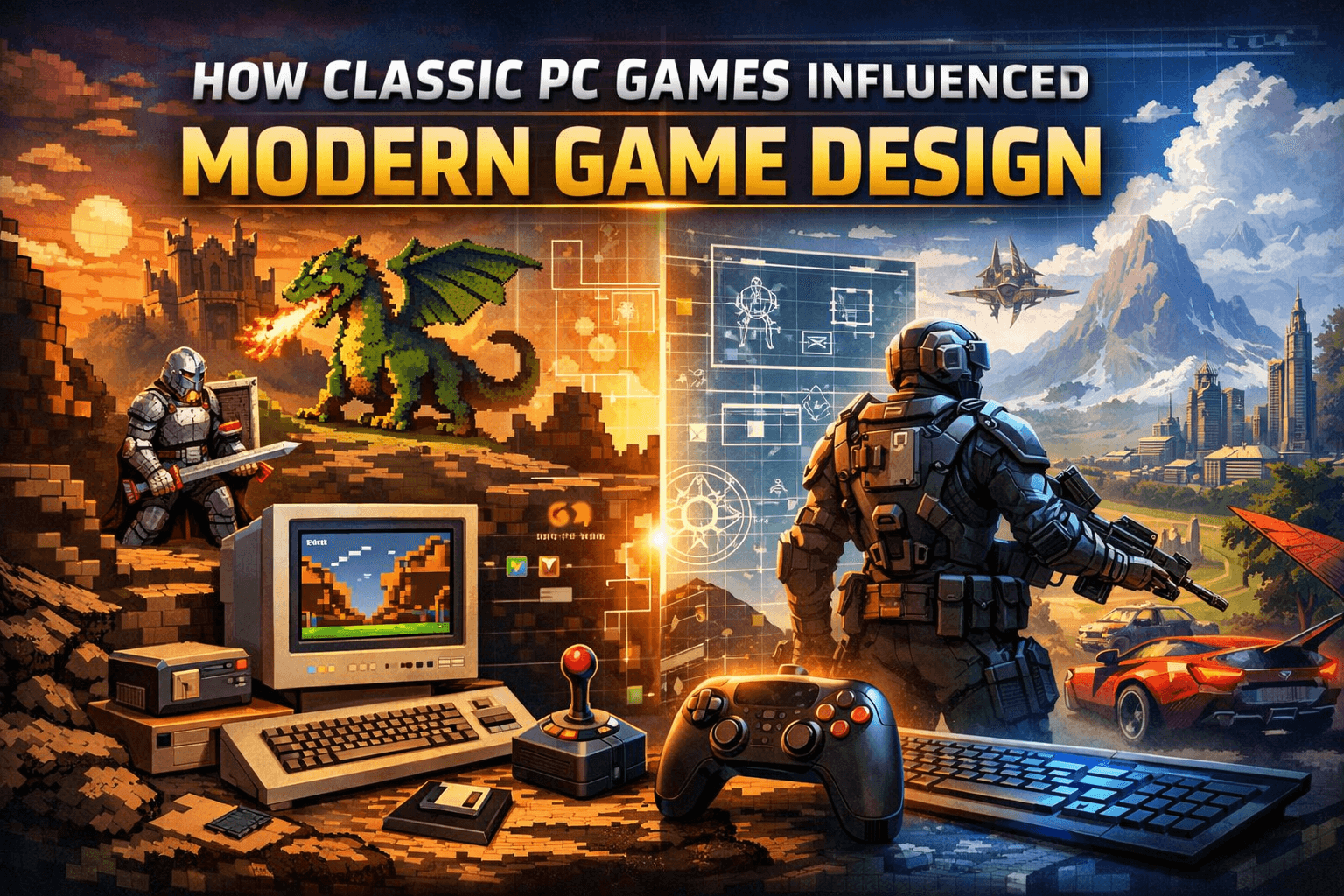


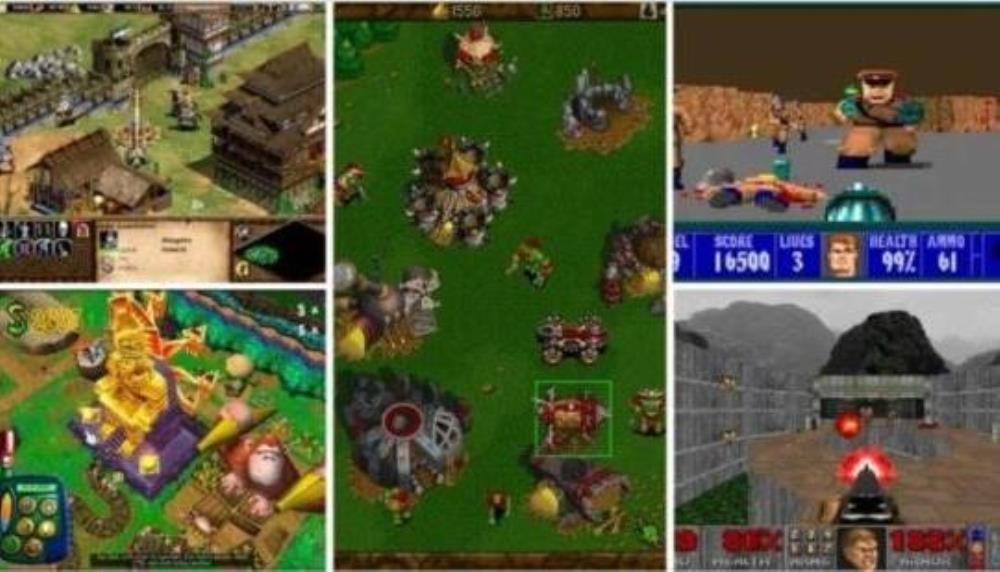
The 5 Best Remakes Of 2025 That Revived The Classics For A New . How Classic PC Games Influenced Modern Game Design Bica Studios How Classic PC Games Influenced Modern Game Design . Retro Educational Computer Games Education Classic PC Games . 50 Must Play Old PC Games YouTube . Unlock The Nostalgia The Ultimate Guide To Downloading Old PC Games N4G 2556152 1 Lg

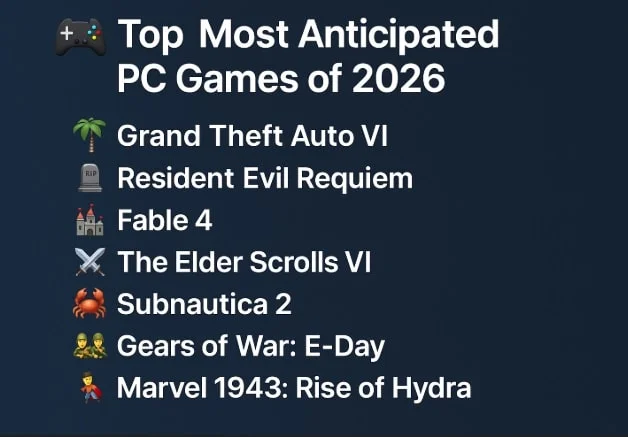

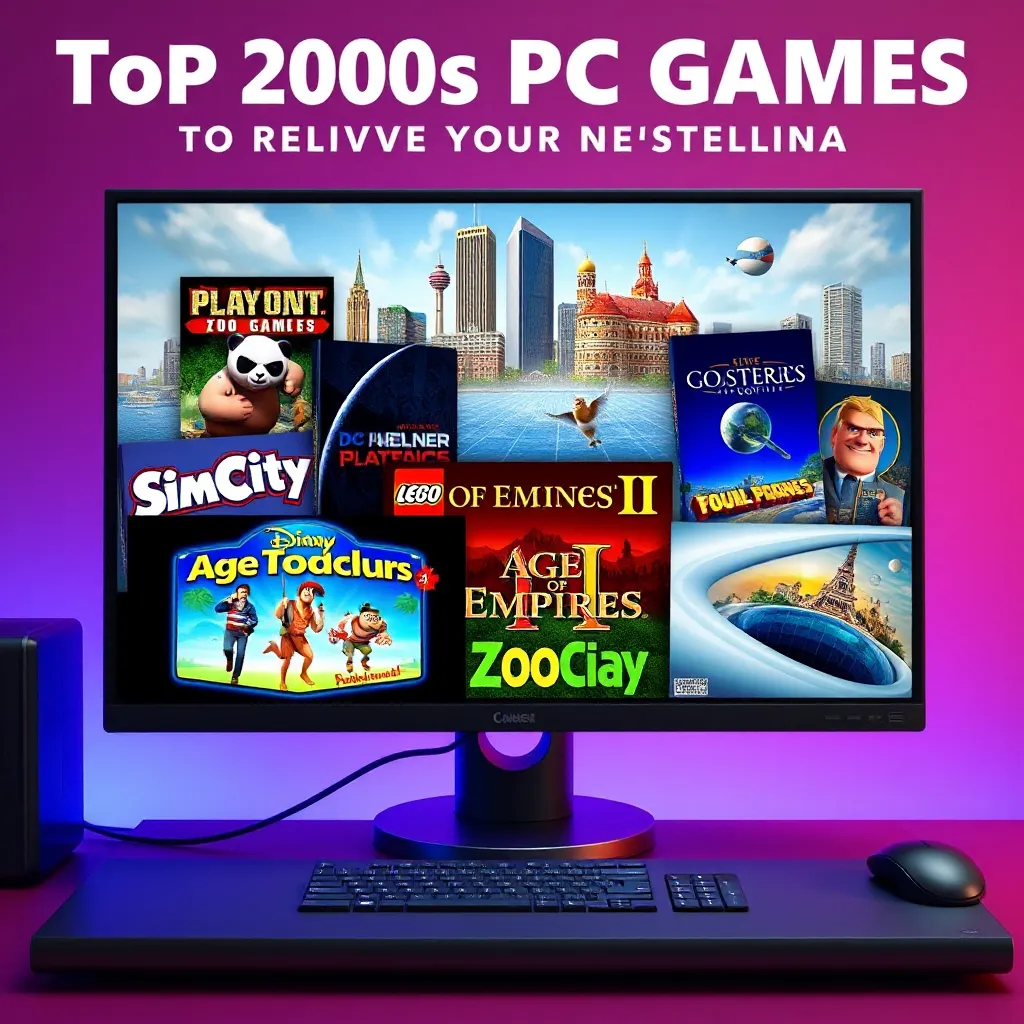
Revisit Classic PC Games As Prices Shift In 2026 LevelUpTalk Classic Pc Games Collection 01 21 2026 24fffd49 62f4 4f5c 8375. The 94 Most Exciting Games Of 2026 Eurogamer Net 2026 Best . Top Most Anticipated PC Games Of 2026 A Deep Dive Top Most Anticipated Pc Games Of 2026 A Deep Dive.webp. 2026 Upcoming Games And Game Release Dates Guide 2026 Upcoming Games Release Dates . Top 2000s PC Games To Relive Your Nostalgia LevelUpTalk Classic Pc Games 2000s 03 22 2026 9e98cf92 D162 4f9f Aa20



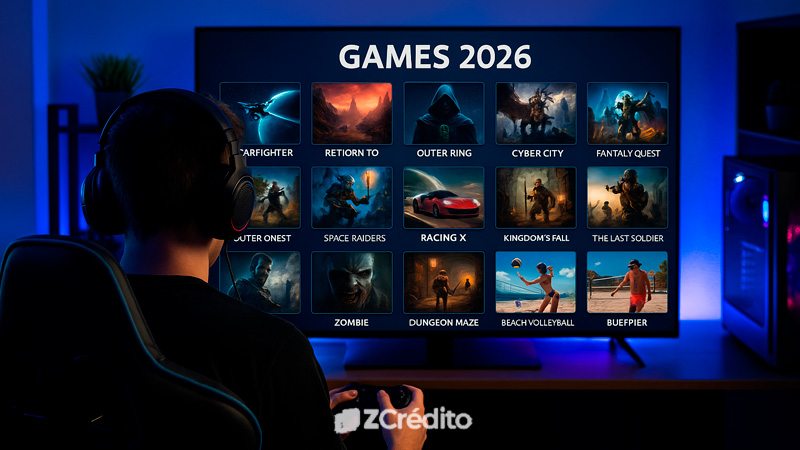

Old PC Games Old Games World Best Old Motorcycle Games For Pc. How To Fix ARC Raiders Crash On Startup PC Easy Step By Step Guide Old Games Review Featured Image Showing Classic Games Vs Modern Games Comparison 1024x536 . Run Classic PC Games On Linux With Zero Issues Run Classic PC Games On Linux With Zero Issues . The Most Anticipated Games Of 2026 That Gamers Can T Wait For ZCr Dito 20250822 Most Anticipated Games Of 2026 . Top 10 Most Anticipated Games Of 2026 Biggest Upcoming Game Releases

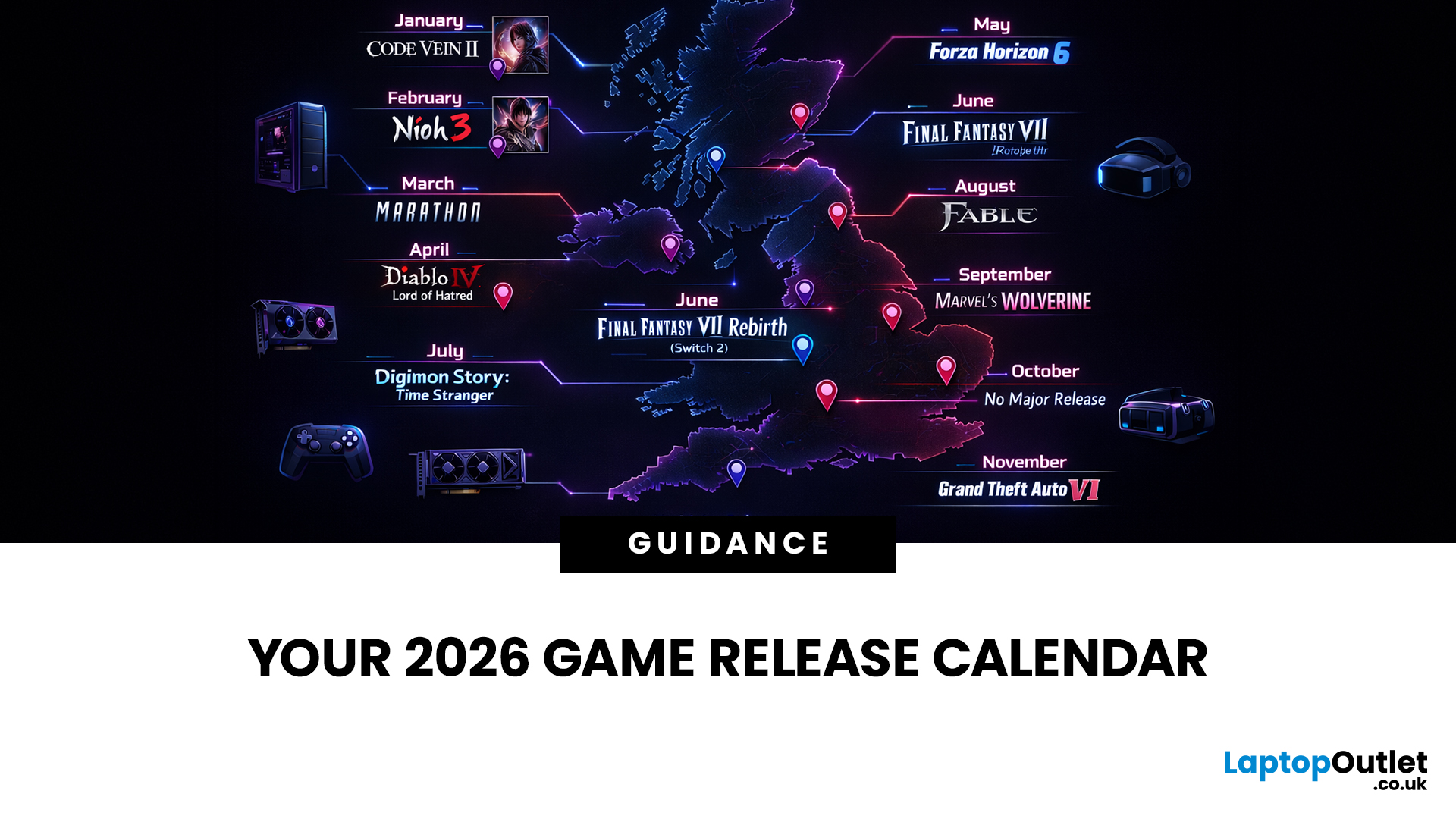
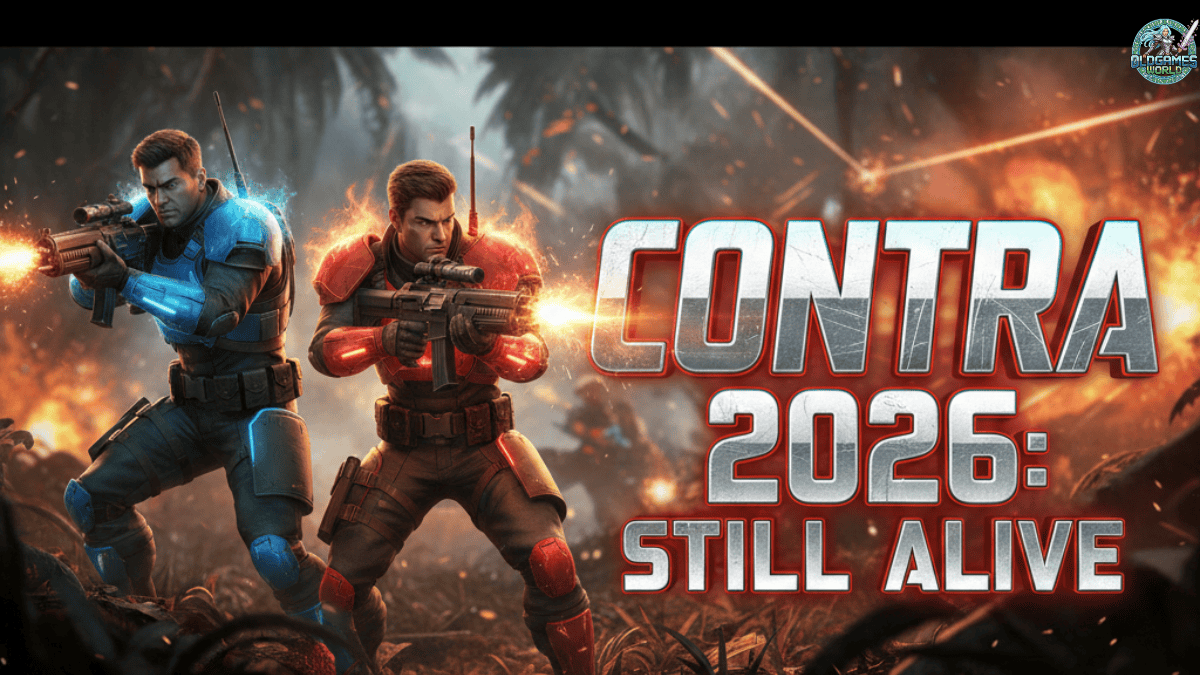
Old Games Pc Classics That Are Still Worth Playing Pcgamesn S L1200 . 2026 Game Releases Full Upcoming Games Calendar Release Dates PS5 Game Releases Full Calendar Release Dates Main . I Tried These 8 Free Steam Games In 2026 I Didn T Expect Them To Be Contra Is Not Dead Yet - 2026 . Upcoming Games 2026 Complete Release Calendar Upcoming 2026 Games Release Calendar 1 . 20 Most Anticipated Video Games Of 2026 Page 2 1200x675


20 Good Old PC Games You Might Wanna Try Right Now YouTube . The Best Old Pc Games Of The 2000s A Nostalgic Look Back 2000s Video Best Old Games Of All Time . My Top 10 Favorite Old PC Computer Games By On My Top 10 Favorite Old Pc Computer Games By Dg3l75f Pre . Top 10 Most Anticipated Games Of 2026 What To Watch Out For TVN GAMES IN 2026 . Identifying Classic PC Games From The 2000s Era LevelUpTalk Classic Pc Games 2000s 06 21 2025 25853b85 2098 4ded A92b



January 2026 Game Releases 2026 Video Game Release Dates Post Feature Image . Classic Pc Games Old World Review PC Gamer . Best PC Games Of The 2000s Kh M Ph Nh Ng T A Game Kinh I N Unknown . TOP 10 BEST NEW Upcoming Games Of 2026 YouTube . Classic Pc Games Old World Review PC Gamer Anyone Else Rebuys All The Pc Games They Played As A Kid To V0


Top 15 PC Games Of The Early 2000 S Nostalgia YouTube . 2026 Will Destroy 2025 Top 20 Upcoming Games YouTube . James Most Anticipated PC Games For 2026 Rock Paper Shotgun James Most Anticipated Games . Install Windows 11 On Older Computers . Vintage Games For Pc Online