Losing your Roblox account can feel like a major setback, especially when youve invested countless hours building experiences, collecting rare items, or socializing with friends in your favorite games. This comprehensive guide provides clear, actionable steps on how to get your Roblox account back, whether it was hacked, stolen, or you simply forgot your password. We'll navigate the official Roblox support channels, discuss crucial security measures to prevent future incidents, and highlight the importance of timely action. With over 87 percent of US gamers engaging weekly and many spending significant time in social gaming platforms like Roblox, account security is more vital than ever. Learn the essential tips and tricks to reclaim your digital identity, secure your hard-earned progress, and get back to enjoying the vast Roblox metaverse. Dont let account issues sideline your gaming experience. Follow our expert advice to quickly resolve your Roblox account recovery challenges and strengthen your online gaming security practices for 2026.
Q: How do I get my Roblox account back if I simply forgot my password or username? A: Dont fret, it happens to everyone! Head to the Roblox login page and click 'Forgot Password or Username'. Youll be prompted to enter the email or phone number linked to your account. Roblox will then send you a password reset link or a verification code. Follow those instructions, pick a super strong new password, and youre back in the game! Make sure to check your spam folder just in case the email is hiding there. Q: My Roblox account was hacked! What's the very first thing I should do? A: Act fast and stay calm! Immediately go to the official Roblox Support page and fill out their 'Contact Us' form. Select 'Account Hacked or Forgot Password' as your issue. Provide your username, an accessible email, and describe everything you know about the hack, including when it happened and any suspicious activity. Do NOT try to log in repeatedly with wrong passwords or click any suspicious links. Q: Can Roblox really help me recover my account even if a hacker changed the email address? A: Absolutely, yes! While a changed email makes it tougher, Roblox Support is equipped to handle this. You'll need to provide solid proof of ownership beyond the current email. Think original creation email, previous usernames, transaction IDs from Robux purchases, or even unique items you owned. The more details you give, the stronger your case for proving you're the true owner, and they can revert the changes. Q: Is two-step verification (2SV) truly necessary for my Roblox account in 2026? A: Think of 2SV as your account's superhero cape! In 2026, with online threats constantly evolving, 2SV is non-negotiable. It adds an essential layer of security, meaning even if a hacker somehow gets your password, they can't log in without that second verification code sent to your email or phone. It's quick to set up in your Roblox security settings and provides immense peace of mind. Q: I heard about free Robux generators. Can they help me get my account back or get free Robux? A: Steer clear! Free Robux generators and similar tools are almost always scams. They're designed to trick you into giving away your account details, ultimately leading to your account being stolen or compromised, not recovered. The only legitimate ways to get Robux are through the official Roblox platform or authorized gift cards. Never trust sites offering something too good to be true. Q: How long does it typically take for Roblox Support to respond to a hacked account ticket? A: Patience is key, but usually, you'll get an initial automated confirmation within minutes to a few hours. A human response from Roblox Support typically arrives within 24 to 72 hours. During peak times or for complex cases, it might take up to a week. Always reply to your existing support ticket to avoid creating new ones, which can delay the process. Q: What are the strongest pieces of evidence I can provide to Roblox to prove I own my account? A: The best evidence includes original purchase receipts for Robux or Premium subscriptions (with transaction IDs and dates), the first email address used to create the account, and unique details about your account that only you would know (like specific creations, old friends, or the exact date you joined). Having these ready can significantly speed up your recovery process and prove undeniable ownership.Oh, the dread of logging into your favorite game only to realize your account is gone, locked, or worse, taken over by someone else. For many of us US gamers, especially those in the 20-45 age bracket who spend an average of 10+ hours a week unwinding in digital worlds, losing access to an account like Roblox isnt just an inconvenience; its a loss of progress, social connection, and often, a small investment of time and money. With 87 percent of US gamers reporting engagement, and social platforms like Roblox thriving, knowing how to get my account back in Roblox is more crucial than ever. This month, online security remains a top concern as digital identities become increasingly intertwined with our real lives. Whether youve forgotten your password, suspect a hack, or are dealing with a compromised account, this guide is your trusted friend, offering practical, actionable steps to reclaim your Roblox identity and strengthen your digital defenses for good.
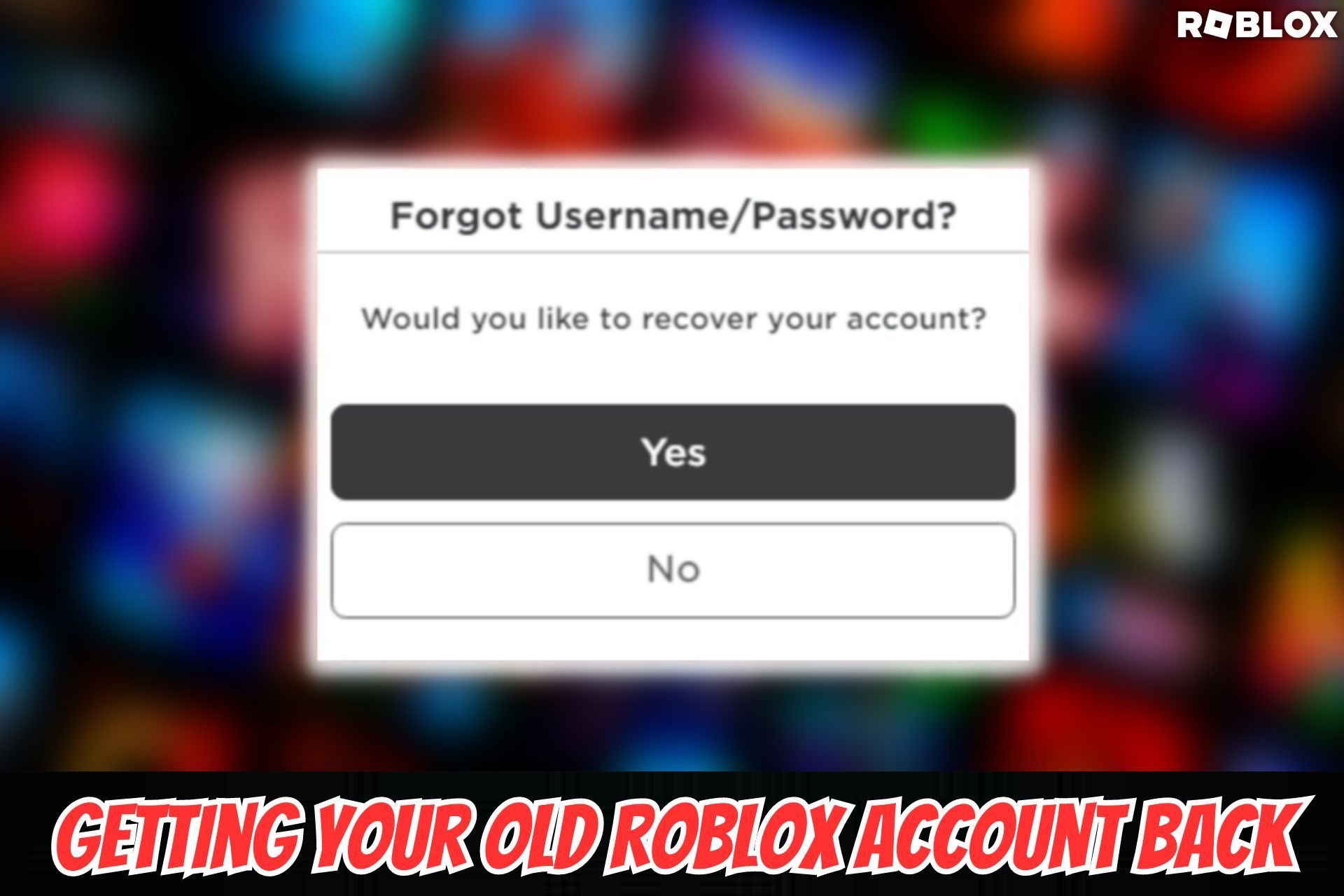
How to Get My Account Back in Roblox If I Forgot My Password?
Forgetting your password is one of the most common and thankfully, one of the easiest issues to resolve when trying to figure out how to get my account back in Roblox. The key is having access to the email address or phone number associated with your account. Roblox has a straightforward password reset process designed to get you back into the game quickly.
- Step 1: Navigate to the Login Page: Go to the official Roblox website or open the Roblox app.
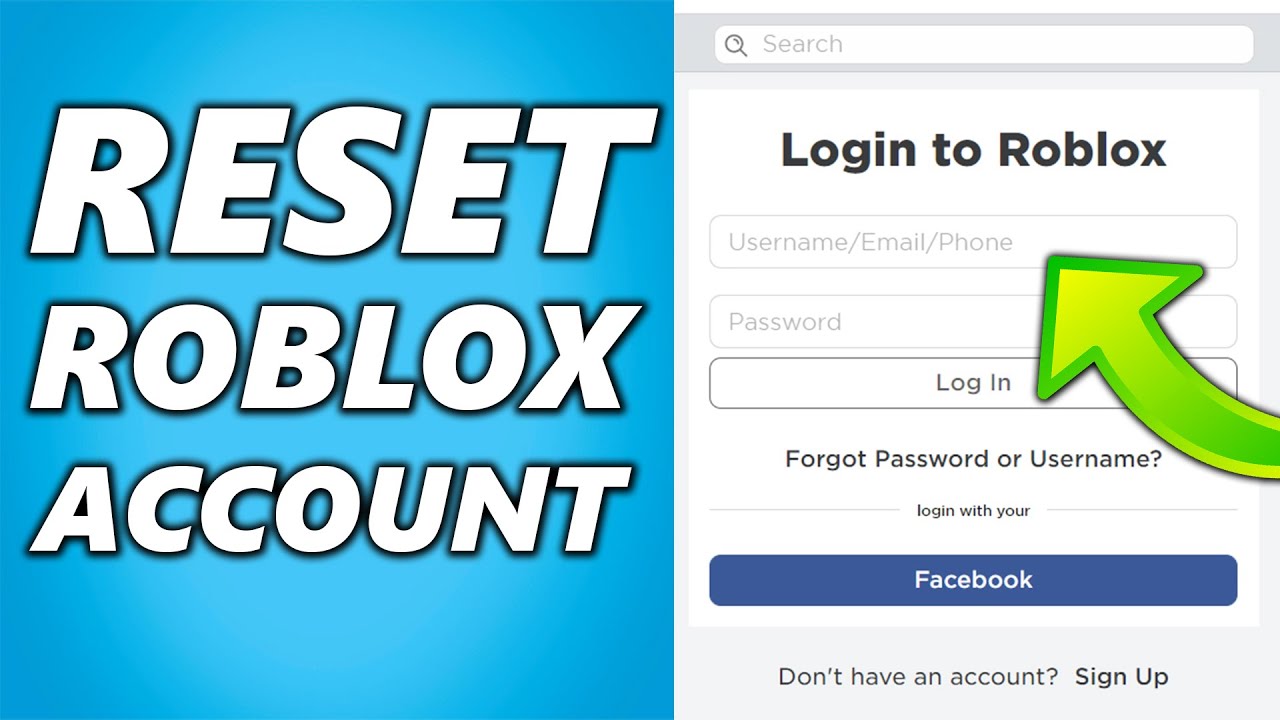
- Step 2: Select Forgot Password or Username: Look for the "Forgot Password or Username?" link usually located below the login fields. Click on it.
- Step 3: Enter Your Account Details: You will be prompted to enter either the email address or phone number linked to your Roblox account. It is vital that this information is accurate and accessible to you.
- Step 4: Check Your Inbox or Phone: Roblox will send a password reset link or a verification code to the email or phone number you provided. Check your spam or junk folder if you do not see the email immediately. For phone numbers, a text message with a code will arrive.
- Step 5: Reset Your Password: Click the link in the email or enter the code from the text message. You will then be directed to a page where you can create a new password. Choose a strong, unique password that you havent used before for any other service. Combine uppercase and lowercase letters, numbers, and symbols.
- Step 6: Log In with Your New Password: Once your password is reset, you can confidently log back into your Roblox account and continue your adventures. Remember to update your password in any password manager you use.
How to Get My Account Back in Roblox If It Was Hacked or Stolen?
A hacked or stolen account is a more serious issue, but dont despair. Roblox has a dedicated support system for these situations. The process focuses on verifying your ownership and securing your account from the unauthorized user. This is a critical aspect of learning how to get my account back in Roblox when facing malicious activity.
- Step 1: Do Not Panic and Do Not Try to Log In: Repeated login attempts with incorrect information might further complicate the process. If a hacker has changed your password, trying to guess it wont help.
- Step 2: Immediately Contact Roblox Support: This is your most important step. Go to the official Roblox Support page. Look for the "Contact Us" or "Help" section.
- Step 3: Fill Out the Support Form Accurately:
- Provide your full Roblox username.
- Use an email address you can access and check regularly for communication from Roblox support. This should ideally be the email linked to the compromised account, or a new, secure one.
- Under "Type of help category," select "Account Hacked or Forgot Password."
- In the "Description of issue" box, clearly and concisely explain that your account was hacked or stolen. Include as much detail as possible:
- When you last successfully logged in.
- Any suspicious activities you noticed (e.g., Robux missing, items traded, password changed).
- The email address or phone number originally linked to the account.
- Any purchase receipts (Robux, Premium) if you have them, as these can strongly prove ownership. Provide transaction IDs and dates.
- Step 4: Follow Instructions from Roblox Support: Roblox support will usually respond via email. They might ask for additional information to verify your identity. Be patient and provide everything they request promptly. This often involves sending proof of ownership such as past purchase receipts or the original email used to create the account.
- Step 5: Secure Your Email Account: If your Roblox account was hacked, there's a good chance your associated email account might also be vulnerable. Change your email password to a strong, unique one immediately. Enable two-step verification on your email account if you haven't already.
- Step 6: Be Wary of Scams: While waiting for Roblox support, be extremely cautious of any messages or emails claiming to be from Roblox that ask for your password or personal information. Roblox will never ask for your password via email.
What Should I Do Immediately After Realizing My Roblox Account is Compromised?
When you realize your Roblox account is compromised, every second counts. Prompt action can significantly improve your chances of recovery and limit potential damage. This initial response is crucial for gamers focused on how to get my account back in Roblox. US gamers are often balancing work and life, making quick, clear steps essential.
- Change Your Roblox Password Immediately (If Possible): If the hacker has not yet changed your password, quickly log in and change it to a very strong, unique one. This might lock the hacker out.
- Secure Your Associated Email Account: Your email is often the gateway to all your online accounts. Change the password for the email address linked to your Roblox account. Enable two-step verification (2SV) on your email if it's not already enabled. This is paramount.
- Submit a Roblox Support Ticket: As detailed above, use the official Roblox Support contact form. Be as thorough as possible in your description.
- Check for Unauthorized Purchases: If you had Robux or a Premium subscription, check your transaction history within Roblox and on your payment method (credit card, PayPal) for any unauthorized purchases. Report these to your payment provider if necessary.
- Inform Your Friends: Temporarily, it might be wise to let your Roblox friends know your account might be compromised, so they don't fall for any scams or malicious links sent from your account.
Why is Two-Step Verification Crucial for Roblox Account Security?
Two-Step Verification (2SV), also known as Multi-Factor Authentication (MFA), adds an extra layer of security to your Roblox account beyond just a password. In 2026, with cyber threats becoming increasingly sophisticated, 2SV is no longer a luxury but a necessity for any online account, especially popular gaming platforms. It's a game-changer for preventing future incidents after you learn how to get my account back in Roblox.
- Protects Against Stolen Passwords: Even if a hacker manages to get your password through phishing or data breaches, they cannot access your account without the second step of verification, typically a code sent to your email or phone.
- Industry Standard: Most major online services, including banking, social media, and gaming platforms, now offer or require 2SV. It's a proven method for enhancing security.
- Easy to Implement: Roblox offers email-based 2SV, which is simple to set up.
- Log into your Roblox account.
- Go to Account Settings (gear icon in the top right).
- Select the "Security" tab.
- Toggle on "2 Step Verification" and follow the prompts to verify your email address.
- Peace of Mind: Knowing your account has this added protection allows you to game with less worry, focusing on the fun aspects of Roblox like creating, socializing, and exploring.
Who Can Help Me with My Roblox Account Recovery?
When dealing with a lost or compromised Roblox account, the primary and most effective source of help is Roblox Corporation itself. Their official support channels are specifically designed to assist users with account recovery and security issues. Understanding this is key to successfully navigating how to get my account back in Roblox.
- Roblox Support Team: This is your first and best point of contact. They have the tools and access to investigate account activity, verify ownership, and restore access. You can reach them via their official support form on the Roblox website.
- No Third-Party Services: Be extremely wary of any websites, individuals, or services claiming they can "hack back" your account or recover it for you. These are almost always scams designed to steal your account credentials, personal information, or money. Roblox will never ask for your password via email or any unofficial channels.
- Your Email Provider: If your Roblox account's linked email was also compromised, your email provider (e.g., Google, Microsoft, Yahoo) can help you recover access to your email, which is often a prerequisite for Roblox account recovery.
- Payment Provider (If Applicable): If unauthorized purchases were made, your bank, credit card company, or PayPal can help you dispute charges, though you should still work with Roblox support to secure the account first.
Where Do I Report a Hacked Roblox Account?
Reporting a hacked Roblox account must be done through official channels to ensure a secure and effective recovery process. Avoid any unofficial websites or forums that claim to help; these are often traps. This is a critical piece of information for anyone seeking how to get my account back in Roblox.
- Official Roblox Support Page: The only legitimate place to report a hacked account is through the Roblox Support form.
- Visit www.roblox.com/support.
- Fill out the "Contact Us" form under the "How can we help?" section.
- Select "Account Hacked or Forgot Password" as the "Type of help category."
- Provide all requested information, especially your username, an accessible email, and a detailed description of the incident.
- In-Game Reporting (for suspicious activity from others): If you see another player engaging in suspicious activity or trying to scam you, you can report them directly within the game. However, for your *own* hacked account, the support form is the correct channel.
When Should I Expect a Response from Roblox Support?
Waiting for support can be frustrating, especially when your gaming life is on pause. Roblox support response times can vary depending on the volume of requests and the complexity of your issue. Typically, you might receive an initial automated response confirming receipt of your ticket within minutes or a few hours. A human response often takes longer, usually within 24-72 hours, though it can extend to a week during peak times or for more complex cases. Patience is a virtue here, but persistent and polite follow-ups (if you haven't heard back after a few days) can be helpful. Always reply to the existing ticket rather than creating new ones, as new tickets can reset your position in the queue. Understanding this timeline is part of managing expectations when learning how to get my account back in Roblox.
Is There a Way to Prevent My Roblox Account From Being Hacked Again?
Absolutely! Proactive security measures are your best defense. Once you've successfully learned how to get my account back in Roblox, safeguarding it for the future becomes paramount. Many US gamers are adopting stronger security habits, reflecting a broader trend towards digital safety. Here are the top ways to lock down your account:
- Enable Two-Step Verification (2SV): As discussed, this is non-negotiable. It adds a critical layer of defense.
- Use Strong, Unique Passwords: Never reuse passwords across different sites. Use a password manager to create and store complex passwords. Aim for at least 12 characters, mixing letters, numbers, and symbols.
- Secure Your Email Account: Your linked email is often the weakest link. Enable 2SV on your email account and use a strong, unique password for it.
- Be Wary of Phishing and Scams:
- Never click on suspicious links in emails or messages that claim to be from Roblox, especially if they ask for your password or personal information.
- Roblox will never ask for your password outside of the official login page.
- Beware of "free Robux" or "Roblox generator" scams; these are always fake and designed to steal your credentials.
- Only download Roblox content from official sources.
- Regularly Check Account Activity: Periodically review your Roblox account settings and transaction history for any unfamiliar activity.
- Educate Yourself: Stay informed about common online scams and security best practices. Roblox itself provides valuable security tips on its blog.
How to Protect My Roblox Account from Phishing and Scams?
Phishing and various scams are among the leading causes of account compromise. These tactics exploit human trust and curiosity. Recognizing them is a critical skill for any gamer, especially those who've gone through the effort of learning how to get my account back in Roblox. With social gaming being a major trend among US adults who game to unwind and socialize, understanding these threats is more important than ever.
- Verify the Sender: Always check the sender's email address. Scammers often use addresses that look similar to official Roblox emails but have subtle differences (e.g., "r0blox.com" instead of "roblox.com").
- Examine Links Carefully: Hover over links (without clicking!) to see the actual URL. If it doesnt lead to a legitimate Roblox domain (like roblox.com), do not click it.
- Beware of Urgency or Threats: Scammers often create a sense of urgency ("Your account will be deleted if you dont click here now!") or make threats to pressure you into acting without thinking.
- "Free Robux" is a Red Flag: Any offer for "free Robux" or in-game items that requires you to enter your Roblox login details on an external site is a scam. Robux can only be legitimately obtained through the official Roblox platform or authorized gift cards.
- Official Communication Channels: Remember that Roblox will primarily communicate important account-related information directly within the platform or through the email linked to your account. They will never ask for your password in an email.
- Report Suspicious Messages: If you receive a suspicious message on Roblox, use the in-game reporting tools. If it's an email, mark it as spam or phishing.
FAQ: Getting Your Roblox Account Back & Staying Safe
Q1: Can Roblox staff help me recover my account if I gave my password to a scammer?
A1: Yes, Roblox staff can still help. While giving out your password makes recovery more challenging, Roblox Support will guide you through the process of verifying ownership to reclaim your account. It's crucial to be honest and provide all requested information, such as original purchase receipts or the account creation email, to prove you are the rightful owner. They understand mistakes happen, but they need solid proof to ensure they are returning the account to the correct person.
Q2: What if my email address associated with Roblox was also hacked?
A2: This is a common and serious scenario. First, prioritize recovering your email account. Contact your email provider's support (e.g., Google, Outlook, Yahoo) to regain access. Once your email is secure, then proceed with contacting Roblox Support. You'll need access to that email to receive password reset links or verification codes for your Roblox account.
Q3: How long does Roblox keep account data? Can I recover a very old account?
A3: Roblox does not typically delete inactive accounts, so there's a good chance an old account still exists. However, recovering very old accounts can be more difficult if you no longer have access to the original email or phone number used. Roblox will require significant proof of ownership, potentially including the original creation date, associated payment methods, or unique in-game purchases from that era. The older it is, the more detailed information you might need.
Q4: What if I shared my account with a friend and they changed the password?
A4: Sharing accounts is against Roblox's Terms of Service and makes recovery extremely difficult, as Roblox cannot reliably determine the rightful owner between two parties who both had access. Your best course of action is to try and resolve it amicably with your friend. If that fails, you can still contact Roblox Support, but be prepared for a potentially unfavorable outcome due to the terms violation.
Q5: Can I get my Robux back if a hacker spent them?
A5: If your account was legitimately compromised, Roblox Support will investigate. In many cases, if unauthorized Robux spending or item trading is verified due to a hack, Roblox may be able to restore your Robux or items. However, this is at their discretion and depends on their investigation findings. Provide any relevant transaction IDs or details of the missing items to aid their review.
Q6: Are there specific browser extensions that can help protect my Roblox account?
A6: While no extension can completely bulletproof your account, reputable browser extensions like password managers (e.g., LastPass, 1Password, Bitwarden) can significantly enhance security by generating and storing strong, unique passwords for all your sites. Additionally, ad blockers and anti-phishing extensions can sometimes prevent you from accidentally clicking malicious links, though they are not a substitute for vigilance and common sense.
Q7: What information should I *never* share with anyone, even if they claim to be from Roblox Support?
A7: Absolutely never share your password, your 2SV codes, or your full credit card details directly in an email or chat. Roblox Support will *never* ask for your password. When providing proof of purchase, they may ask for transaction IDs or partial credit card numbers (e.g., last four digits), but never the full details. Be highly skeptical of anyone asking for this sensitive information.
Q8: My account was banned. Can I get it back?
A8: Account bans are different from hacks. If your account was banned, it's typically due to a violation of Roblox's Terms of Service or Community Standards. You can appeal a ban through Roblox Support, explaining your case. Recovery depends on the severity of the violation and Roblox's judgment. Hacked accounts that result in a ban (e.g., hacker spammed) often have a better chance of being reinstated once ownership is proven and the account is secured.
Q9: How important are original purchase receipts for proving account ownership?
A9: Original purchase receipts, especially those for Robux or Premium subscriptions made with a payment method linked to your name, are extremely important. They serve as strong evidence of ownership and can significantly expedite the recovery process. Always keep digital copies of these receipts in a safe place, as they often include transaction IDs that Roblox Support can use to verify your claims.
Q10: Can I use social media to contact Roblox support for account recovery?
A10: While Roblox has a presence on social media platforms, direct account recovery assistance is generally not provided there due to privacy and security concerns. Social media channels are best for general inquiries, announcements, or directing users to the official support page. Always use the official Roblox Support form for account-specific issues to ensure your privacy and security are maintained.
Q11: What if a hacker changed the email associated with my Roblox account?
A11: This is why proving original ownership is so important. Even if the email has been changed, Roblox Support can still help you. You'll need to provide other forms of proof, such as previous email addresses, account creation date, unique items you owned, or transaction history details. The goal is to provide enough unique information that only the true owner would know, allowing Roblox to revert the email change and restore access.
Q12: Is it true that some users lose their Roblox accounts permanently?
A12: While rare, permanent loss can happen, especially if there's insufficient proof of ownership, repeated violations of Terms of Service, or severe security negligence where an account is used for malicious purposes and then unrecoverable. However, with prompt action, detailed information, and cooperation with Roblox Support, most account recovery efforts are successful. The key is to act quickly and provide verifiable proof.
That's it, gamers! Hopefully, this guide empowers you with the knowledge to not only recover your Roblox account but also to fortify its defenses against future threats. Remember, staying vigilant and proactive about your online security is just as important as mastering your favorite game. Share your recovery stories or security tips in the comments below! Dont forget to sign up for our newsletter for more gaming insights and security updates!
---
SEO Suggestions for This Article:
Internal Link Suggestions:
- Link to an article on "Best Password Managers for Gamers 2026."
- Link to a guide on "Understanding Roblox Terms of Service and Community Guidelines."
- Link to a post about "How to Enable Two-Step Verification on Popular Gaming Platforms."
External Link Suggestions:
- Link to official Roblox Support page (roblox.com/support).
- Link to a reputable cybersecurity news site discussing phishing trends.
- Link to a source for US gaming statistics (e.g., ESA or Statista).
Meta Title Ideas:
- How to Get My Roblox Account Back Guide 2026 Recover Hacked Account
- Roblox Account Recovery Guide: Hacked, Stolen, or Forgot Password
- Get Your Roblox Account Back Fast Pro Tips for US Gamers 2026
Meta Description Ideas:
- Lost your Roblox account? This 2026 guide shows US gamers how to get my account back in Roblox after a hack, theft, or forgotten password. Learn official recovery steps, security tips, and prevent future issues.
- Facing Roblox account issues? Discover expert tips on how to get my account back in Roblox. From forgotten passwords to hacked accounts, our guide provides actionable steps for safe recovery and enhanced security.
Image Alt Text Recommendations:
- Image: Roblox login screen with "Forgot password?" highlighted. Alt Text: Roblox account recovery process forgotten password link.
- Image: Screenshot of Roblox Support contact form. Alt Text: Official Roblox support form for hacked account reporting.
- Image: Illustration of a shield protecting a Roblox avatar. Alt Text: Enhanced Roblox account security with two-step verification.
- Image: Stack of Robux currency. Alt Text: Robux purchases and transaction history for account verification.
Secure your Roblox account with multi-factor authentication. Understand Roblox official recovery process and support. Learn how to report a compromised account effectively. Discover steps to reset forgotten passwords or usernames. Implement strong password practices to prevent future hacks. Recognize phishing attempts and stay safe online. Expedite recovery by providing accurate account details.
35


How To Get Your Roblox Account Back Without Email Or Phone Number . How To Get Terminated Roblox Account Back Full Guide 2025 YouTube . Roblox Account Gone Heres How To Possibly Get It Back 2024 . Roblox Account Gone Heres How To Possibly Get It Back 2024 . Roblox Account Gone Heres How To Possibly Get It Back 2024


HOW TO GET TERMINATED ROBLOX ACCOUNT BACK 2026 FULL GUIDE YouTube . How To Recover Old Roblox Account With Email Password 2024 Update . Roblox Account Gone Heres How To Possibly Get It Back 2024 . HOW TO GET YOUR ACCOUNT BACK ON ROBLOX YouTube Hqdefault . 2026 How To RECOVER ROBLOX ACCOUNT WITHOUT EMAIL OR PHONE NUMBER


How To Get Your Roblox Account Back Without Email Or Phone Number . How To Get Your Old Roblox Account Back D5859 1920 . How To Get Your Account Back In Roblox Gamer Tweak Roblox Get Your Account Back 768x432 . How To Recover Roblox Account New Update 2024 How To Get Your . 4 Easy Ways How To Get Your Roblox Account Back In 2026 How To Get Your Roblox Account Back

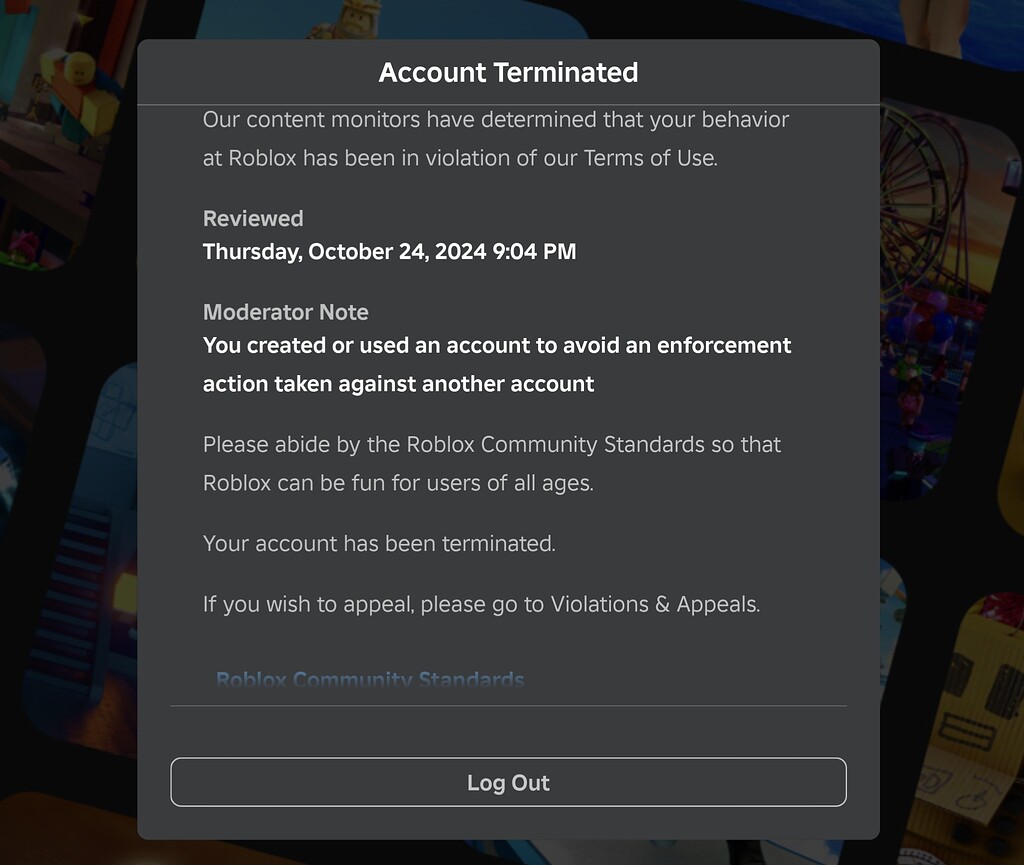


How Old Is My Roblox Account Find Out Now . How To Get Back Your Account In Roblox H Ng D N Chi Ti T Ph C H I T I . Roblox Account Recovery Your Guide To Getting Back In 2 1024x865 . 4 Easy Ways How To Get Your Roblox Account Back In 2026 Hqdefault . How To Add A Roblox Card To Your Account In 2026




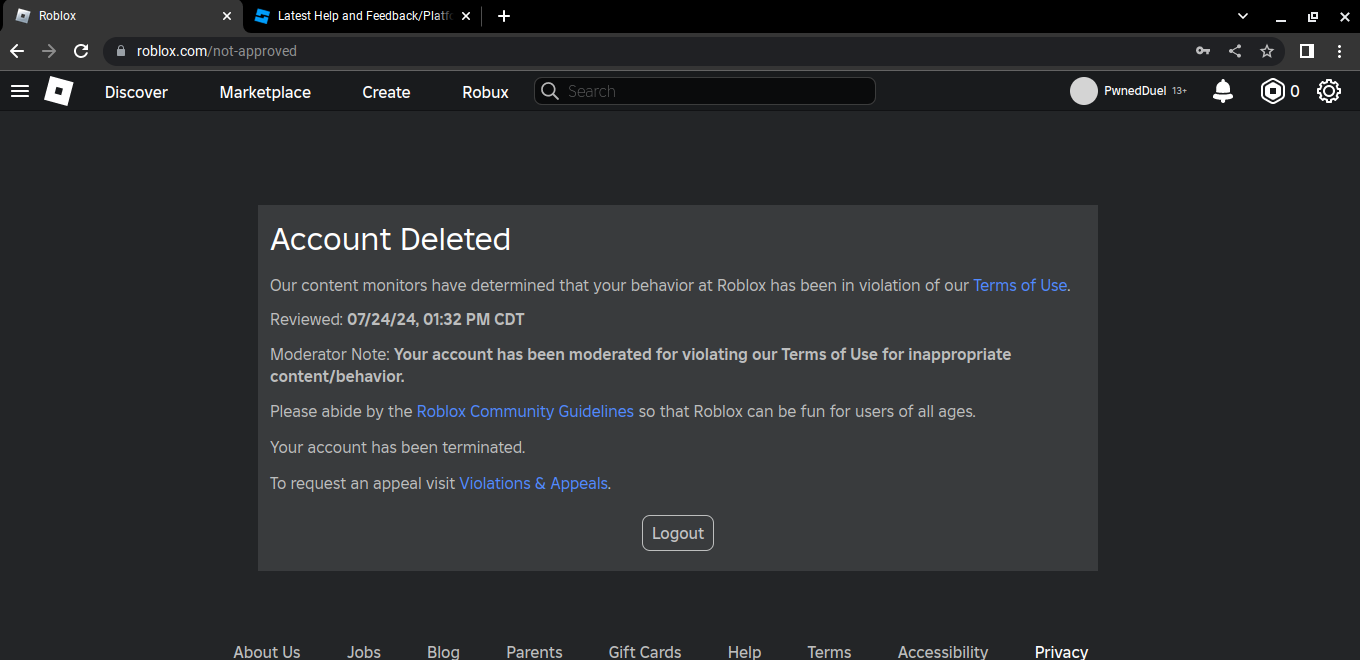
How To Recover Your Roblox Account 2025 Guide How To Get My . How To Create A Roblox Account In 2026 What You Need Roblox Login How To Create A New Account . HOW TO GET YOUR OLD ROBLOX ACCOUNT BACK FAST YouTube Hqdefault . How To Log Back Into Roblox Account Keeps Saying Wrong Password Or Hqdefault . Roblox Account Recovery Your Guide To Getting Back In



How To Get Your Account Back On Roblox YouTube . 4 Easy Ways How To Get Your Roblox Account Back In 2026 Hqdefault . ROBLOX IS BACK HOW TO GET YOUR ACCOUNT BACK AND PLAY ROBLOX YouTube . How To Get HACKED Roblox Accounts Back 2024 EASY YouTube . How To Message On Roblox 2026 A Quick Guide


How To Get Terminated Roblox Account Back 2026 YouTube . How To Get You Account Back In Roblox Works Roblox YouTube . How To Recover Roblox Account New Update 2024 How To Get Your . How To Get Back Your Roblox Account Updated YouTube . 4 Easy Ways How To Get Your Roblox Account Back In 2026 Hqdefault