Ever wished your Roblox avatar could truly reflect your unique style without breaking the bank? This comprehensive guide on how to make a T-shirt on Roblox is your answer. For many gamers, balancing a job, family, and personal life means gaming sessions are precious, and standing out in virtual worlds like Roblox is a fun, quick way to express individuality. This tutorial demystifies the process, making it accessible for everyone, especially those busy adults who crave creativity but are short on time. Learn the essential steps, discover the best tools, understand Roblox's guidelines, and unlock your potential to design eye-catching T-shirts that make your avatar pop. We address common pain points from basic design to successful upload, ensuring you can personalize your gaming experience with ease. Dive in and transform your avatar today, showcasing your flair in the vibrant Roblox universe and connecting with friends through shared style. This guide is tailored for the modern gamer seeking value and fun.
Top 5 Natural Questions About Making T-Shirts on Roblox:
How do I start making a custom T-shirt on Roblox?
Do I need Robux or Premium to create my own T-shirt?
What kind of images can I use for my Roblox T-shirt design?
Where do I upload my finished T-shirt design on Roblox?
Can I make Roblox T-shirts on my phone or tablet?
How to design a basic Roblox T-shirt using free software?
To design a basic Roblox T-shirt without spending a dime, utilize free image editing software like Paint.NET or GIMP. Start by creating a new canvas with dimensions of 512x512 pixels, ensuring a transparent background if desired. Focus your design on the center of this square, using simple shapes, text, or original pixel art. Save your creation as a PNG file for best quality and transparency. These tools provide all the necessary functionalities for effective and free T-shirt creation.
What are the size requirements for a Roblox T-shirt image?
The optimal size for a Roblox T-shirt image is a perfect square, specifically 512x512 pixels. Adhering to this dimension ensures your design scales correctly on various avatar body types and displays clearly without pixelation or stretching. While other square sizes might technically work, 512x512 is the recommended standard for quality and consistency, allowing your custom graphics to look their best.
Why is my Roblox T-shirt design getting rejected?
Roblox T-shirt designs often get rejected due to violations of community guidelines. Common reasons include using copyrighted material (e.g., brand logos, popular character art), inappropriate or offensive content (nudity, hate speech, violence), or including personal information. Ensuring your design is entirely original, suitable for all ages, and free of any real-world identifiers will significantly increase its chances of approval during moderation.
How do I ensure my custom Roblox T-shirt looks good on my avatar?
To make sure your custom Roblox T-shirt looks great on your avatar, keep your design simple, clear, and centered within your 512x512 pixel canvas. Avoid placing crucial elements too close to the edges, as these can get cut off or distorted on certain avatar shapes. After uploading, immediately try on the T-shirt in the Avatar Editor to check its appearance and make any necessary adjustments to your design for a perfect fit.
Can I collaborate with friends to create Roblox T-shirts?
Yes, you can absolutely collaborate with friends on Roblox T-shirt designs! While only one person can ultimately upload the T-shirt to their account, you can work together on the design phase using shared cloud documents, online whiteboards, or by passing image files back and forth. This fosters teamwork and allows for diverse creative input, leading to more unique and engaging designs for your group.
What is the difference between a T-shirt and a classic Shirt/Pants on Roblox?
The main difference between a Roblox T-shirt and classic Shirt/Pants lies in their function and cost. A T-shirt is a free, 2D image overlay that appears only on the front of your avatar's torso. Classic Shirts and Pants, however, are full 3D clothing items that wrap around the entire body, offering more detailed design potential. Uploading classic Shirts/Pants for sale costs 10 Robux and requires a Premium subscription, whereas T-shirts are always free to create and wear.
Are there any mobile apps that help with Roblox T-shirt creation?
Yes, several mobile apps can assist with Roblox T-shirt creation. Popular choices include PicsArt, Ibis Paint X, and Canva. These apps offer robust editing tools for image manipulation, text addition, and creating transparent backgrounds. After designing, remember to use your mobile browser's 'desktop site' option to access the Roblox 'Create' page for uploading your finished T-shirt image directly from your device.
Are you one of the millions of gamers who loves Roblox but sometimes feels like your avatar blends into the crowd? As a gamer balancing work, family, and life, you cherish those moments of relaxation and fun online. You want to express yourself, show off a bit of your personality, or just create something cool without sinking hours into complicated design software or spending precious Robux. It is a common pain point for many of us who remember the early days of customization, wishing we had more control over our digital presence. Good news, creating your own custom T-shirt on Roblox is not only possible but surprisingly straightforward and completely free.
Roblox continues to dominate as a social gaming hub, with recent US gaming stats showing that roughly 87% of gamers play regularly, often dedicating 10+ hours a week. A significant portion of this engagement happens on mobile, highlighting the need for accessible creation tools. Customizing your avatar is a core part of the Roblox experience, fostering social play and skill-building in a unique way. This guide will walk you through everything you need to know about how to make a T-shirt on Roblox, from basic design principles to successful upload, ensuring your avatar truly stands out. Let's dive in and unlock your creative potential!
What Exactly Is a Roblox T-shirt and How Is It Different From a Shirt?
In Roblox, a T-shirt is essentially an image overlay that appears on the front of your avatar's torso. Think of it as a digital decal or a graphic that you can layer over any existing classic shirt or even your avatar's default blocky torso. They are a fantastic, free way to add personal flair, display a logo, or showcase a funny saying. The key difference between a T-shirt and a classic Shirt (or Pants) is cost and coverage. While T-shirts are free to create and upload, classic Shirts and Pants are full 3D clothing items that cover the entire upper or lower body and require a 10 Robux fee to upload for sale. This distinction is crucial for budget-conscious gamers.
T-shirts offer immediate gratification and experimentation since there is no Robux barrier. You can test out various designs and swap them frequently without commitment. Classic Shirts and Pants, on the other hand, provide a more integrated, professional look and are often used by creators looking to build a virtual fashion brand within Roblox.
Why Should I Bother Making My Own T-shirt on Roblox?
Making your own T-shirt on Roblox offers several compelling benefits for the modern gamer. Firstly, it is a powerful avenue for self-expression. In a world where millions play, a custom T-shirt helps your avatar stand out and truly represent your personality, humor, or current mood. It is a creative outlet that requires minimal time commitment, perfect for those who balance gaming with a demanding life schedule.
Secondly, it fosters social connection. Imagine sporting a T-shirt that celebrates a shared inside joke with your friends or represents your favorite in-game guild. This kind of personalization sparks conversations and builds camaraderie. Thirdly, it is completely free! Unlike many other customization options, creating and uploading T-shirts incurs no Robux cost, making it an excellent value for money. It allows you to stay current with trends or even create your own without having to spend real money or in-game currency.
What Tools Do I Need to Create a Roblox T-shirt?
The beauty of creating Roblox T-shirts is that you do not need expensive software. All you really need is an image editing program and a basic understanding of design. For PC users, free options like Paint.NET or GIMP are excellent choices, offering robust features without the cost. Even the default Paint program on Windows can work for very simple designs.
If you prefer mobile, apps like PicsArt, Ibis Paint X, or even basic photo editors on your phone or tablet can get the job done. The most important thing is that your chosen tool allows you to create or modify an image, ideally with transparent backgrounds, and save it in a common format like PNG or JPG. Having a reliable internet connection to access the Roblox website for uploading is also essential.
How Do I Design a T-shirt for Roblox Step-by-Step?
Creating your T-shirt design is the most exciting part! Here is a simple step-by-step process:
- Choose Your Concept: What do you want your T-shirt to say? A funny meme, a favorite game logo (ensure it is not copyrighted for public use), a personal symbol, or just a cool graphic? Keep it simple and eye-catching.
- Open Your Image Editor: Launch Paint.NET, GIMP, PicsArt, or your preferred tool.
- Create a New Canvas: Start with a square canvas, ideally 512x512 pixels. This is the optimal size for Roblox T-shirts, ensuring clarity and proper scaling on your avatar.
- Design Your Graphic:
- Use text tools to add words. Choose clear, readable fonts.
- Import images or draw directly onto the canvas. If importing, ensure the background is transparent if you want your T-shirt graphic to layer cleanly over existing clothing.
- Position your design centrally within the 512x512 square. Remember, only the middle portion will be clearly visible on your avatar's front.
- Save Your File: Save your completed design as a PNG (for transparency) or JPG file. Give it a memorable name.
Practice makes perfect, so do not be afraid to experiment with different ideas and styles. Start with something simple and build up your skills.
Can I Make a Roblox T-shirt Using My Phone or Tablet?
Absolutely! Mobile gaming is huge, and creating on the go is a common need. While the Roblox app itself does not have a T-shirt creation studio, you can use your device's web browser. Here is how:
- Design on Mobile: Use a mobile image editing app like PicsArt or Ibis Paint X to create your 512x512 pixel transparent image. Save it to your device's photo gallery.
- Access Roblox Website: Open your mobile browser (Chrome, Safari, etc.) and go to www.roblox.com.
- Switch to Desktop Site: This is a crucial step. In your browser settings, look for an option like "Request Desktop Site" or "Desktop Version." This makes the website appear as if you are on a computer, allowing access to the full 'Create' section.
- Navigate to Create: Once on the desktop version, tap on the 'Create' tab.
- Upload Your Design: Follow the same upload steps as detailed below for desktop users.
This method allows busy gamers to leverage their mobile devices for creative expression during commutes or quick breaks, fitting perfectly into a balanced lifestyle.
Is It Free to Upload T-shirts on Roblox?
Yes, uploading T-shirts on Roblox is completely free! This is one of the biggest advantages of creating T-shirts over classic Shirts or Pants. You do not need a Roblox Premium subscription, nor do you need to spend any Robux. This accessibility is what makes T-shirts such a popular choice for personalizing avatars and allows for constant experimentation without financial commitment. It is a fantastic feature for anyone looking to optimize their gaming experience for value and fun, especially when balancing a budget.
How Do I Upload My Custom T-shirt to Roblox?
Once your design is ready, uploading it to Roblox is straightforward:
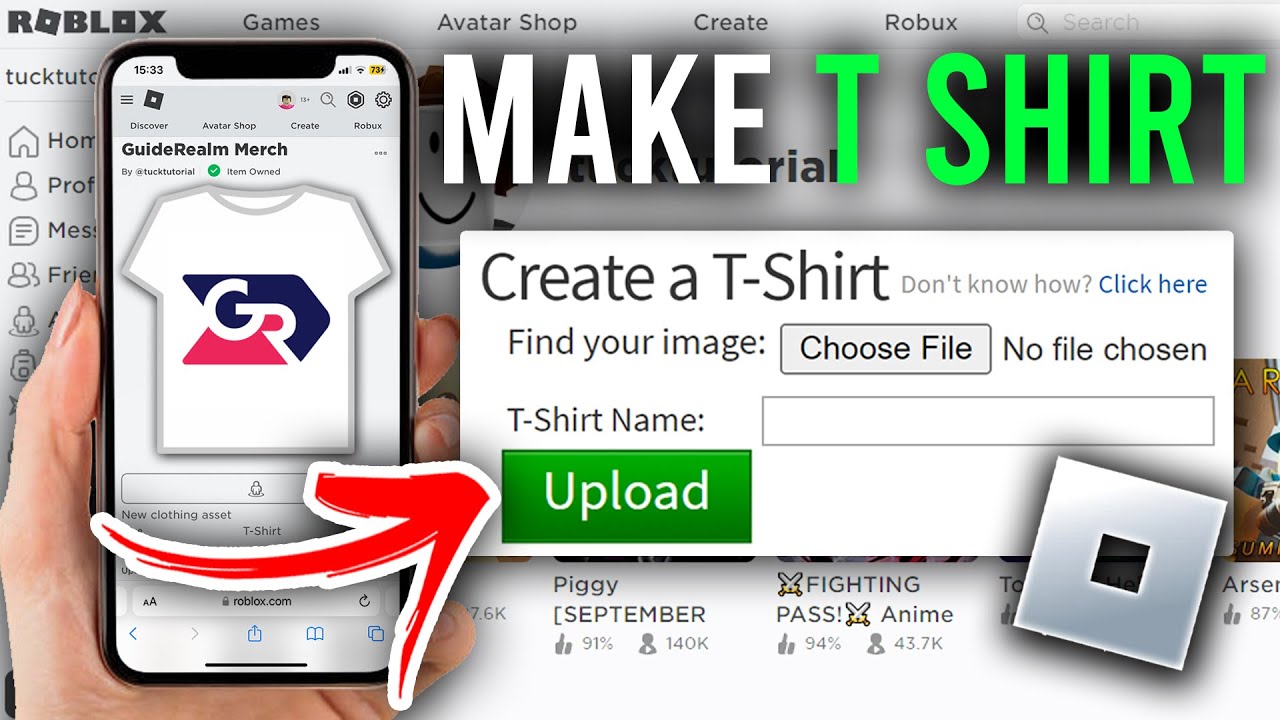
- Go to the Create Page: Log in to Roblox on your computer or through your mobile browser's desktop site. Navigate to the 'Create' section.
- Select T-Shirts: On the left-hand menu, under 'My Creations,' click on 'T-Shirts.'
- Choose File: Click the 'Choose File' button and locate your saved T-shirt image (PNG or JPG, ideally 512x512 pixels).
- Give It a Name: Enter a clear and appropriate name for your T-shirt. This is what others will see if you make it public.
- Upload: Click the 'Upload' button.
Your T-shirt will then go through a moderation process by Roblox to ensure it meets community standards. This usually takes a few minutes, but can sometimes take longer. Once approved, you can wear it on your avatar immediately!
What Are the Rules and Guidelines for Roblox T-shirt Designs?
Roblox has strict community guidelines to ensure a safe and positive environment for all users. When creating your T-shirts, it is crucial to adhere to these rules to avoid rejection or even account penalties. Here are the key points:
- No Copyright Infringement: Do not use copyrighted images, logos, or characters from other games, movies, brands, or real-life entities without explicit permission. This is a common reason for rejection.
- Appropriate Content: Designs must be suitable for all ages. No hateful, violent, sexually explicit, discriminatory, or otherwise inappropriate content.
- Personal Information: Do not include any personal information about yourself or others (e.g., real names, addresses, phone numbers).
- No Scams or Spam: Designs should not promote scams, spam, or phishing attempts.
- Clear and Readable: While not a strict rule, clear, readable designs are always better for player experience.
Familiarizing yourself with Roblox's official Community Standards is always a good idea. They are regularly updated, and staying current helps ensure your creations are approved efficiently.
How Can I Share My T-shirt With Friends or Sell It?
This is where understanding the T-shirt vs. Shirt distinction becomes very important. Custom T-shirts that you create for free are primarily for personal use. You can wear them on your avatar, and your friends will see them if they are in the same game as you. However, you cannot directly sell a custom T-shirt you make in the 'T-Shirts' section to other players or put it up for sale in the Avatar Shop.
If you want to create clothing that can be sold to others and earn Robux, you need to create 'Classic Shirts' or 'Classic Pants.' These require a Premium subscription and a 10 Robux upload fee, as mentioned earlier. So, if your goal is personal expression and sharing unique looks within your social circle, free T-shirts are perfect. If you aspire to be a virtual fashion entrepreneur, you will need to delve into Classic Shirts/Pants creation.
What If My T-shirt Upload Gets Rejected by Roblox?
It can be frustrating when your carefully designed T-shirt gets rejected, but do not worry, it is a common occurrence and usually fixable. Here is what to do:
- Check the Reason (if provided): Roblox sometimes provides a reason for rejection. Look for messages in your notifications or on the asset page.
- Review Community Standards: Go back and carefully re-read Roblox's Community Standards, paying close attention to copyright, appropriate content, and personal information rules.
- Identify the Offending Element: More often than not, a rejection is due to a perceived copyright infringement (even if unintentional) or content deemed inappropriate. Did you use a logo that might be copyrighted? Is there any text that could be misinterpreted?
- Revise Your Design: Make the necessary changes. If it was a copyright issue, remove or replace the problematic image. If it was content, rephrase or redesign.
- Re-upload: Once revised, try uploading it again.
Do not be discouraged! Treat it as a learning opportunity. The moderation system is there to protect all players, and understanding its nuances is part of being a successful Roblox creator.
Are There Templates Available to Help Me Design My T-shirt?
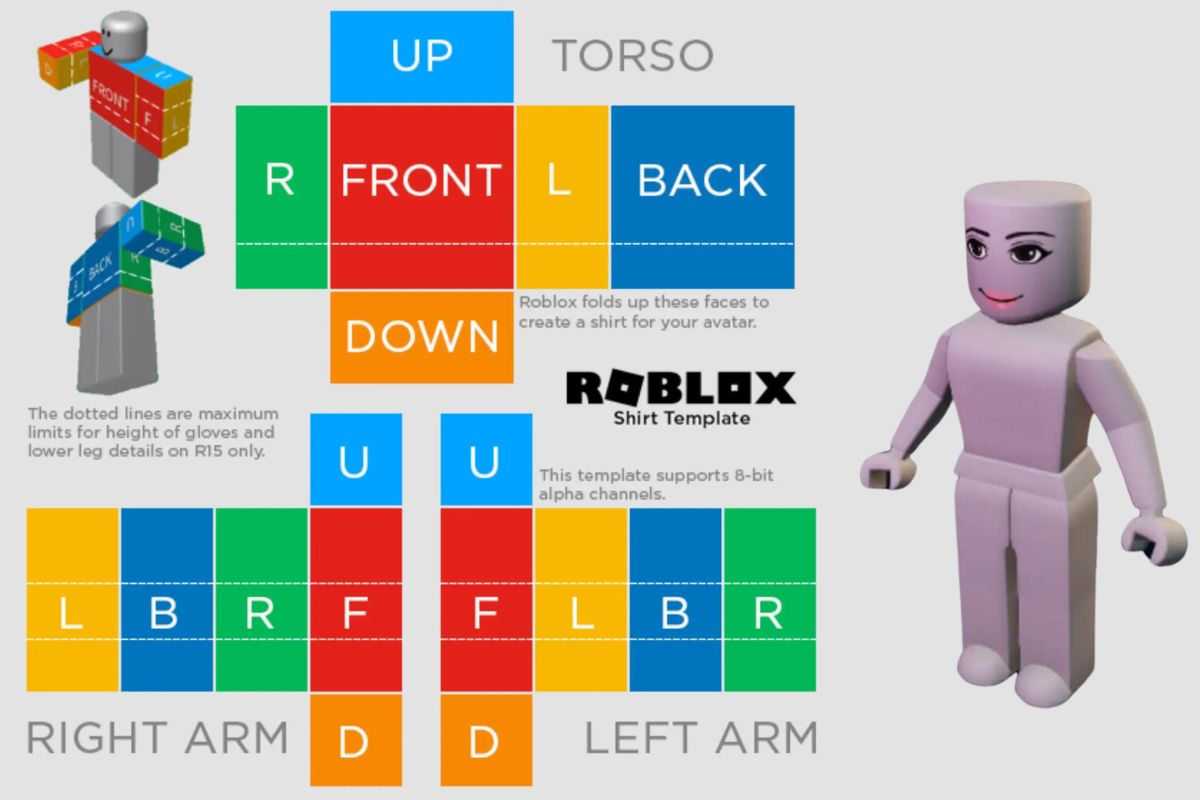
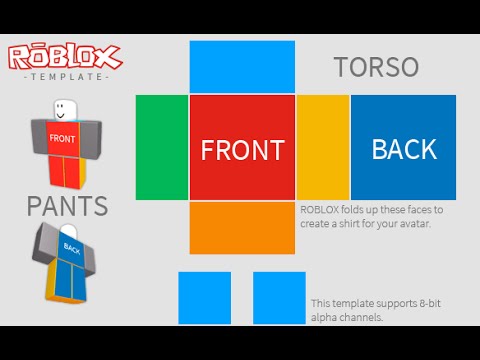
While Roblox provides templates for classic Shirts and Pants (which map out the different body parts), there isn't a specific 'T-shirt template' in the same way because a T-shirt is just a flat image overlay. However, the best 'template' to keep in mind is the 512x512 pixel square canvas. Many image editing programs allow you to create a new file with these dimensions.
To help visualize how your design will look, you can sometimes find community-made mock-up images of a Roblox torso that you can layer your design onto for a preview. However, for a simple T-shirt, focusing on your 512x512 square and ensuring your main graphic is centered is usually sufficient for a great result. Remember, the goal is often simplicity and clarity when creating these overlays.
Frequently Asked Questions About Roblox T-Shirt Creation
Can I use copyrighted images for my Roblox T-shirt? No, you absolutely cannot use copyrighted images, logos, or characters from other games, movies, or brands for your Roblox T-shirt. Doing so will result in your design being rejected by moderation, and repeated offenses can lead to penalties on your account. Always use original designs or images you have the rights to.
Do I need Premium to make T-shirts? No, you do not need a Roblox Premium subscription to make and upload T-shirts. Creating custom T-shirts is a free feature available to all Roblox users, making it an accessible way for everyone to personalize their avatar's appearance without any cost.
What file format should my T-shirt image be? Your T-shirt image should ideally be saved as a PNG file, especially if you want to utilize transparency for your design to layer cleanly over existing avatar clothing. JPG files are also supported, but they do not support transparency, meaning your design will have a solid background.
How long does it take for a T-shirt to be approved? The moderation process for T-shirts can vary. It usually takes anywhere from a few minutes to a few hours for a T-shirt to be approved. In some cases, if the moderation system flags something for manual review, it might take up to 24 hours. You will receive a notification once your T-shirt is approved or rejected.
Can I animate my Roblox T-shirt design? No, Roblox T-shirt designs are static 2D images. You cannot include animations or moving elements directly within the T-shirt image itself. If you are looking for more dynamic avatar customization, you might explore layered clothing options or in-game effects provided by developers, but T-shirts remain simple graphic overlays.
What is the maximum number of T-shirts I can upload? There is generally no strict maximum limit on the number of T-shirts you can upload to your Roblox account. You can create and upload as many unique designs as you like, provided each one adheres to Roblox's community guidelines and passes the moderation process. This encourages extensive creativity and self-expression.
Can I edit a T-shirt after it has been uploaded? Once a T-shirt has been uploaded and approved, you cannot directly edit the image file associated with it. If you wish to make changes to your design, you will need to create a new, revised image file and upload it as a completely new T-shirt. You can, however, change the name and description of an existing T-shirt.
Conclusion
Making your own T-shirt on Roblox is a fantastic, free way to unleash your creativity, personalize your avatar, and connect with the vibrant Roblox community. It is a rewarding process that allows busy gamers to express themselves uniquely, without the pressure of complex software or high costs. From understanding the difference between T-shirts and Shirts to navigating moderation and leveraging simple design tools, you now have all the knowledge to get started. The ability to quickly design and share your style adds another layer of fun to your gaming experience, fitting perfectly into the social and creative aspects that keep us coming back to Roblox. So, what are you waiting for? Dive in and start designing!
Ready to express yourself? What is your biggest gaming challenge when it comes to avatar customization? Comment below!
Easy step-by-step guide to create Roblox T-shirts. Free avatar customization. Design tips and tool recommendations. Understand Roblox's content guidelines. Mobile creation methods. Differentiate T-shirts from Shirts. Quick way to express creativity and personal style.
35


How To Make A Roblox Shirt 2026 Create A Shirt On Roblox EASY . How To Make A Tshirt On Roblox Roblox 101 YouTube . How To Make A T Shirt In Roblox Full Guide Make Roblox T Shirt . How To Make A Roblox SHIRT In 2026 YouTube . How To Make A T Shirt In Roblox Very Eazy YouTube


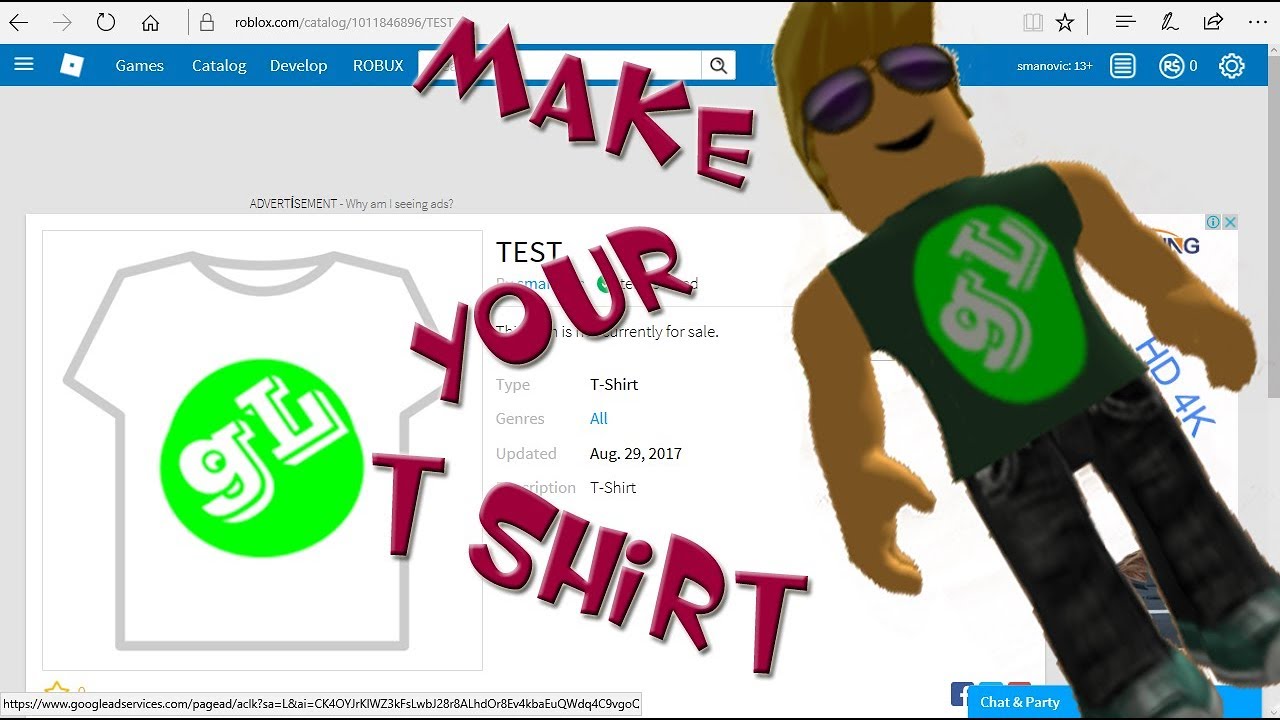

How To Make A T Shirt On Roblox Mobile 2026 Guide Quick Easy . How To Make A Easy Simple Shirt On Roblox 2026 YouTube . How To Create Roblox Shirt Fast And Easy YouTube . ROBLOX How To Make T Shirt YouTube . How To Make T Shirts In Roblox Pc Or Mobile Create Roblox Tshirt
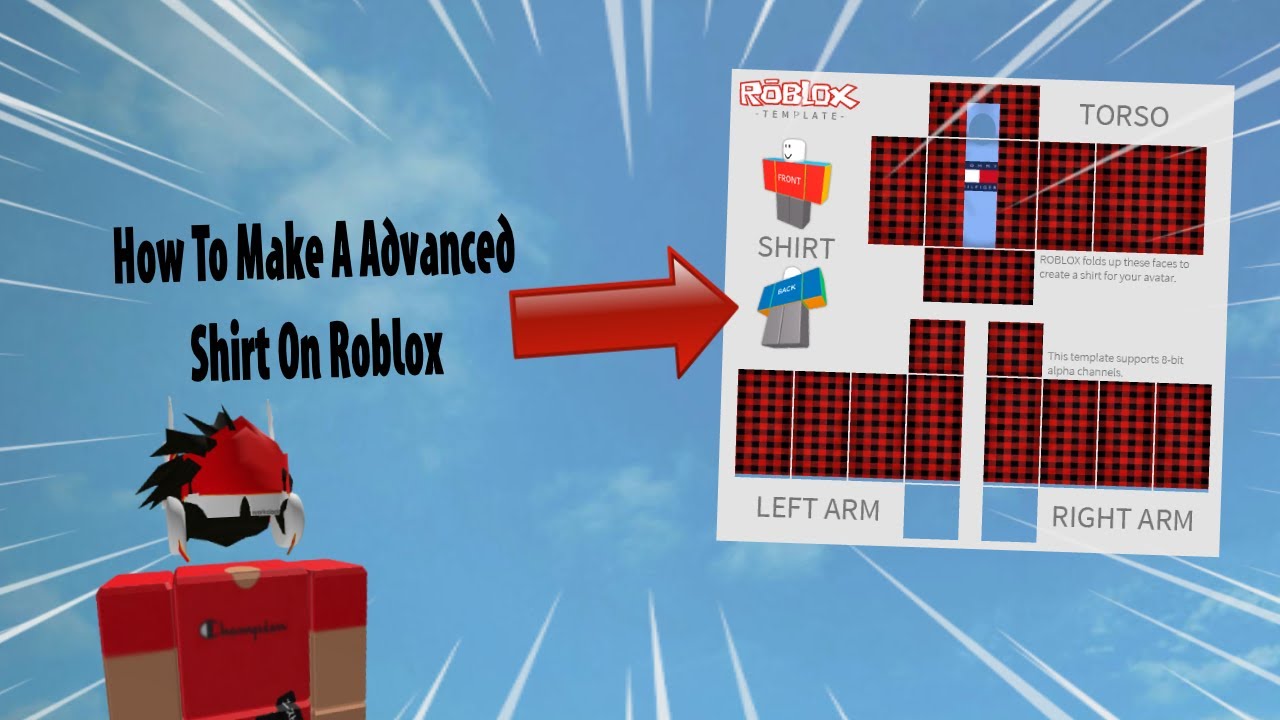
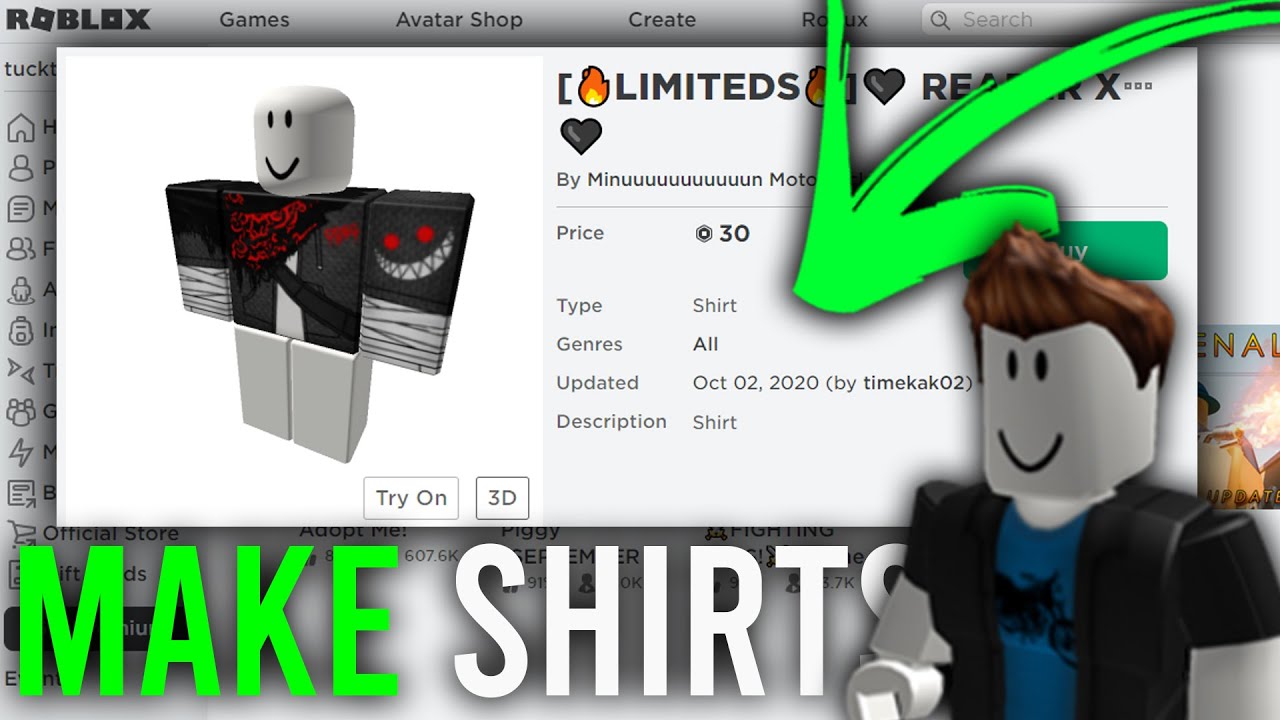



How To Make A Advanced Shirt On Roblox 2026 YouTube . How Do You Make Shirts In Roblox 2026 How To Make A Shirt In Roblox Full Guide Or Make Your Own Roblox Shirt Easily . How To Make A T Shirt In Roblox Mobile In 2026 YouTube Hqdefault . How Do You Make Shirts In Roblox 2026 Roblox Shirt Templates How To Create Roblox Shirts And Pants.webp. How To Make A T Shirt In ROBLOX Under 90 Seconds YouTube




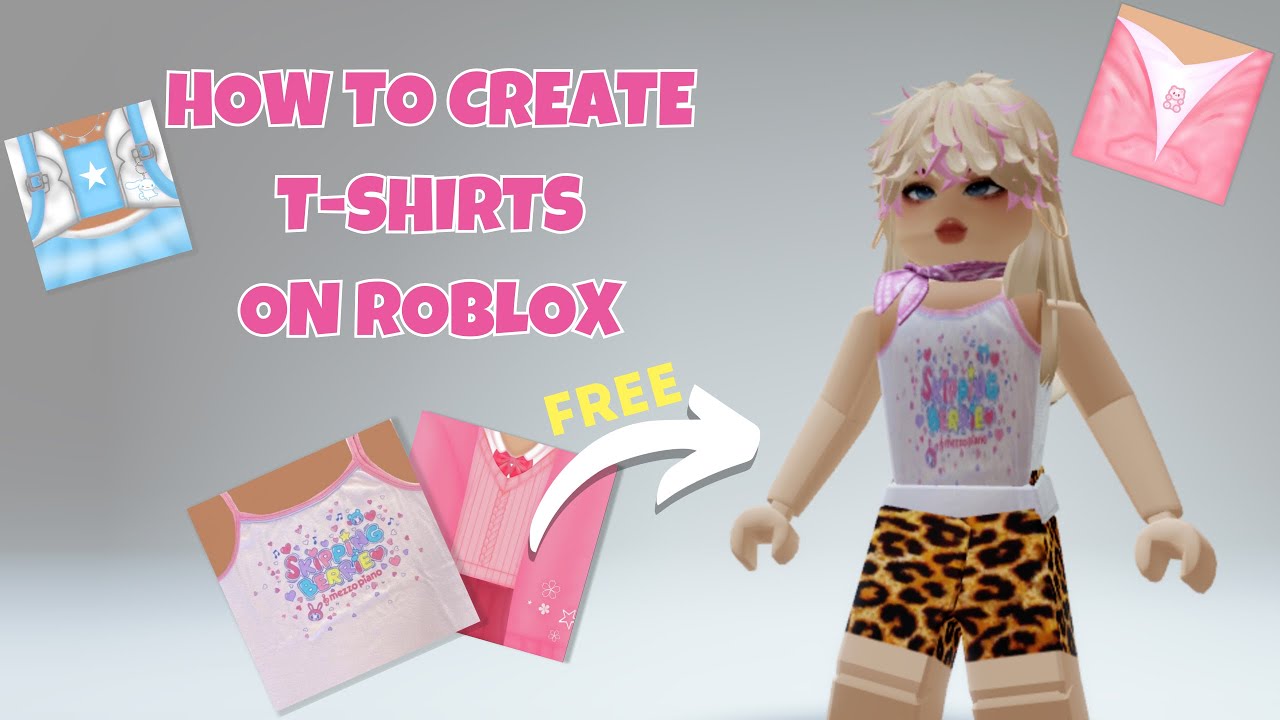
How Do I Make Clothes On Roblox In 2026 5. Customizing The Template With A Graphic Design. How To Make A Shirt On Roblox 2026 YouTube . YouTube . ROBLOX Tutorial How To Make Shirts YouTube . How To Make A T Shirts For FREE Make Roblox T Shirt YouTube


How To Make A T Shirt In Roblox Mobile Create Roblox T Shirt On . Roblox T Shirt Tutorial 2025 Create Upload Fast YouTube . How Do I Make Clothes On Roblox In 2026 . Make A T Shirt Roblox How To Make A Roblox Classic T Shirt FREE . How To Create A T Shirt On Roblox STEP BY STEP YouTube


Roblox Shirt Template Your Guide To Custom Apparel Design A Roblox T Shirt Design Template Shown In The Image . How To Make T Shirts In Roblox Studio At Michael Wing Blog . EASY How To Make Your Own Roblox T Shirt And Sale It On PC YouTube . HOW TO MAKE UR OWN SHIRT IN ROBLOX 2026 YouTube . How To Make A T Shirt In Roblox 2026 YouTube


How Do I Make Clothes On Roblox In 2026 . How To Make Your Own Roblox Shirt FREE 2023 YouTube . How To Create T Shirts In Roblox YouTube . How To Make A T Shirt In Roblox Easy YouTube . Roblox How To Make A Shirt Roblox Make A Shirt YouTube Hqdefault