Understanding how a motherboard impacts gaming is crucial for any serious player looking to optimize their PC. This foundational component dictates everything from CPU and RAM compatibility to storage speeds and connectivity options, directly influencing in-game performance, system stability, and future upgrade paths. Many gamers often focus primarily on the GPU and CPU, overlooking the motherboard's critical role in tying all these powerful elements together efficiently. A well-chosen motherboard ensures your high-end components communicate effectively, prevents frustrating bottlenecks, and supports advanced features like overclocking and faster data transfer rates, ultimately leading to smoother gameplay, quicker load times, and a more satisfying overall experience. It is not just about raw power, but rather about the stable and efficient platform that unleashes that power reliably and sustainably, especially for adult gamers balancing their passion with demanding daily lives. This guide will clarify how the motherboard affects gaming, helping you make informed decisions for your next build or upgrade.
Q: How critical is a motherboard for overall gaming performance?
A: A motherboard is the central nervous system of your gaming PC, significantly impacting overall performance by dictating component compatibility, data transfer speeds, and power delivery. While it doesn't directly boost FPS like a GPU, it ensures all your high-performance parts—CPU, GPU, RAM, storage—can communicate efficiently and perform at their peak without bottlenecks.
Q: What role does the motherboard's chipset play in affecting my FPS?
A: The chipset acts as the traffic controller for your PC's data. A high-end chipset (e.g., Intel Z-series, AMD X-series) supports faster RAM, more PCIe lanes for modern GPUs and NVMe SSDs, and CPU overclocking, all of which indirectly contribute to higher and more stable frame rates by preventing data bottlenecks and allowing components to operate at their full potential.
Q: Can a budget motherboard really bottleneck a high-end CPU and GPU?
A: Yes, absolutely. A budget motherboard might have weaker VRMs (power delivery), fewer PCIe lanes, or limited RAM speed support. These limitations can prevent a powerful CPU from getting adequate, stable power or an advanced GPU from fully utilizing its bandwidth, leading to throttling, instability, and ultimately underperformance in games.
Q: How does a motherboard influence my ability to upgrade my gaming PC in the future?
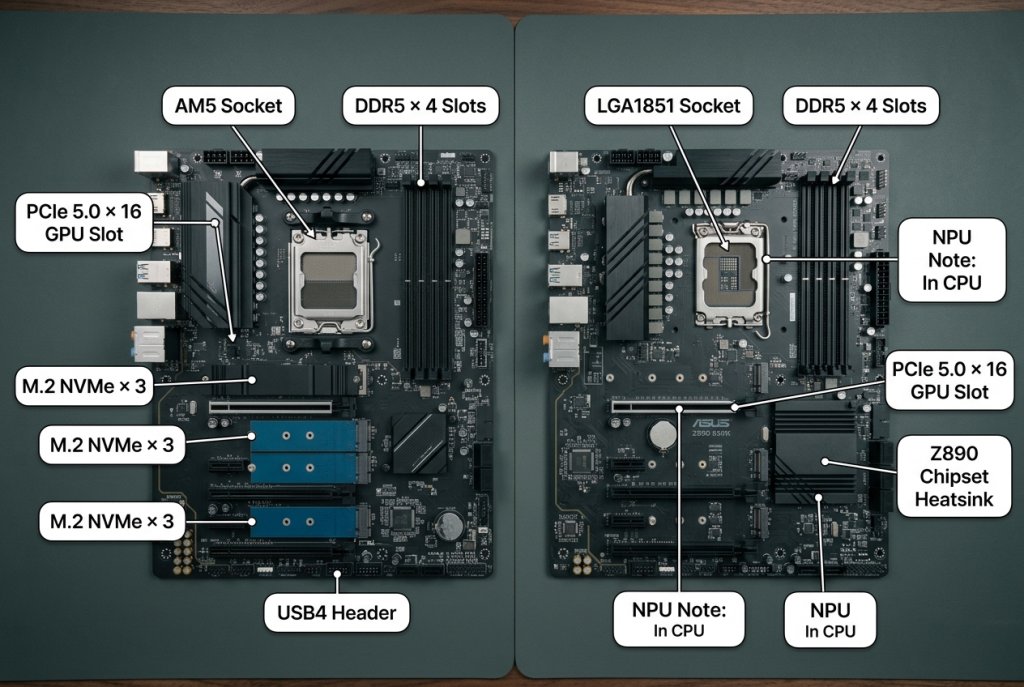
A: Your motherboard dictates your upgrade path by its CPU socket type, supported RAM generation (DDR4 vs. DDR5), and the number/type of expansion slots (PCIe, M.2). A good motherboard offers compatibility with several generations of CPUs within the same socket, sufficient RAM slots, and modern PCIe lanes for future GPUs and ultra-fast storage, ensuring longevity and upgrade flexibility.
Q: Do I need a specific type of motherboard for competitive online gaming?
A: For competitive online gaming, a motherboard with robust networking features is crucial. Look for integrated 2.5Gbps (or higher) Ethernet and the latest Wi-Fi 6E or 7 standards. These provide lower latency and more stable connections, which are vital for responsive gameplay, minimizing lag, and ensuring a smooth experience during intense matches.
Q: What are VRMs and why are they important for gaming stability?
A: VRMs, or Voltage Regulator Modules, are crucial components on the motherboard that deliver clean, stable power to your CPU. For gaming, especially with demanding CPUs or when overclocking, high-quality VRMs with effective cooling prevent power fluctuations and thermal throttling. This ensures consistent CPU performance, preventing crashes and maintaining system stability during long gaming sessions.
Q: Does the number of USB ports or M.2 slots on a motherboard affect gaming?
A: While not directly boosting FPS, having ample high-speed USB ports (for peripherals like mice, keyboards, and headsets) and multiple M.2 slots (for lightning-fast NVMe SSDs) significantly enhances the overall gaming experience. Fast M.2 storage drastically reduces game load times, and enough USB ports ensure all your gaming gear can be connected without compromise, improving convenience and responsiveness.
Hey fellow gamers! Ever fired up your favorite title after a long day, only to be met with frustrating stutters, slow load times, or a general feeling that your high-end components just aren't performing as they should? We have all been there. Juggling work, family, and life means our gaming time is precious, and we want every moment to count, whether it is for relaxation, connecting with friends, or chasing that competitive edge. You might have focused on getting the latest CPU or GPU, but often, the unsung hero (or sometimes the hidden villain) in your gaming rig is the motherboard. US gaming statistics show that 87% of gamers play regularly, often dedicating 10+ hours a week, and they value performance optimization that offers tangible benefits without breaking the bank or requiring a deep dive into hyper-technical jargon. Many of us are looking for practical solutions that fit our busy lives.
You might be wondering, does a motherboard really affect gaming performance? The short answer is yes, absolutely. While it will not directly add frames per second like a powerful graphics card, a motherboard is the central nervous system of your entire system. It dictates how efficiently your CPU, GPU, RAM, and storage communicate, how much power they can draw, and what features your PC can even support. An inadequate motherboard can bottleneck even the best components, turning your dream build into a source of frustration. This comprehensive guide will break down exactly how a motherboard affects gaming, helping you understand its crucial role, avoid common pitfalls, and make smart upgrade decisions that deliver real value for your hard-earned cash and precious gaming hours.
What Exactly Does a Motherboard Do for Your Gaming PC?
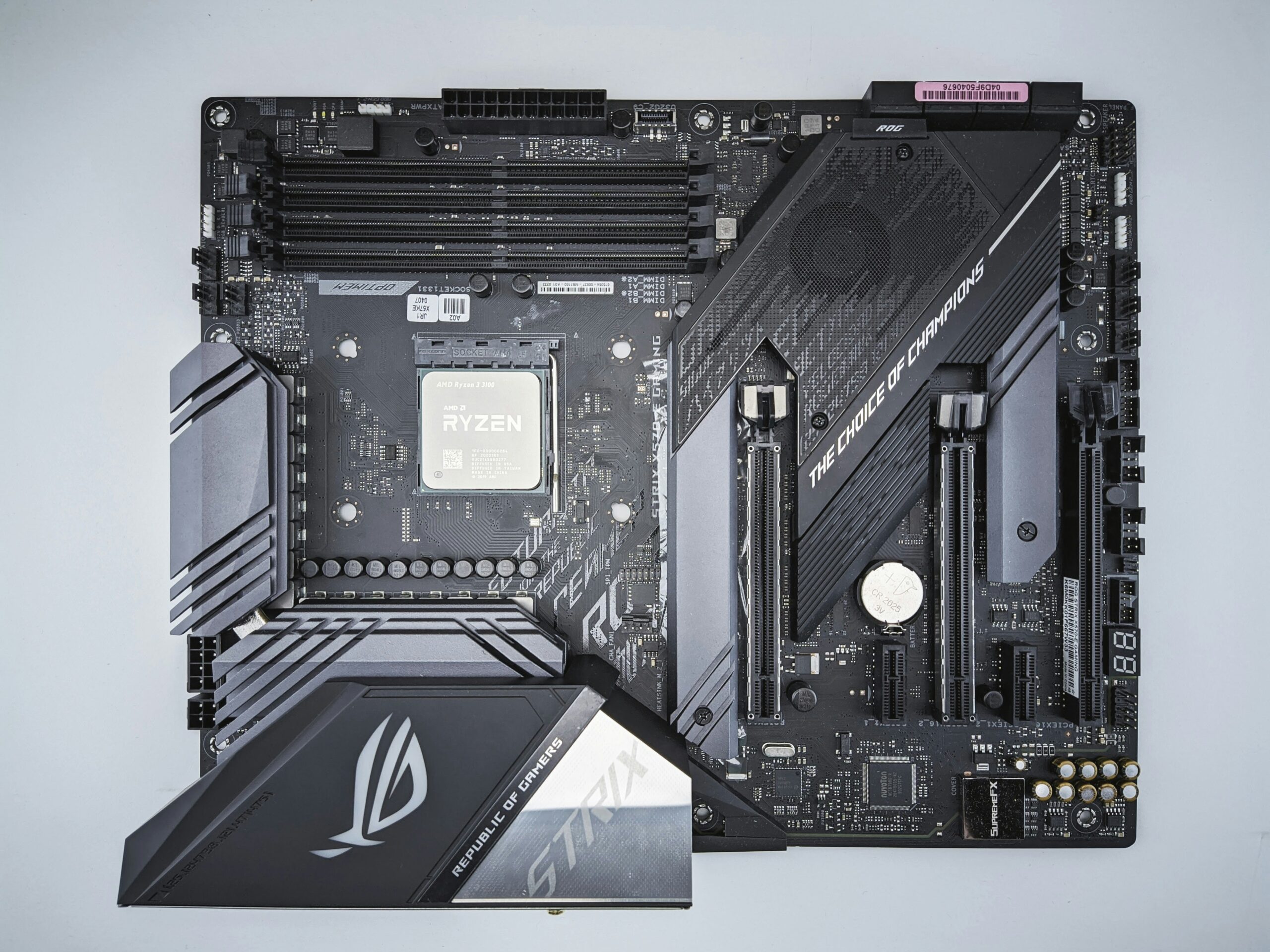
Think of the motherboard as the central hub or the digital city planner for all your PC's components. Its primary role is to connect everything—your CPU, RAM, graphics card, storage drives, and all your peripherals—allowing them to communicate and receive power efficiently. It houses the chipset, which is the communication backbone, and provides slots and connectors for every other part. Without a capable motherboard, your individual components, no matter how powerful, would not be able to work together seamlessly or at their full potential. It ensures stable data flow and power delivery across the entire system.
How Does Motherboard Chipset Choice Affect Gaming Performance?
The chipset is arguably the most influential part of a motherboard for gaming. It is a set of integrated circuits that manage data flow between the CPU, memory, and peripherals. Different chipsets offer varying levels of support for CPU generations, RAM speeds, PCIe lanes (for GPUs and NVMe SSDs), USB ports, and overclocking capabilities. For instance, a high-end chipset (like Intel's Z-series or AMD's X-series) supports CPU overclocking, more PCIe lanes for multiple GPUs or faster storage, and often better power delivery. A budget chipset might limit your RAM speed or prevent CPU overclocking, directly impacting frame rates in CPU-intensive games or causing stutters during heavy data loading. Choosing the right chipset ensures your components can stretch their legs.
Can a Motherboard Limit My CPU or GPU's Power in Games?
Yes, absolutely. While the motherboard does not have its own processing power, it acts as a critical conduit. A motherboard with an outdated socket will prevent you from using the latest, most powerful CPUs. Insufficient or poorly designed power delivery phases (VRMs) on a motherboard can starve a powerful CPU, especially during intense gaming sessions or overclocking, leading to throttling and reduced performance. Similarly, insufficient PCIe lanes or an older PCIe generation can bottleneck high-end GPUs or ultra-fast NVMe SSDs, preventing them from reaching their maximum data transfer speeds, which can manifest as longer load times or micro-stutters in demanding titles. For example, a PCIe 3.0 slot will limit the bandwidth of a modern PCIe 4.0 or 5.0 GPU.
Is Overclocking Dependent on My Motherboard's Capabilities?
Definitely. Overclocking your CPU or RAM to squeeze out extra performance is a popular way for gamers to get more out of their hardware. However, this capability is heavily reliant on your motherboard. Only motherboards with specific chipsets (like Intel Z-series or AMD X-series) and robust power delivery systems (VRMs) are designed to handle the increased power draw and heat generated by overclocked components. Cheaper motherboards often lack the necessary BIOS options, strong VRMs, and adequate cooling for power delivery, making stable overclocking impossible or even risky. If you plan to overclock, a quality motherboard is non-negotiable for stability and longevity.
What About RAM Speed and Motherboard Support for Gaming?
RAM speed and capacity are crucial for gaming, particularly in open-world titles or when multitasking (like streaming and gaming simultaneously). Your motherboard determines the maximum RAM speed (MHz) and total capacity (GB) it can support. While your CPU also has a say, the motherboard's traces and BIOS settings are what truly enable higher RAM frequencies and XMP (Extreme Memory Profile) profiles. A motherboard that only supports DDR4-3200MHz will not allow your DDR4-3600MHz RAM to run at its advertised speed, leaving potential performance on the table. For US gamers, with 60% engaging in social play, having enough fast RAM helps manage Discord, browser tabs, and game all at once without a hitch.
Does Motherboard Connectivity and Expansion Matter for Gaming?
Absolutely, especially in 2026. Connectivity impacts everything from your internet speed to your peripheral experience. A good gaming motherboard offers plenty of high-speed USB ports (USB 3.2 Gen 2x2 for fast external storage), integrated Wi-Fi 6E or 7 for low-latency wireless gaming (a boon for gamers who cannot run Ethernet cables), and 2.5Gbps or 5Gbps Ethernet for stable wired connections. Ample M.2 slots for NVMe SSDs are vital for lightning-fast game loading and system responsiveness; many modern motherboards now support PCIe Gen 4 or even Gen 5 M.2 drives. Furthermore, enough PCIe slots for future upgrades (like a capture card for streaming or a dedicated sound card) provide valuable flexibility. As mobile gaming continues its dominance, the ability to seamlessly connect various devices and accessories becomes even more important for a holistic gaming setup.
When Should I Consider Upgrading My Motherboard for Gaming?
Upgrading your motherboard is often less frequent than a GPU or CPU, but it becomes necessary in a few key scenarios. The most common reason is when you want to upgrade your CPU to a newer generation that uses a different socket (e.g., moving from an Intel 11th Gen to 14th Gen, or an AMD Ryzen 3000 to 7000 series). You might also upgrade if your current motherboard is bottlenecking existing components (e.g., poor VRMs throttling your CPU, or limited PCIe lanes for a new NVMe drive). Finally, if you need new features like faster RAM support, Wi-Fi 7, more M.2 slots, or better overclocking capabilities, a motherboard upgrade is essential. For gamers on a budget, consider if your current motherboard truly holds back your other components before investing. The goal is value for money and performance optimization.
How to Choose a Gaming Motherboard on a Budget?
Choosing a gaming motherboard on a budget requires smart prioritization. First, determine your CPU. For example, if you are going with a non-overclockable Intel CPU, you do not need an expensive Z-series board; a B-series board will suffice. Look for a motherboard that supports your desired RAM speed and has at least one PCIe 4.0 M.2 slot for a fast NVMe SSD. Prioritize essential connectivity like 2.5Gbps Ethernet and a few USB 3.2 ports. Do not overspend on features you will not use, like multiple GPU support or extreme overclocking if that is not your plan. Reading reviews and comparing chipsets will help you find a value-for-money option that provides stable performance without unnecessary frills. Balancing gaming with life means making smart financial choices, and this applies directly to hardware upgrades.
As US gamers average over 10 hours a week playing, whether it is exploring cozy games, competing in esports, or delving into the latest AAA titles, a stable and efficient system is key to maximizing enjoyment and minimizing frustration. The motherboard is a foundational piece that often gets overlooked but can make or break your gaming experience.
In conclusion, while a motherboard does not directly generate frames per second, its influence on gaming performance is profound. It ensures your CPU, GPU, RAM, and storage work together efficiently, enables features like overclocking, and provides the necessary connectivity for a seamless gaming experience. Choosing the right motherboard is about building a stable, efficient platform that allows your other components to shine and supports your gaming habits, whether that is casual relaxation or competitive play. It is an investment in stability, longevity, and future-proofing your gaming setup.
What's your biggest gaming challenge when it comes to hardware? Comment below!
FAQ Section
Q: Is a more expensive motherboard always better for gaming?
A: Not always. A more expensive motherboard typically offers better power delivery, more connectivity, advanced features like Wi-Fi 7, and robust cooling for overclocking. However, if you are not using high-end components or do not plan to overclock, a mid-range motherboard with a solid chipset can provide excellent gaming performance for a better value. Focus on features that directly benefit your specific CPU, GPU, and usage.
Q: Does motherboard size (ATX, Micro-ATX, Mini-ITX) affect gaming performance?
A: The physical size (form factor) of a motherboard itself does not directly impact gaming performance. However, larger boards (ATX) often offer more expansion slots (PCIe, M.2) and better cooling for VRMs, which can indirectly support higher performance or more stable overclocking. Smaller boards (Micro-ATX, Mini-ITX) might have fewer slots but can still perform excellently in compact builds if their chipset and power delivery are robust.
Q: How important are VRMs (Voltage Regulator Modules) on a motherboard for gaming?
A: VRMs are very important, especially for gaming and CPU-intensive tasks. They deliver stable power to your CPU. High-quality VRMs with good cooling prevent CPU throttling under heavy loads, ensuring consistent performance and stability. This is particularly critical if you are running a high-power CPU or planning to overclock. Weak VRMs can lead to instability and reduced performance.
Q: Can a motherboard affect my internet speed or latency in online games?
A: Yes, it can. A motherboard's integrated Ethernet controller and Wi-Fi module directly influence your network performance. Higher-end motherboards often feature 2.5Gbps or 5Gbps Ethernet ports and the latest Wi-Fi 6E or 7 standards, which provide faster speeds and lower latency compared to older 1Gbps Ethernet or Wi-Fi 5. This is crucial for competitive online gaming and smooth streaming, ensuring a stable and responsive connection.
Q: Does the aesthetic of a motherboard (RGB, design) impact gaming performance?
A: No, the aesthetic elements like RGB lighting, heatsink design, or specific color schemes on a motherboard have no direct impact on gaming performance. These features are purely cosmetic and chosen for personal preference or to match a build's visual theme. Performance is determined by the underlying components like chipset, VRMs, and slot types, not by how flashy the board looks.
Motherboard affects gaming through CPU and RAM compatibility, PCIe lanes for GPU and storage, power delivery for stable performance and overclocking, connectivity options for peripherals and network, and overall system stability. It is the foundation that enables all other components to perform optimally.
35

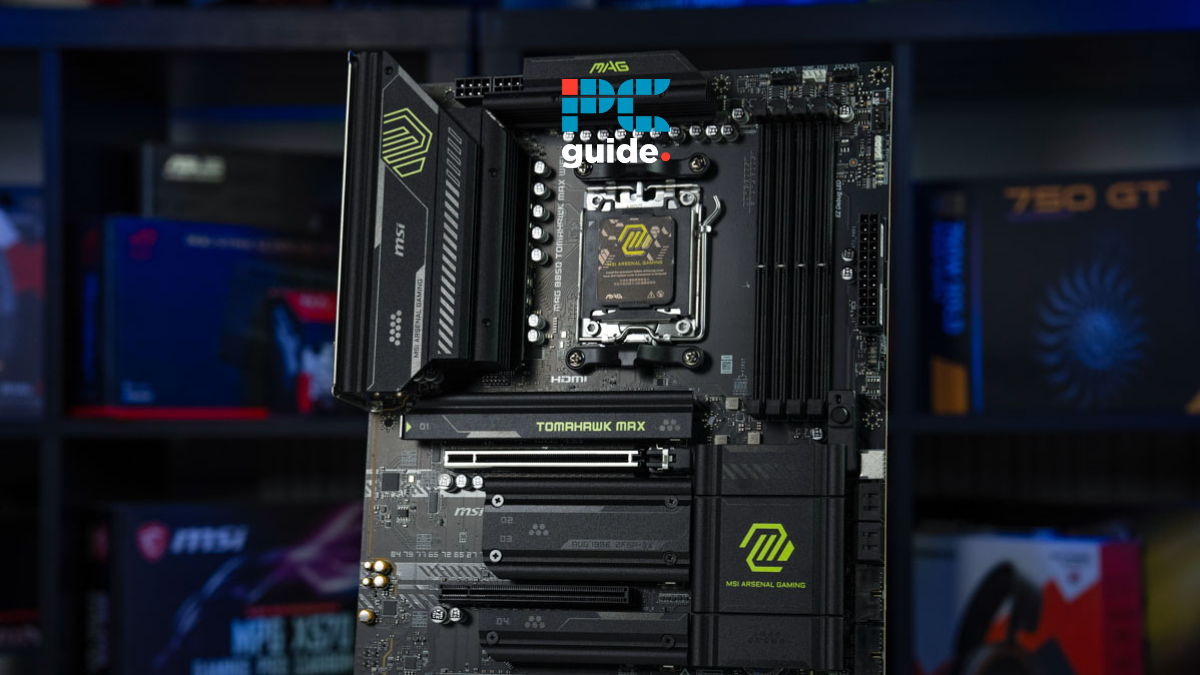


AMD Motherboard Buying Guide 2026 Top Picks For All Needs Top 10 AMD For Gaming And In 2026 . Does Motherboard Matter For Gaming Performance Motherboard For Gaming Pcs In 2026.webp. Does Motherboard Matter For Gaming Performance Best B850 Motherboard . CES 2026 All Things Gaming MSI Has Announced In CES 2026 Xc MB 03 1024x576 . Check Out The Latest ROG Gaming Gear Revealed At CES 2026
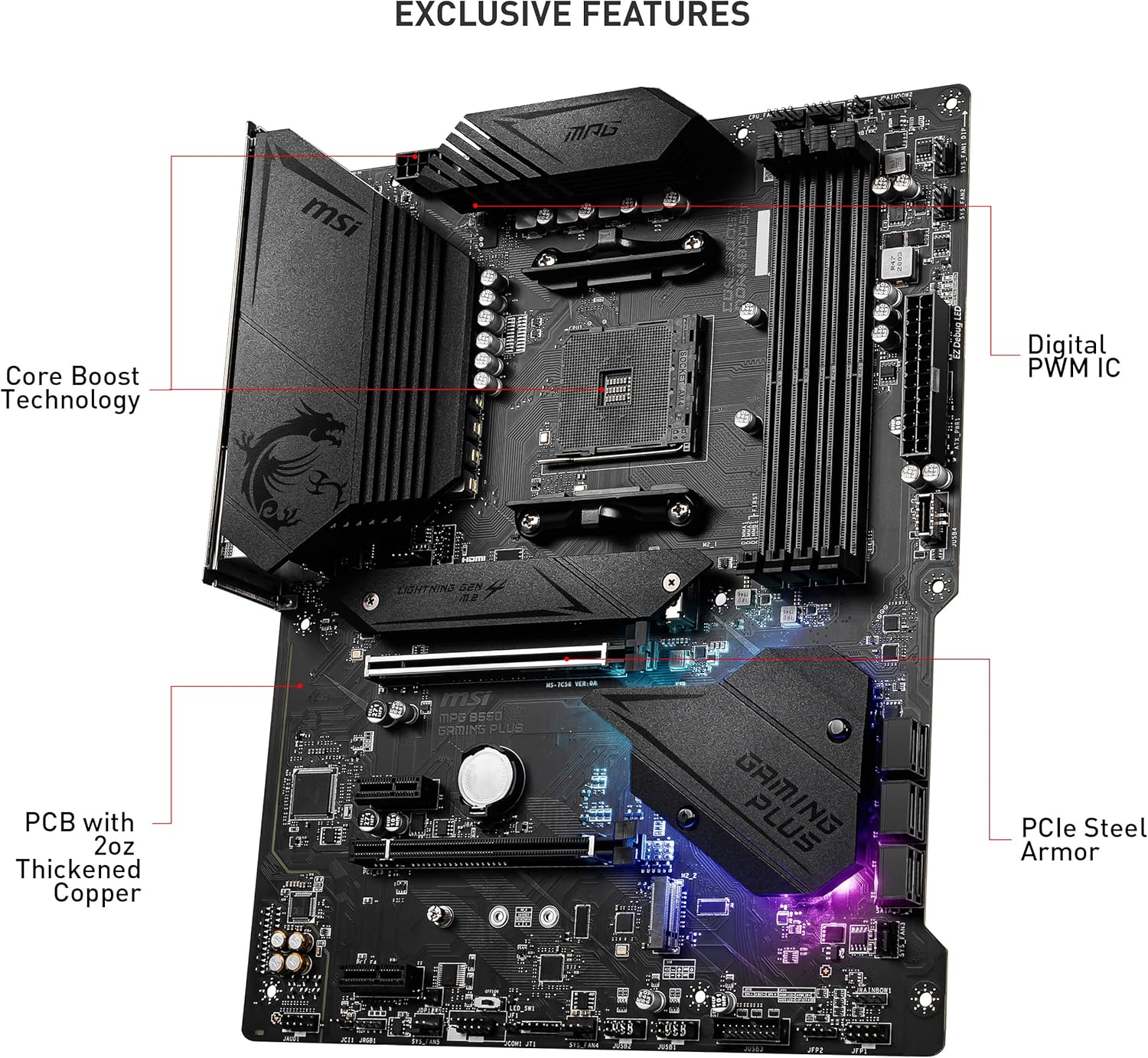


Best AM4 Gaming Motherboard In 2026 Socke Gaming PC Guru AC SL1500 . Best Intel 2026 For Gaming And Work Top Rated Picks Elyamama Best Intel 2026 2a93ddc6c2 . Best Gaming In 2026 Top 5 YouTube . Best Intel Motherboard For Gaming 2026 LG Gaming PC Guru Msi Z890 Gaming Plus Review 800x500 . 7 Best Gaming Of 2026 Top Gaming 2025


9 Best AM5 Gaming In 2026 Top Am5 Gaming . Best B850 In 2026 Our Top Picks PC Guide Best For Gaming . Best B850 In 2026 Our Top Picks PC Guide Best Motherboard For Ryzen 7 9800X3D . Best Gaming In 2026 These Are The AMD And Intel Mobos I D 1920 80 . 5 Best Gaming For 2026 Ultimate PC Builds YouTube Hqdefault


Best MATX In 2026 Andrey Matveev 66a07WD8CMo Unsplash Scaled . AMD Or Intel Motherboard In 2026 A Complete Buyer S Guide For Gaming 8.4 1024x687 . Best Gaming In 2026 Top 5 YouTube . Best Gaming In 2026 Top 5 YouTube . How To Read A Motherboard Part 1 CPU RAM And Expansion Slots
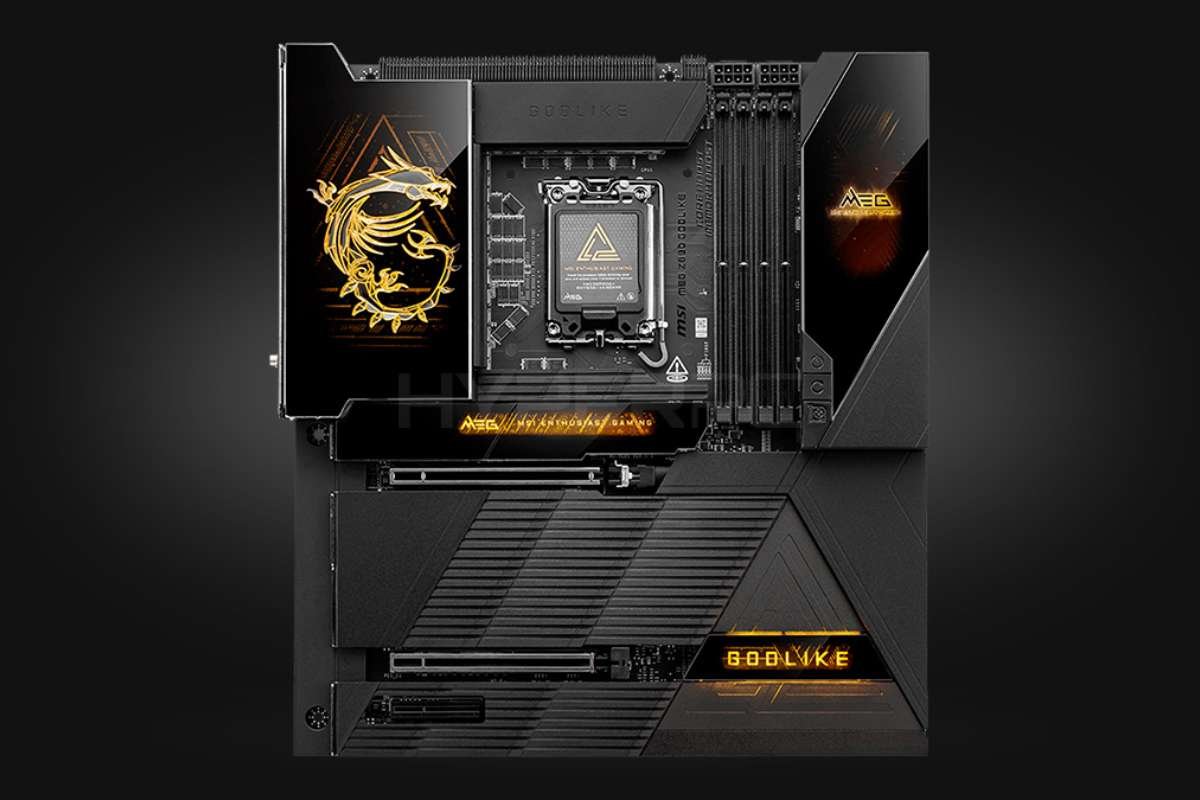

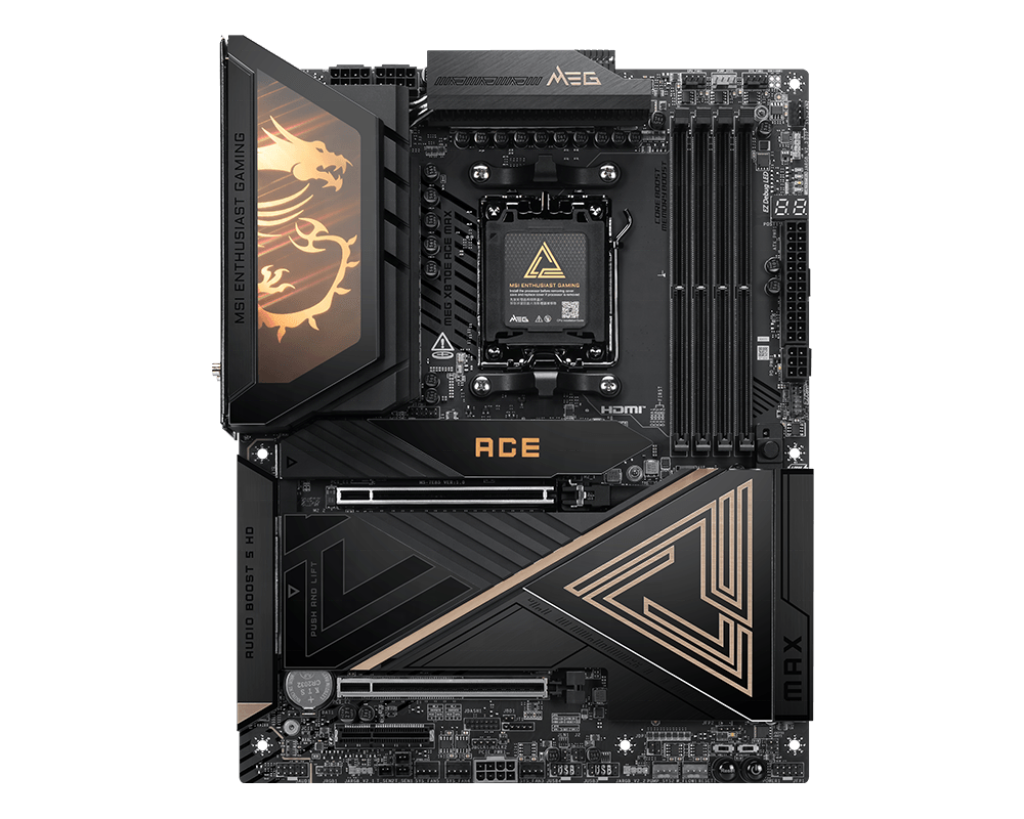
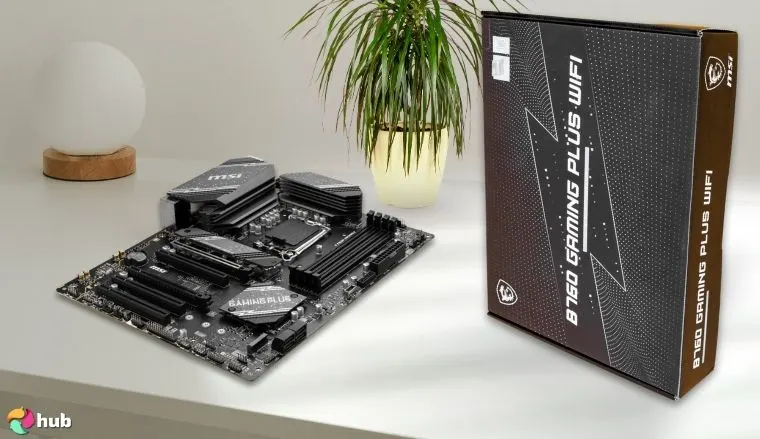
10 Best Gaming For Intel Platforms April 2026 Expert Reviews Best Gaming For Intel Platforms 768x419 . 8 Best Motherboard For Gaming In 2026 CIO Women Magazine 1. MSI MEG Z890 Godlike Source Hyperpc.ae . How Do Affect Gaming Performance FragMeta How Do Gaming Affect Performance 750x375 . Upgrade Your System With High Performance Socket 2026 Motherboard Solutions 2026 New MSI MEG X870E ACE MAX AM5 Gaming Motherboard Wi Fi7 10G LAN DDR5 ATX Supports 9000 8000 7000 Series For Gaming AI PC . Best For Gaming In 2026 Intel And AMD Builds MSI B760 Gaming Plus Best Intel B760
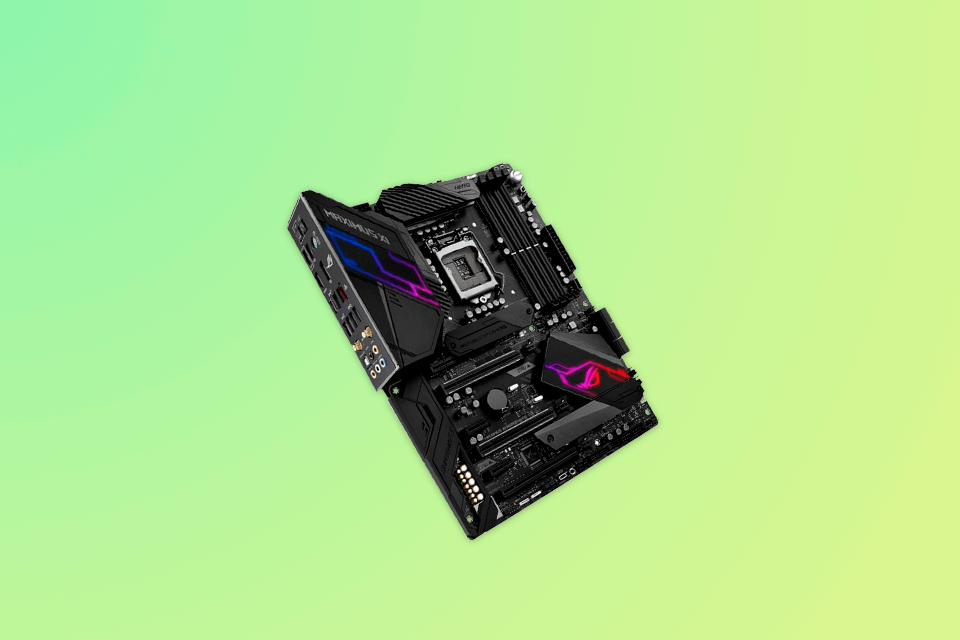
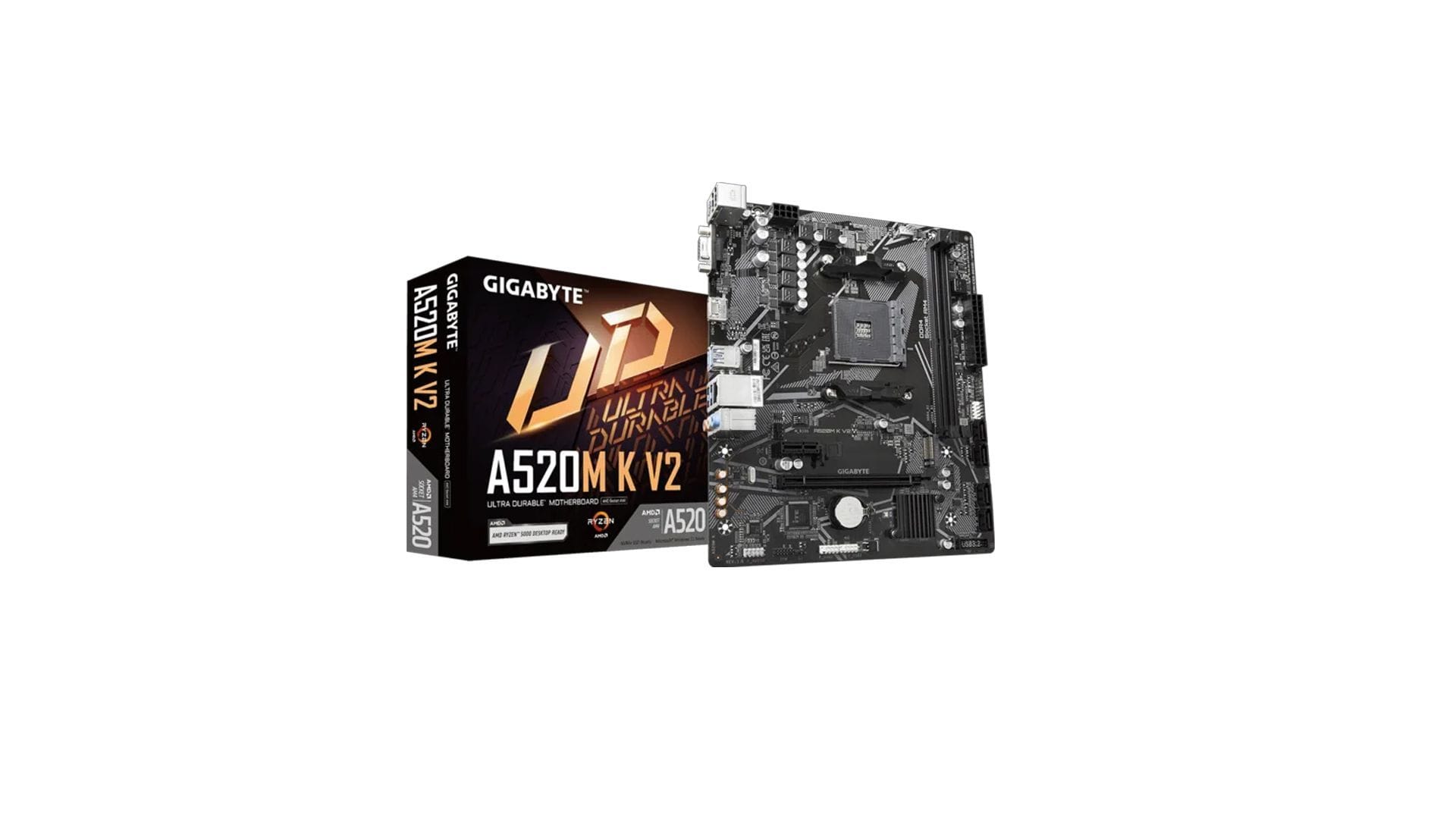
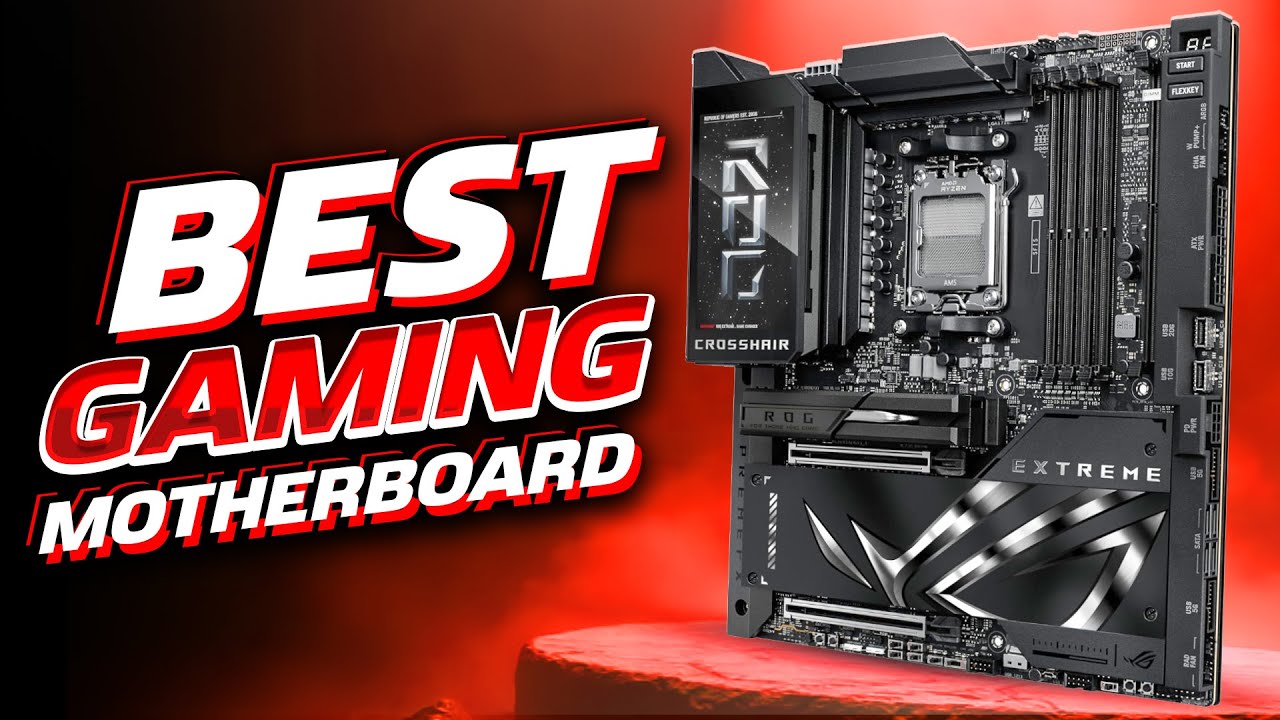
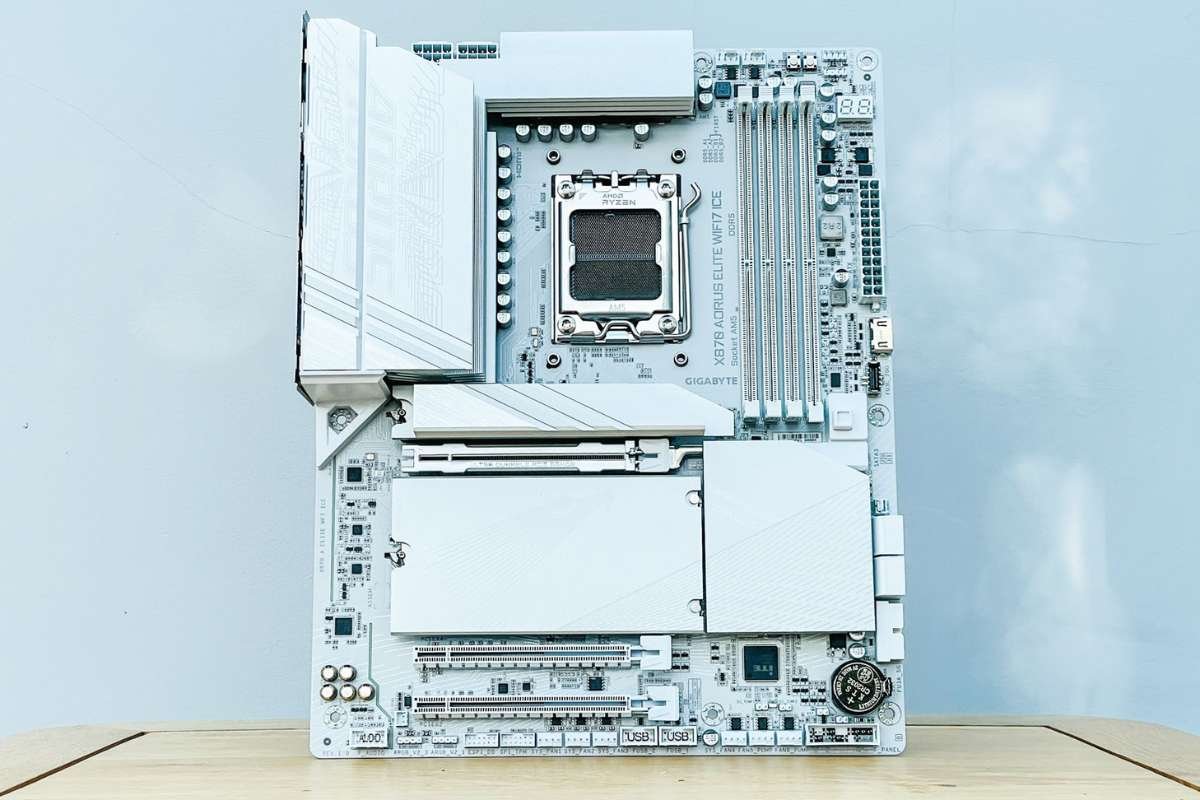
15 Best For Game Development In 2026 Best Motherboard For Game Development How To Choose . 5 Best AM4 In 2026 97fa5 1920 . Best AMD 2026 Complete Buyer S Guide Featured Image U1wzheui 300x210 . 5 Best Motherboard For Gaming Best Gaming Motherboard 2026 YouTube . 8 Best Motherboard For Gaming In 2026 CIO Women Magazine 7. Gigabyte X870 Aorus Elite WiFi7 Ice Source


Best Gaming 2026 Must Watch Before You Buy One YouTube . Why More Gamers Are Switching To PC Gaming Best Gaming PC 2025 1 . Best AMD 2026 For Ryzen CPUs Top Picks And Buyer Guide Amd For Cpus A5081981eb . Best Motherboard For Ryzen 9 9950X3D 2026 PC Cores Best Motherboard For Ryzen 9 9950X3D 2025 PCCores.com . 15 Best For Game Development In 2026 News Main Preview 16800