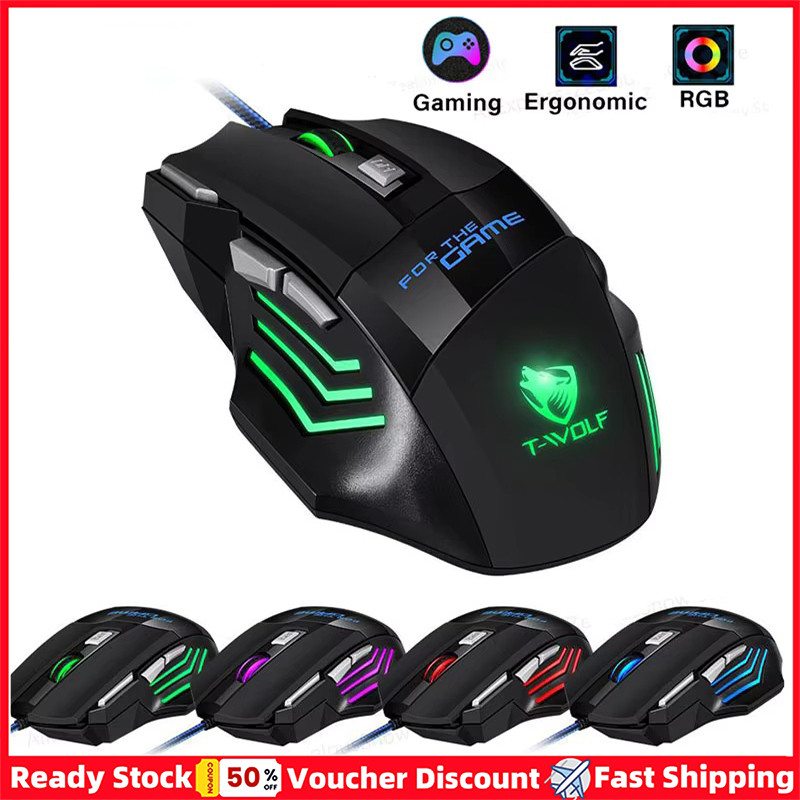
Upgrading your gaming setup can be exciting, but what do you do with that perfectly good, old gaming mouse? Don't let it collect dust or end up in a landfill. This comprehensive guide will walk you through exactly where to sell gaming mouse models, from premium esports gear to reliable daily drivers, ensuring you recoup some value. Whether you're eyeing a new sensor, better ergonomics, or just need to declutter, understanding the best platforms and practices for selling your used peripherals is key. We'll cover everything from online marketplaces to local options, preparation tips, pricing strategies, and how to stay safe from scams. Gamers, who on average spend over 10 hours a week immersed in virtual worlds, often upgrade their gear. With 87% of US gamers playing regularly, there's a thriving market for pre-owned equipment. Learn how to turn your old gear into new funds, making your next upgrade more affordable and sustainable, all without the usual hassle and hype.
Q: What's the best platform to sell a high-end gaming mouse quickly?
A: For high-end gaming mice, eBay and Reddit's r/hardwareswap are generally the best platforms. eBay offers a massive audience and auction potential, while r/hardwareswap connects you directly with enthusiasts who understand the value of premium gear. Both require good photos and detailed descriptions.
Q: How much can I expect to get for a used gaming mouse?
A: You can generally expect to get 40% to 70% of the original retail price for a used gaming mouse, depending on its condition, age, and popularity. Newer, well-maintained models with original packaging will command higher prices, while older or heavily used mice will fetch less.
Q: Is it safe to meet someone in person to sell my gaming mouse?
A: Yes, meeting in person can be safe if done cautiously. Always choose a public, well-lit location, like a coffee shop, police station lobby, or a busy mall. Inform a friend or family member of your meeting details, and only accept cash payment to avoid scams.
Q: Do I need the original box to sell my gaming mouse?
A: While not strictly necessary, having the original box significantly increases your gaming mouse's perceived value and makes it more appealing to buyers. It suggests better care, offers better protection during shipping, and can help you achieve a higher selling price.
Q: How long does it typically take to sell a gaming mouse online?
A: The selling time for a gaming mouse can vary greatly, from a few hours to several weeks. Popular models in excellent condition at a competitive price tend to sell fastest. Less common mice or those priced higher than market value might take longer to find a buyer.
Q: Should I factory reset my gaming mouse before selling it?
A: Yes, if your gaming mouse has onboard memory for profiles, macros, or RGB settings, it's highly recommended to factory reset it. This ensures all your personal configurations are wiped, protecting your privacy and providing the new owner with a clean slate for customization.
Q: What are the common mistakes sellers make when listing a gaming mouse?
A: Common mistakes include poor quality photos, an incomplete description of the mouse's condition, overpricing or underpricing, not cleaning the mouse, failing to mention all included accessories, and not specifying safe payment or shipping terms. Transparency and good presentation are crucial for a successful sale.
Alright, fellow gamers! Ever find yourself staring at a perfectly good gaming mouse, replaced by a shiny new model, wondering what to do with the old one? You're not alone. With the constant evolution of gaming tech and exciting new titles dropping monthly, upgrading our gear is a natural part of the hobby. But instead of letting that trusty peripheral gather dust or, worse, tossing it, why not turn it into some extra cash for your next game purchase, battle pass, or even another upgrade?
For many of us, gaming is a vital way to unwind after a long day of work or managing family life. We appreciate performance, but also value for money and smart decisions that let us enjoy our passion without breaking the bank. In the US, about 60% of adults game regularly, with the average gamer around 36 years old balancing various responsibilities. We seek relaxation, skill-building, and social connections through games. Recouping value from old hardware perfectly aligns with this mindset, helping fund those essential upgrades or even just a well-deserved treat. This guide is your no-nonsense resource for where to sell gaming mouse models effectively, maximizing your return and making the process smooth and secure.
Why Should I Sell My Old Gaming Mouse Instead of Just Keeping It?
Beyond decluttering your desk, selling your old gaming mouse offers several tangible benefits. Firstly, it puts money back in your pocket, which is always a win. That cash can go towards your next upgrade, a new game, or even just daily expenses. Secondly, it's a sustainable choice. By giving your mouse a second life, you're reducing electronic waste and promoting a circular economy within the gaming community. With new gear constantly tempting us, selling your old mouse helps fund those impulses responsibly. Think of it as investing in your future gaming experiences.
Keeping an unused mouse often means it simply loses value over time, becoming less appealing to potential buyers as newer tech emerges. Modern gamers are always looking for an edge or a good deal, and your gently used mouse could be exactly what someone else needs to level up their own setup, especially those on a budget looking to upgrade from generic office peripherals.
Where Are The Best Online Marketplaces To Sell A Used Gaming Mouse?
The internet offers a plethora of options when it comes to selling used gaming gear. Each platform has its pros and cons regarding reach, fees, and ease of use. Choosing the right one depends on how quickly you want to sell, how much you want to net, and your comfort level with different selling processes.
- eBay: This is arguably the largest marketplace for used electronics. You'll reach a massive audience, potentially getting a higher price for popular or niche models. However, fees can be substantial (final value fees, PayPal fees) and shipping logistics are your responsibility. Be prepared to take good photos, write a detailed description, and handle buyer inquiries.
- Amazon (Seller Central): While primarily for new items, you can sell used electronics through Amazon's third-party seller program. This platform offers immense reach and buyer trust. However, it's more complex than eBay with higher fees and stricter selling requirements, making it less ideal for a one-off sale of a single mouse.
- Reddit (r/hardwareswap): This subreddit is a goldmine for selling used PC components and peripherals directly to other enthusiasts. Fees are minimal (usually just PayPal Goods and Services fees), and you connect with knowledgeable buyers. However, you're responsible for vetting buyers and managing shipping entirely. Always follow their strict rules for posting and transactions.
- Facebook Marketplace & Gaming Groups: Perfect for local sales, but also great for reaching a wide audience. Listing is free, and you can connect with buyers in local gaming communities. This allows for direct communication and potentially cash-in-hand transactions, avoiding shipping costs and fees. Be cautious about meeting in public places and verifying buyers.
- Specialized Forums/Communities: Websites like Linus Tech Tips forum, Overclock.net, or specific brand forums (e.g., Logitech G community) often have 'for sale' sections. These reach highly targeted audiences who know the value of specific gear. The community aspect can foster trust, but the reach is smaller than mainstream platforms.
What About Local Options For Selling My Gaming Mouse?
Sometimes, avoiding shipping and online transaction fees is the way to go. Local selling options offer direct interaction and immediate payment, though the buyer pool might be smaller.
- Facebook Marketplace: As mentioned, this is fantastic for local pickup. You can set a radius and connect with buyers near you. It's often free and allows for quick, direct sales. Always meet in a safe, public location.
- Craigslist: A classic for local sales, Craigslist offers anonymity and direct communication. However, it's also known for higher scam rates, so extreme caution is advised. Always meet in a public place, ideally with a friend, and only accept cash.
- Local Game Stores/Pawn Shops: While convenient, these options typically offer significantly less money than selling it yourself, as they need to make a profit. Some specialized computer repair shops or small local gaming stores might offer a consignment option or buy outright, but don't expect top dollar.
- University/College Campuses: If you live near a university, check if they have a student marketplace or a gaming club notice board. Students are often on a budget and looking for affordable gaming gear.
How Do I Prepare My Gaming Mouse To Get The Best Selling Price?
Presentation is key to a quick sale and a good price. A clean, well-presented mouse instantly instills confidence in potential buyers.
- Clean Thoroughly: Use isopropyl alcohol wipes to clean the surface, buttons, and scroll wheel. Use a toothpick or compressed air to get into crevices. Remove any gunk from the mouse feet. A clean mouse shows care and looks more appealing.
- Test Functionality: Plug it in, test all buttons, the scroll wheel, and sensor tracking. Mention that it's fully functional in your listing. If there are any minor quirks, be transparent about them.
- Gather Accessories: Include the original cable (if detachable), any weight tuning systems, replacement skates, or included documentation. The more complete the package, the more appealing it is.
- Original Packaging: If you still have the original box, use it! It adds significant perceived value and protects the mouse during shipping.
- High-Quality Photos: Take several clear, well-lit photos from different angles. Show the mouse's condition honestly. Include a picture of it working (e.g., plugged into a PC with its RGB on, if applicable).
- Reset Settings: If the mouse has onboard memory, reset it to factory defaults and uninstall any associated software from your PC.
How Should I Price My Used Gaming Mouse Realistically?
Pricing correctly is crucial. Too high, and it won't sell; too low, and you're leaving money on the table. Do your homework!
- Research Completed Sales: Don't just look at active listings on eBay; search for 'sold items' to see what similar models actually sold for. Check r/hardwareswap for recent transaction prices.
- Consider Condition: Is it 'like new,' 'good,' or 'fair'? Be honest. Minor cosmetic flaws reduce value.
- Age and Model: Newer, popular models (e.g., Logitech G Pro X Superlight, Razer DeathAdder V3 Pro) retain value better. Older, discontinued models will fetch less.
- Original Price: What did it cost new? Expect to sell it for 40-70% of its original retail price, depending on age and condition. High-end mice might retain 60-70% if well-maintained.
- Accessories Included: A complete package (box, weights, extra skates) can justify a slightly higher price.
- Be Open to Negotiation: Especially on platforms like Facebook Marketplace, buyers often expect to haggle. Price slightly above your desired minimum to allow for some negotiation.
What Payment Methods Are Safest When Selling A Gaming Mouse Online?
Protecting yourself from scams is paramount, especially when dealing with strangers online.
- PayPal Goods and Services: For online sales requiring shipping, PayPal G&S offers buyer and seller protection. This is the gold standard. Never use 'Friends and Family' for a sale, as it offers no protection. Be aware of the fees involved.
- Local Cash Transactions: For in-person sales, cash is king. It's instant, untraceable (in a good way for immediate transaction closure), and there are no fees. Always verify bills if dealing with larger sums.
- Avoid: Bank transfers, personal checks, money orders, or requests to send items before payment clears. These are common scam tactics. If a buyer insists on an unusual payment method or asks for your email or phone outside the platform's messaging system, be wary.
Are There Any Risks Or Common Scams To Watch Out For When Selling Online?
Unfortunately, scammers are always lurking. Knowing their tactics can help you avoid becoming a victim.
- Fake Payment Screenshots: A buyer sends a doctored screenshot claiming they've paid. Always verify directly through your PayPal account or bank.
- Overpayment Scams: Buyer sends more than the asking price, then asks for the difference back, usually via a separate, untraceable method. The original payment often turns out to be fraudulent.
- Shipping Address Change: After payment, a buyer requests to ship to a different address than the one on the PayPal transaction. This voids seller protection. Only ship to the address provided by PayPal/the platform.
-
Best places to sell gaming mouse online; How to prepare a used gaming mouse for sale; Pricing tips for selling gaming peripherals; Safe payment methods for online sales; Avoiding scams when selling gaming gear; Local options for selling gaming mice; Maximizing your gaming mouse's resale value.
35#1 Gallery where to sell gaming mouse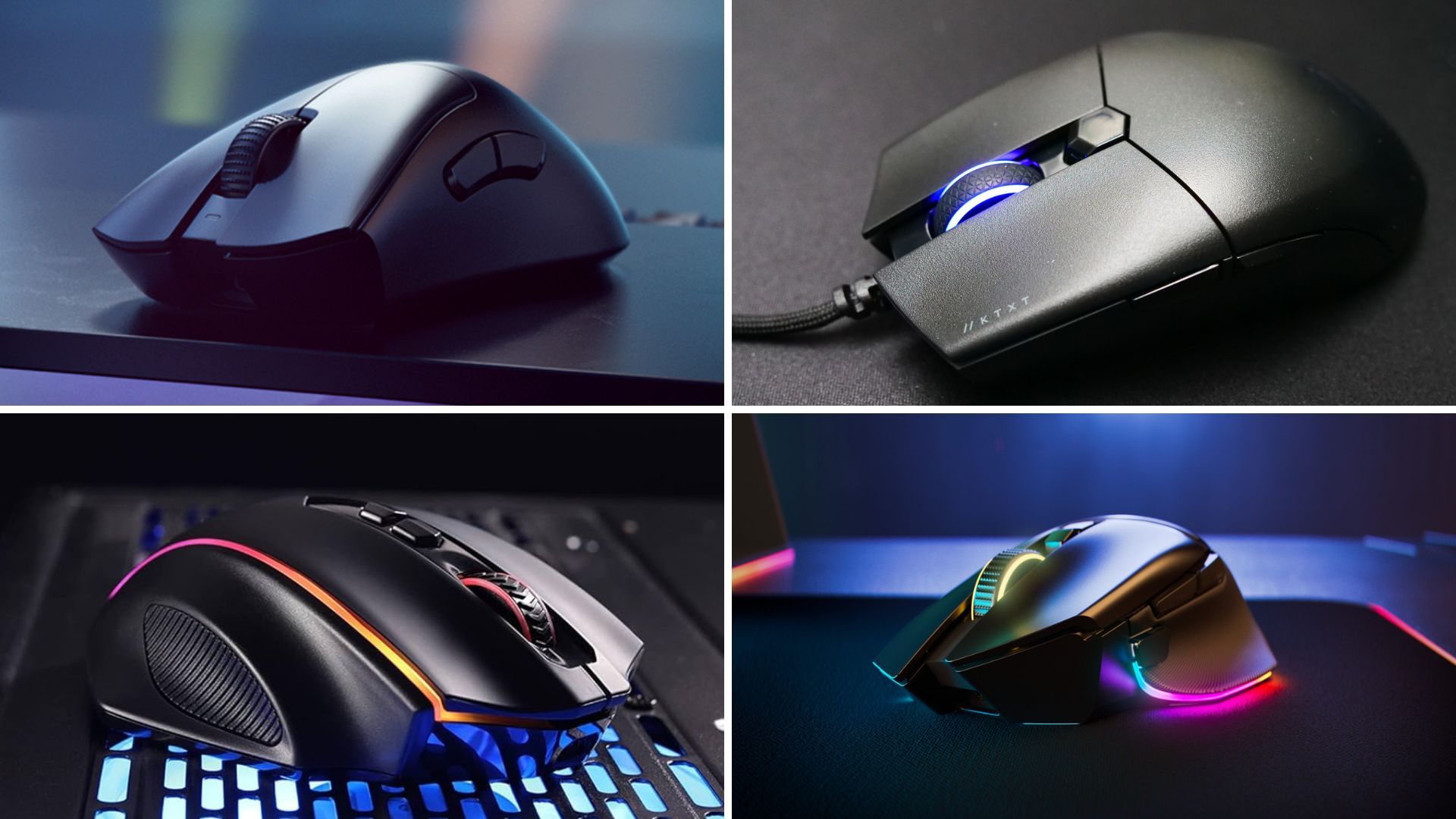
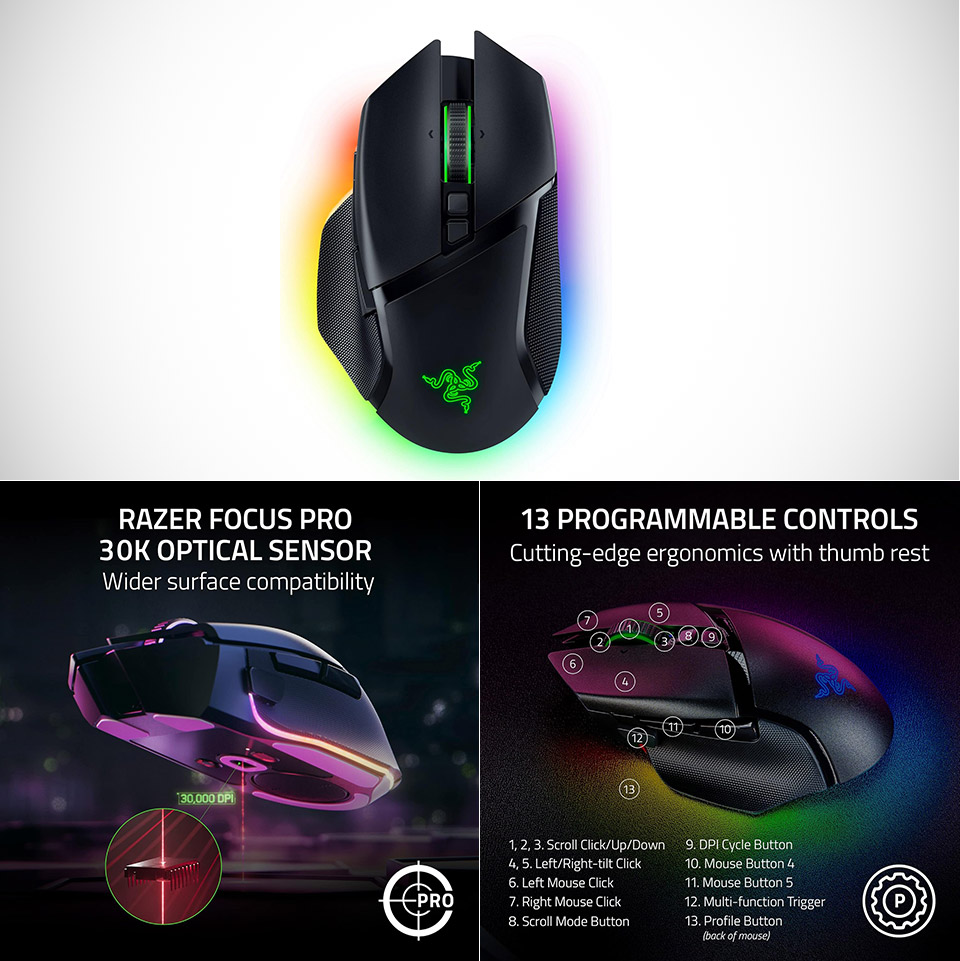


Best Gaming Mouse To Buy In 2026 GAMES GG Best Gaming Mouse To Buy In 2026 47043110a9 . Why The Razer Basilisk V3 Pro Might Still Be The Best Wireless Gaming Razer Basilisk V3 Pro Wireless Gaming Mouse 2026 . The 3 Best Gaming Mice Of 2026 Precision Performance The 3 Best Gaming Mice Of 2026 . Best Wireless Gaming Mouse 2026 Expert Reviews Performance Tests Featured Image 046ajj4w . Best Gaming Mouse 2026 Best Gaming Mouse
#2 Gallery where to sell gaming mouse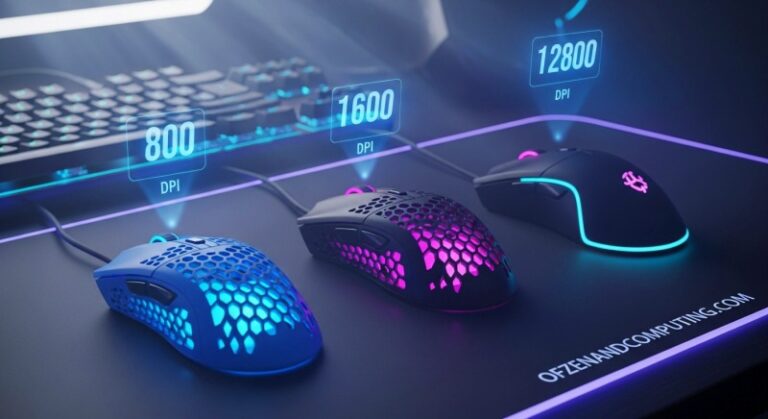


6 Best Gaming Mouse For MMO 2026 Models Tested Best Gaming Mouse Under 25 768x419 . Best Cheap Gaming Mice 2026 Budget Picks Gaming PC Guru Best Cheap Gaming Mice Featured . The Logitech G Pro X2 Superstrike Will Redefine Mice In 2026 Maxi Geek Logitech Superstrike . Best Gaming Mouse Deals 2026 Expert Review Price Analysis Best Gaming Mouse Deals . Gaming Mouse That Are Still The Best In 2026 Noobs2Pro Gaming Mouse That Are Still The Best In 2026
#3 Gallery where to sell gaming mouse


Best Affordable Gaming Mouse 2026 Budget Gaming PC Guru 51n6p RCB7S. AC SL1000 . Best Budget Gaming Mouse 2026 Under 50 Picks Switchblade Gaming Best Budget Gaming Mouse 2026.webp. Best Gaming Mouse 2026 Top Picks For FPS MOBA And Casual Gaming Best Gaming Mouse 2026 1 . Best Gaming Mouse 2026 Top Picks For FPS MOBA And Casual Gaming Best Gaming Mouse 2026 768x432 . Best Gaming Mouse 2026 Top Picks For Every Style Switchblade Gaming Best Gaming Mouse 2026.webp
#4 Gallery where to sell gaming mouse

The Best Logitech Gaming Mouse 2026 GamesRadar USRebate Com The Best Logitech Gaming Mouse 2026 Gamesradar 2048x1152 . 12 Best Wireless Gaming Mouse 2026 Models Tested B09TLCRGMN Customer 1 1024x1024 . The Best Gaming Mice In 2026 Picked By Our Tech Experts Gaming Mouse Turtle Beach Burst II Pro Hand PRODUCT 900 X 600 . 2026 NEW USB Wired Gaming Mouse 7 Button Backlit Ergonomic Mice 2400 Sg 11134201 8262m. Best Gaming Mouse 2026 Top Picks And Expert Reviews Best Gaming Mouse 2026
#5 Gallery where to sell gaming mouse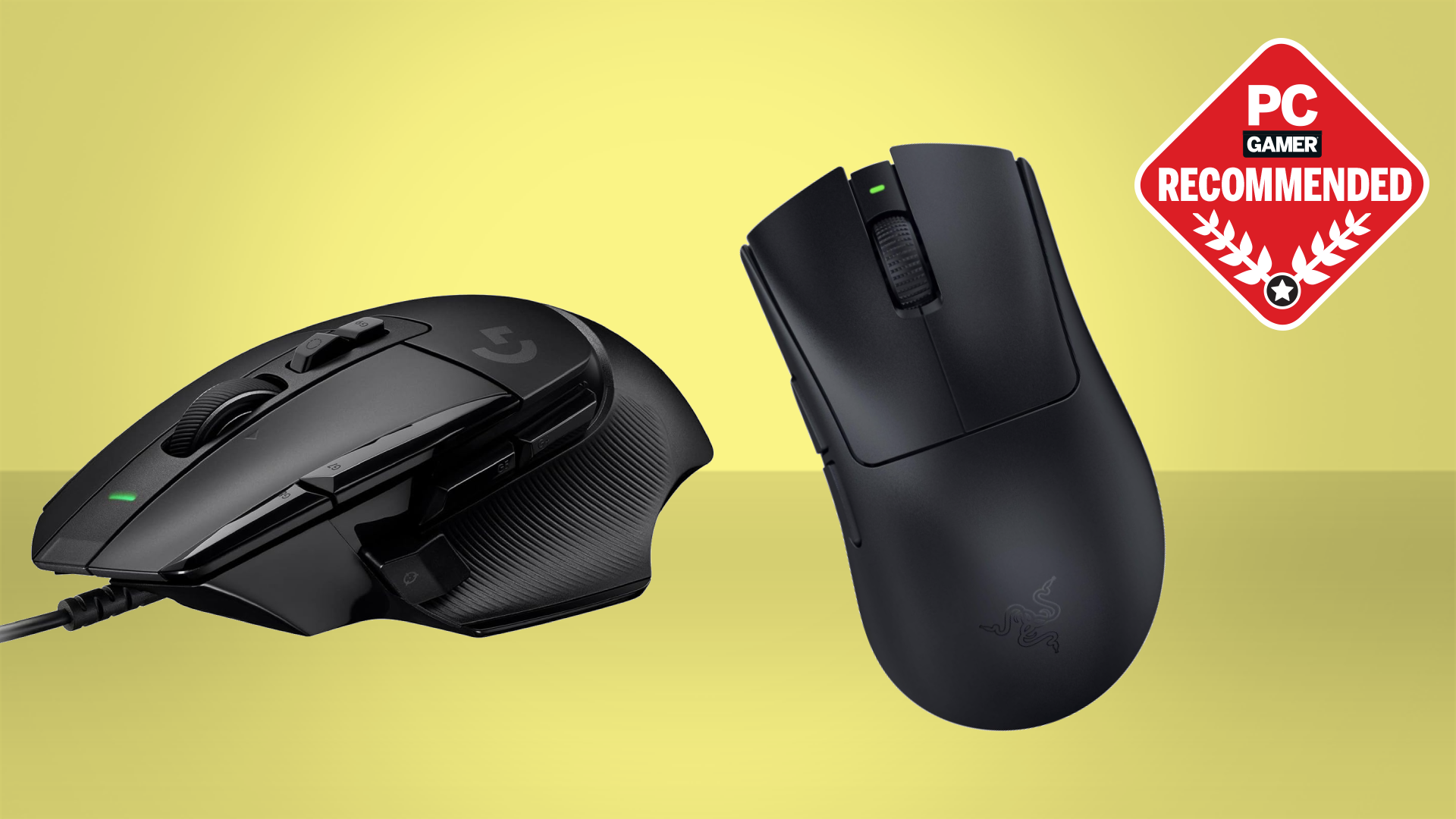
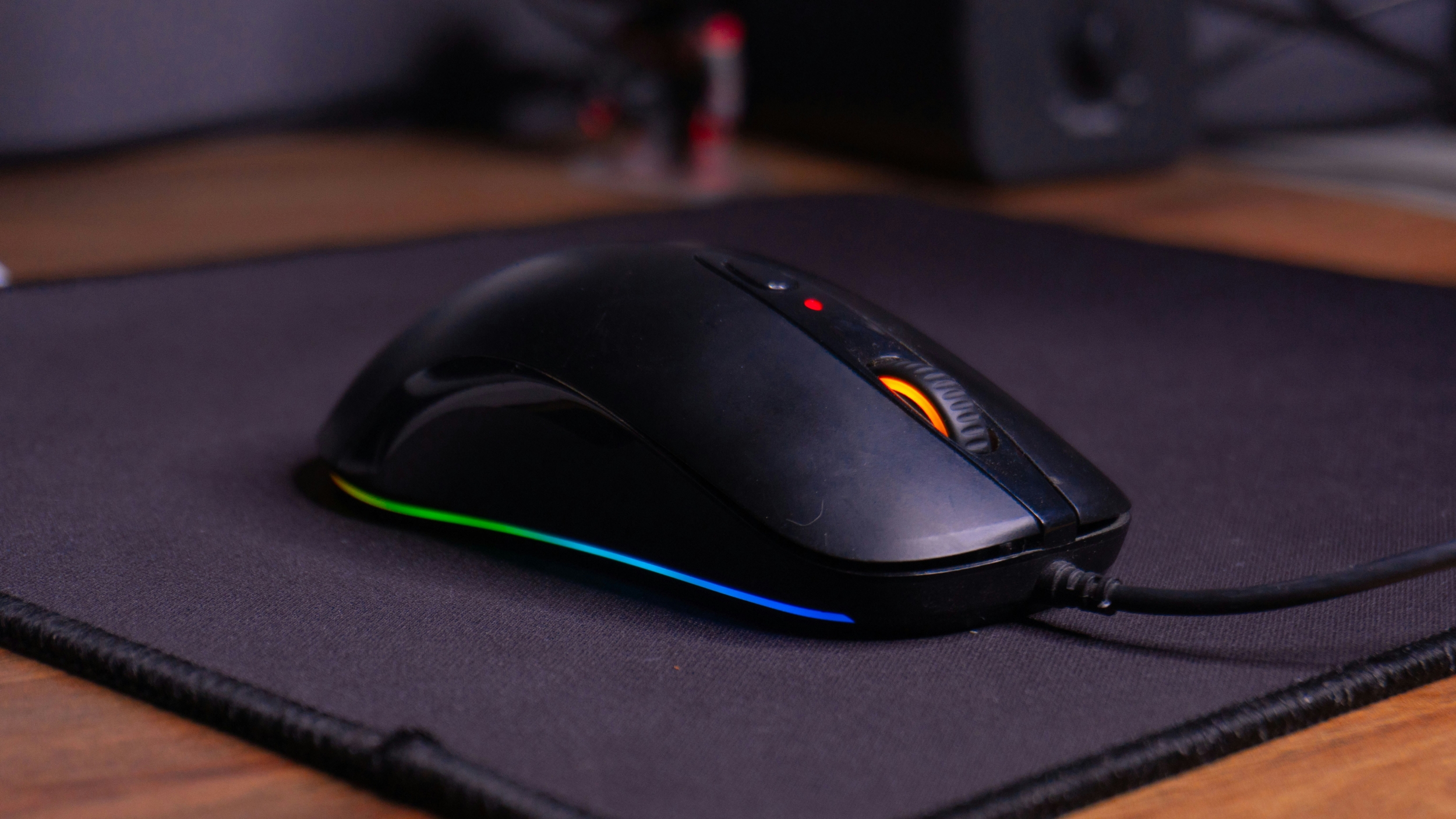
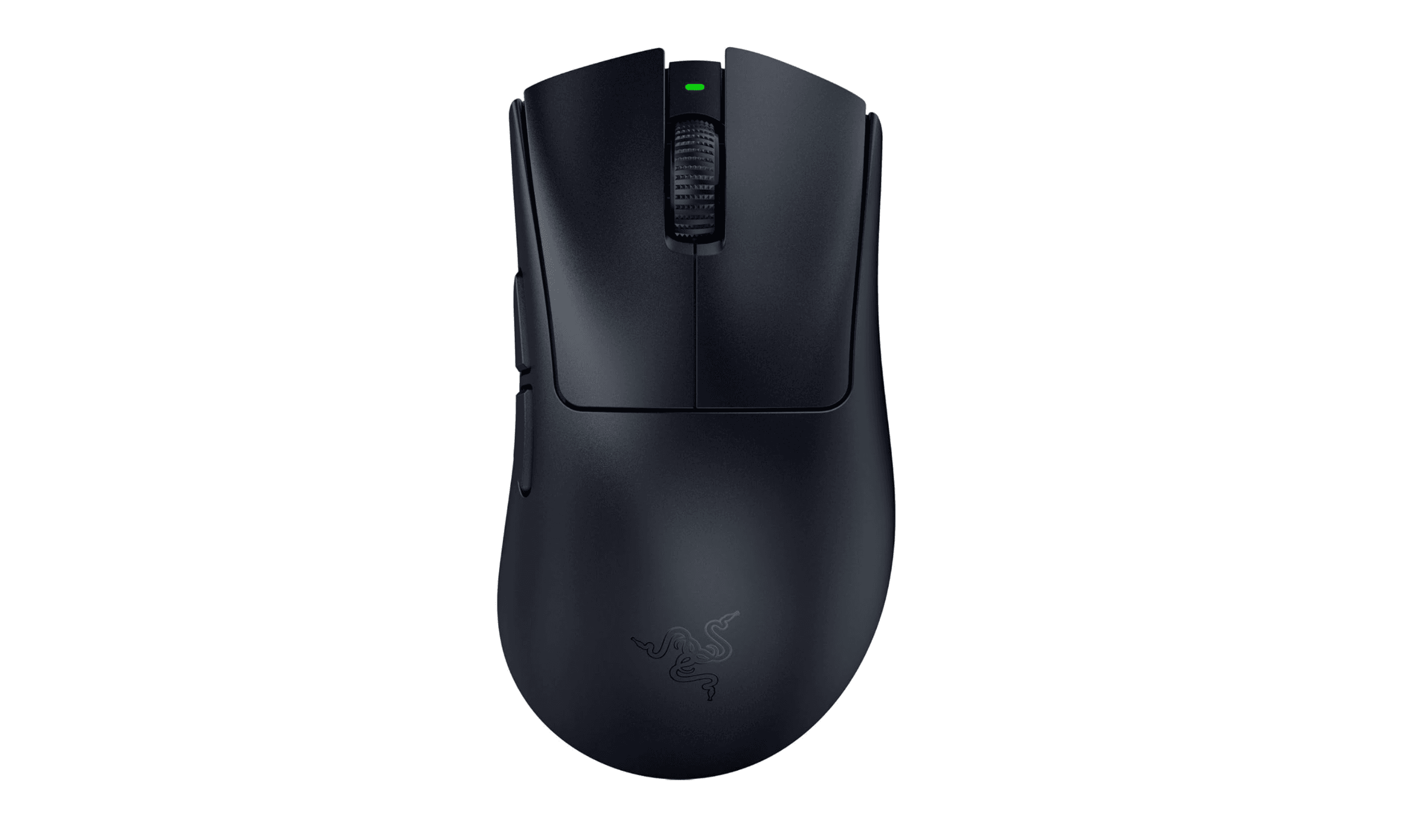


Best Gaming Mouse In 2026 We Ve Tested The Very Best Mice And These . Best Gaming Mouse In 2026 Top Wired And Wireless Picks For Every Gamer Gaming Mouse . 8 Best Gaming Mouse To Buy In 2026 Technobezz Technobezz 2026 02 22 T202922 098 05cae7f8ee . Best Economical Gaming Mouse In 2026 Budg Gaming PC Guru Best Economical Gaming Mouse Featured . 5 Best Wireless Gaming Mice 2026 Part 2 YouTube
#6 Gallery where to sell gaming mouse
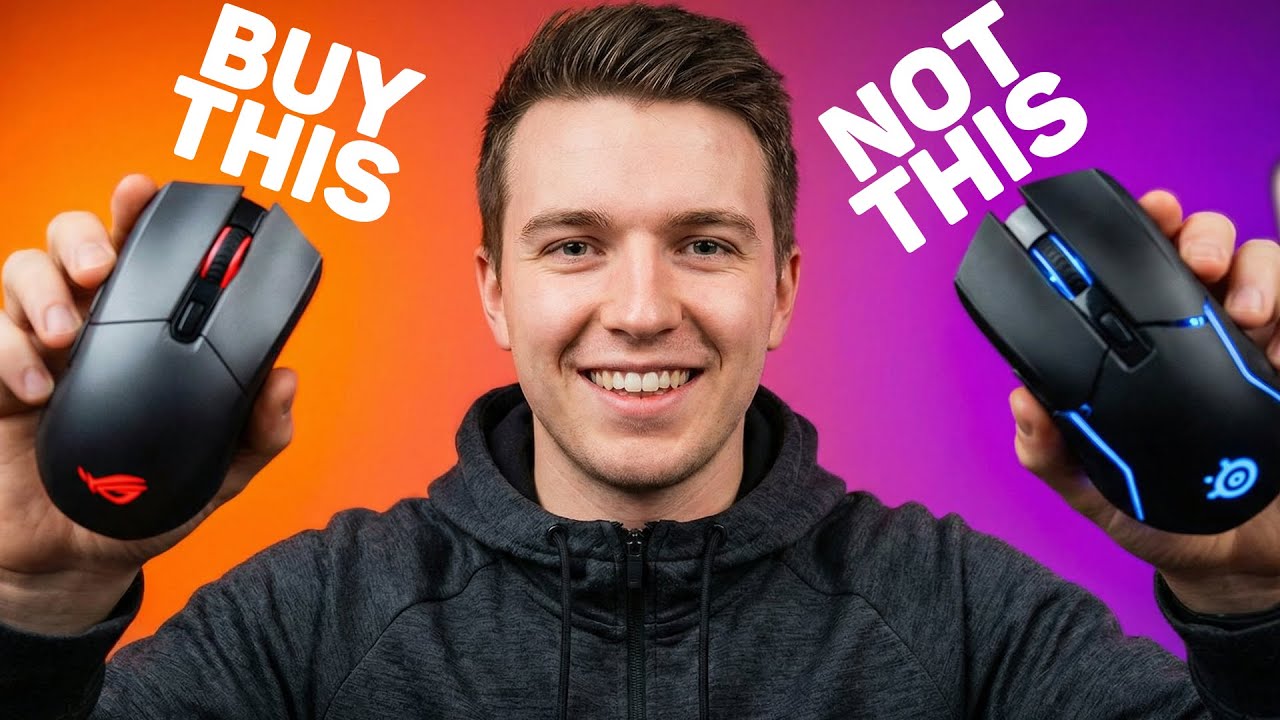

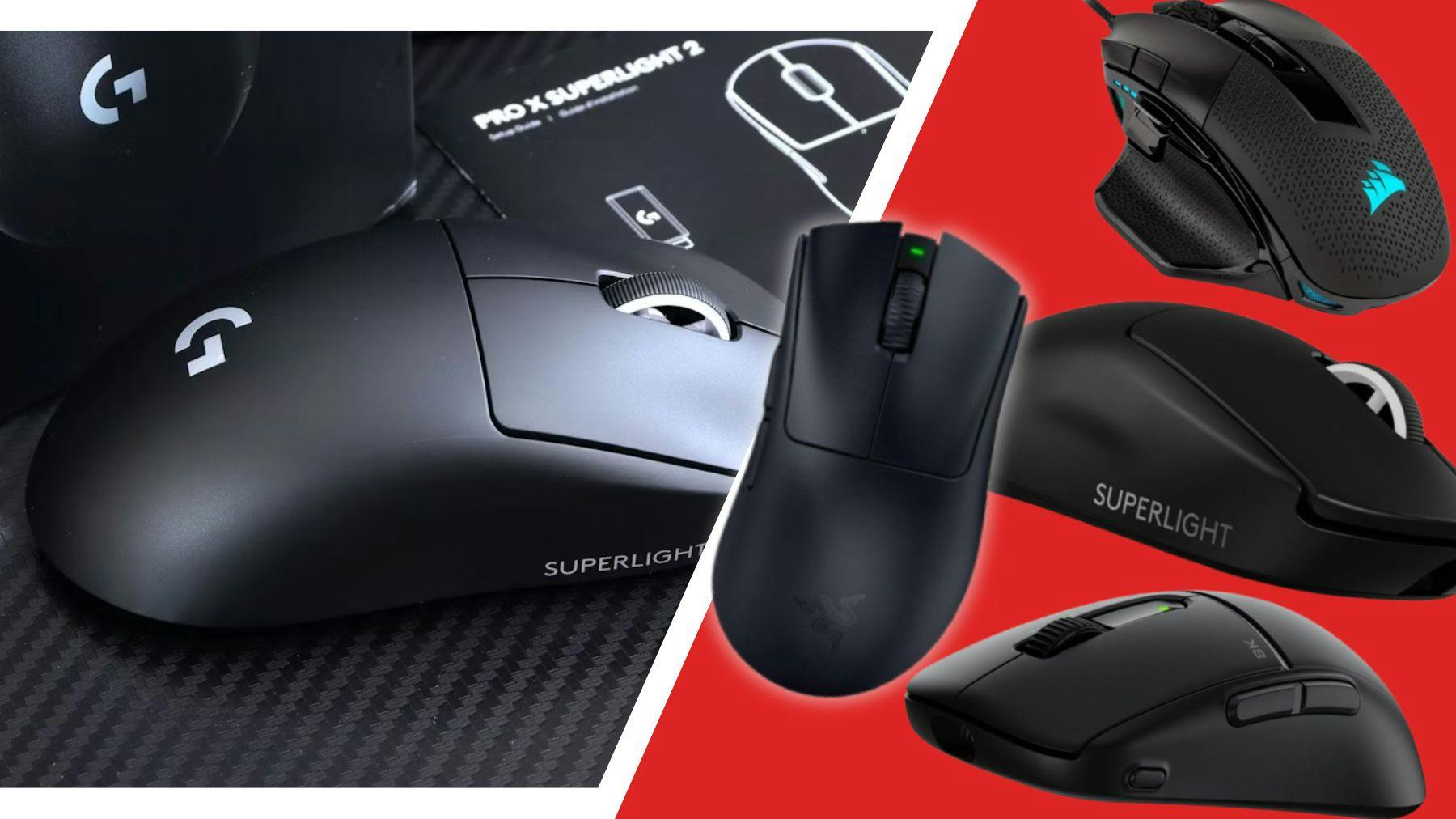
BEST Wireless Gaming Mouse Of 2026 HERE S What You Should Buy At . BEST Gaming Mouse 2026 Top 15 Pro Picks YouTube . BEST Gaming Mouse Of 2026 THIS IS EXACTLY WHAT YOU NEED YouTube . Best Economical Gaming Mouse In 2026 Budg Gaming PC Guru Finalmouse Ulx Review 800x500 . The Best Gaming Mice In 2026 Picked By Our Tech Experts Gaming Mouse Hero 2
#7 Gallery where to sell gaming mouse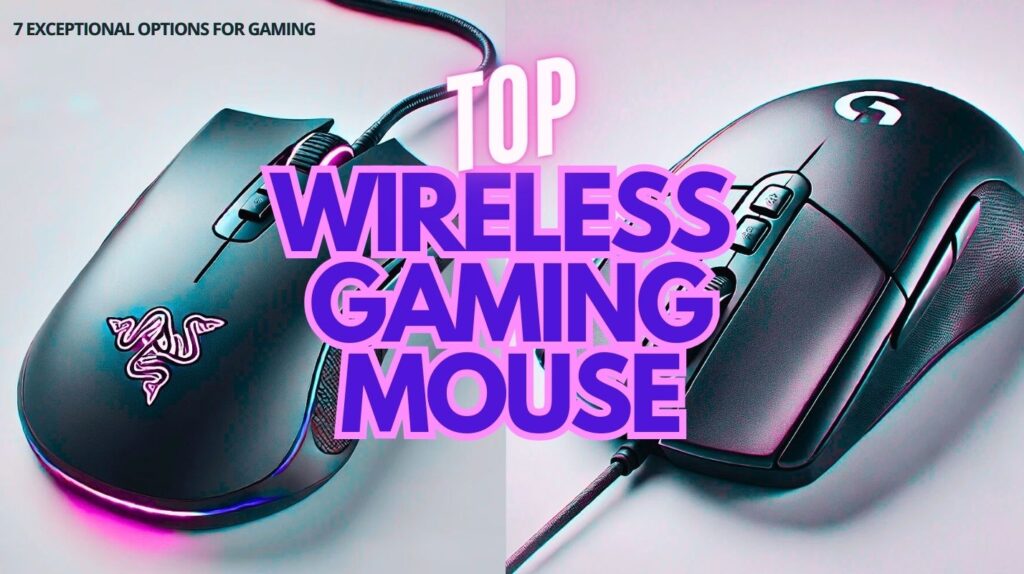


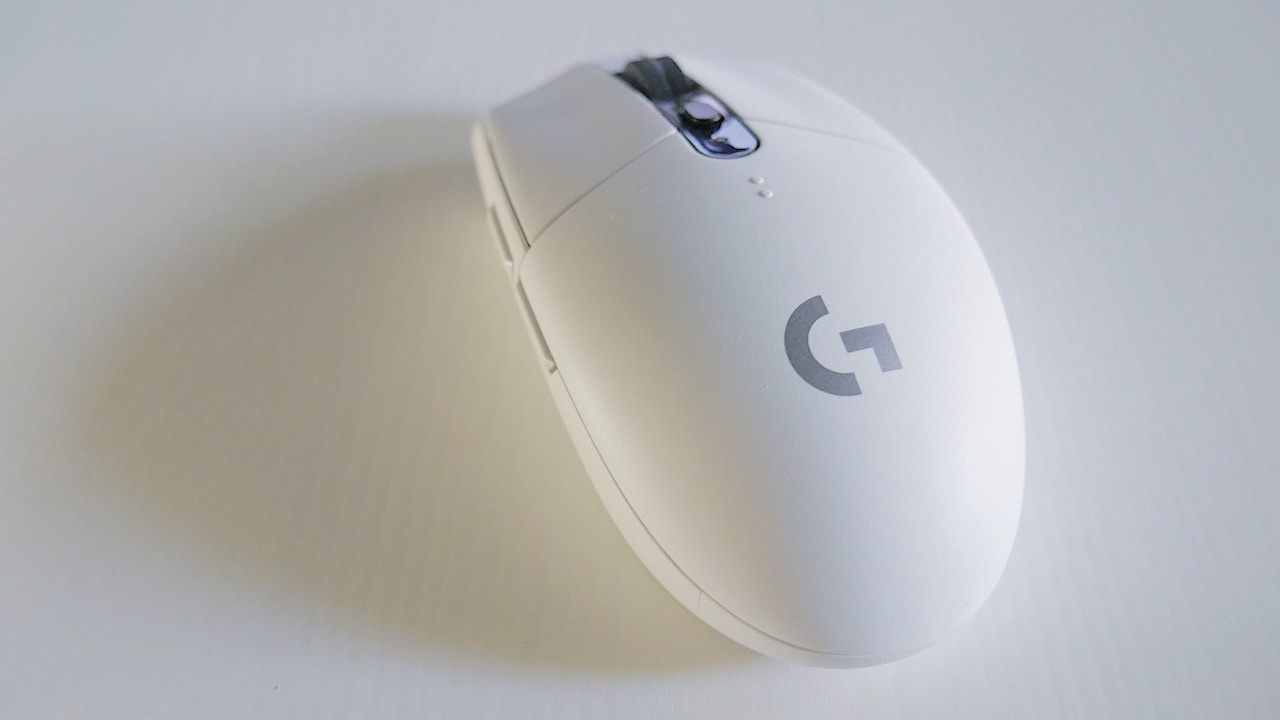
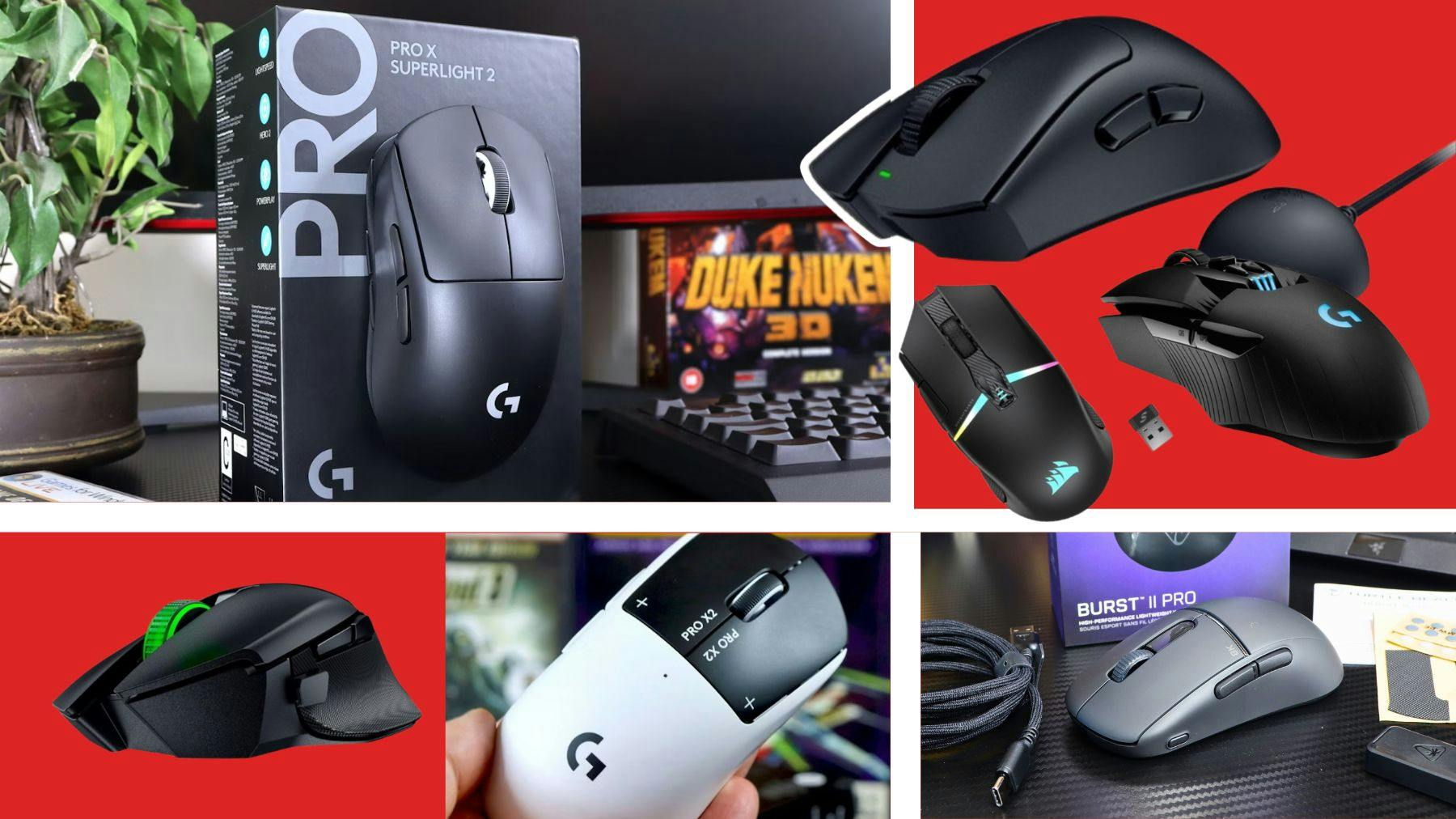
Best Wireless Gaming Mouse In 2026 7 Picks For Smooth Gaming WHICH IS THE BEST WIRELESS GAMING MOUSE 1024x574 . Best Gaming Mouse 2026 Top Picks For FPS MOBA And Casual Gaming Best Gaming Mouse 2026 2 . Best FPS Gaming Mouse 2026 Pro Grade Prec Gaming PC Guru AC SL1500 . Best Gaming Mouse In 2026 Top Picks For Every Budget Gaming Mouse . The Best Wireless Gaming Mice Of 2026 For Speed And Precision Copy Of Copy Of Copy Of TV Sale Empire 13