Ever wonder why your Roblox game lags or acts strangely It could be unwanted scripts This comprehensive guide empowers US gamers to identify remove and prevent malicious or unnecessary scripts in Roblox Studio Learn essential tips for optimizing game performance enhancing security and maintaining a clean enjoyable creation environment Discover how to debug your experiences balance creative freedom with game integrity and ensure your builds are safe for everyone from casual players to dedicated developers Dive into practical steps for script removal best practices for asset management and crucial insights into keeping your Roblox creations running smoothly and securely for the vibrant Roblox community. Our goal is to make your Roblox experience seamless secure and fun.
What is the easiest way to remove a script in Roblox Studio?
The easiest way to remove a script in Roblox Studio is to locate it in the Explorer window, right-click on the script, and select Delete. This directly removes the script from your game hierarchy. Remember to save your game afterwards to apply the changes, ensuring the problematic script is gone for good.
Why do unwanted scripts appear in my Roblox game?
Unwanted scripts often appear in Roblox games through free models downloaded from the toolbox, outdated or malicious plugins, or even insecure Team Create sessions. These scripts can be hidden within seemingly harmless assets and activate once your game is published, causing issues like lag, unexpected behavior, or security vulnerabilities.
How can I tell if a script is malicious or just part of a free model?
Distinguishing between legitimate and malicious scripts involves inspecting their code for suspicious functions like require, loadstring, or getfenv being used unexpectedly. Look for scripts in unusual locations, obscured code, or scripts that don't relate to the asset they're bundled with. A legitimate script usually has clear, readable code relevant to its object's function and a clear purpose.
Is it safe to use script-scanning plugins in Roblox Studio?
While some script-scanning plugins can be helpful, caution is advised. Only use highly-rated, well-reviewed plugins from reputable creators with a long track record. Malicious plugins themselves can inject scripts, so they pose a risk. Always back up your game before using any new plugin, and manually verify changes it makes, even if a plugin claims to be safe.
What impact do malicious scripts have on my Roblox game?
Malicious scripts can significantly impact your Roblox game by causing severe lag, unexpected UI elements, teleporting players, granting unauthorized admin commands, or even creating backdoors that allow exploiters to access your game. They degrade player experience, can ruin your game's reputation, and can lead to your game being moderated by Roblox for harmful content.
How do I find hidden scripts in Roblox Studio's Explorer?
Hidden scripts can be hard to spot. Use the search bar in the Explorer (Ctrl+Shift+X or Cmd+Shift+X) to look for common script names (e.g., "Script," "LocalScript") or specific functions (`require`, `loadstring`). Expand all models and parts by clicking the arrows next to them to ensure no scripts are nested deep within objects. Also, check for
Hey fellow Roblox creators and players! Ever poured hours into building an amazing game on Roblox Studio, only to find it suddenly lagging, behaving erratically, or even worse, having strange pop-ups or unexpected elements appear? You're not alone. This is a common pain point for many gamers and developers, especially those of us balancing a busy life with our passion for creating and playing. With 87 percent of US gamers regularly diving into virtual worlds and dedicating upwards of 10 hours a week, a smooth, secure experience isn't just a luxury; it's essential. The culprit? Often, it's unwanted or malicious scripts lurking in your game. Just last month, discussions around 'free model exploits' and 'performance issues in community games' were trending in developer forums. But don't sweat it. This guide on how to remove scripts Roblox will equip you with the knowledge and tools to clean up your creations, boost performance, and ensure your game remains a safe and fun haven for everyone. Whether you're a seasoned developer or just starting out, keeping your game free of problematic scripts is key to an optimized, enjoyable Roblox experience. Let's dive in and take back control of your virtual worlds.
For many adult gamers, Roblox isn't just a platform; it's a creative outlet, a social hub, and a place to unwind after a long day. The last thing you need is a buggy game interrupting your relaxation or skill-building. Understanding how to manage and remove scripts is a fundamental skill that enhances your development prowess and ensures your game aligns with popular trends like stable social gaming experiences and secure free-to-play models. This article is your comprehensive resource for tackling script-related issues, helping you protect your valuable time and creative investments.
Why is Removing Scripts in Roblox Games So Important?
Removing unwanted scripts from your Roblox games is crucial for several reasons that directly impact your experience as a creator and your players' enjoyment. Firstly, performance is key. Malicious or poorly optimized scripts can cause significant lag, frame rate drops, and overall instability, making your game frustrating to play. Imagine building a cozy social hub only for it to be unplayable due to hidden code; that's a quick way to lose players.
Secondly, security is paramount. Unwanted scripts often act as backdoors, allowing exploiters to gain unauthorized access, inject harmful content, or even take control of your game. This isn't just annoying; it can lead to your game being moderated or even banned by Roblox, wasting all your hard work. Finally, a clean game is easier to develop and manage. Removing clutter and potential threats allows you to focus on building new features and refining gameplay without constantly battling hidden issues. For busy gamers balancing work and family, optimization means more fun in less time.
How Do I Identify Suspicious or Malicious Scripts in Roblox Studio?
Identifying suspicious scripts requires a keen eye and a systematic approach. Start by checking the Explorer window in Roblox Studio. Scripts are usually found within parts, models, or services like ServerScriptService or StarterPlayerScripts. Look for scripts with generic names (e.g.,
Identify suspicious Roblox scripts improve game performance prevent malicious content secure your Roblox creations step-by-step script removal best practices for clean development optimize Roblox Studio experience.
35



How To UNINSTALL PLUGINS In Roblox Studio FULL GUIDE 2026 YouTube . How To Delete A Tool Clicking A Part Roblox Studio YouTube . Roblox Rivals GitHub . Uninstall Roblox Studio How Do You Do It . How To Completely Uninstall Roblox Guide YouTube
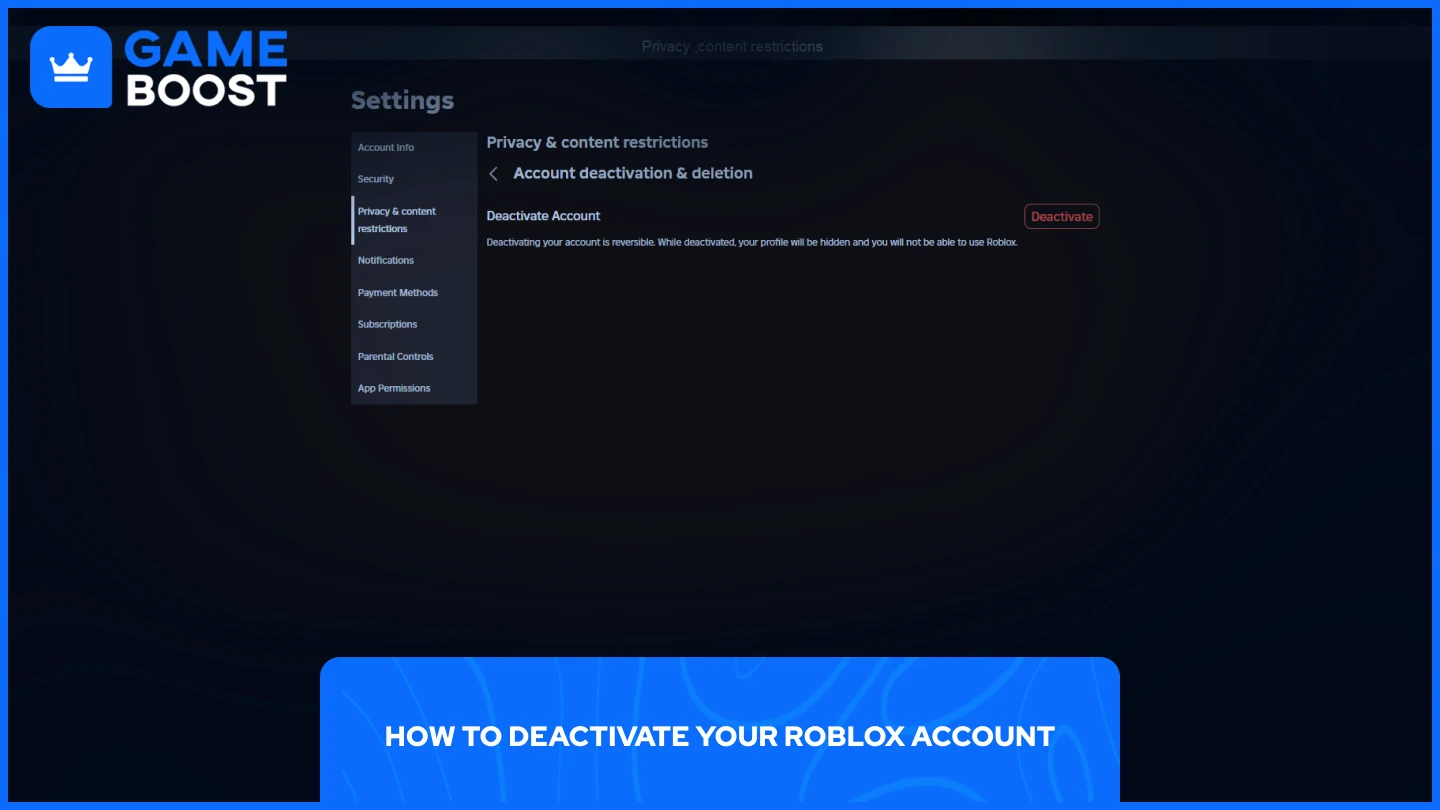


Jak Dezaktywowa I Usun Swoje Konto Roblox 2026 0547da4a 1436 4b9a A8bb. How To Do A Delete Script ROBLOX STUDIO YouTube Hqdefault . How To Uninstall Plugins In Roblox Studio Remove Roblox Plugin YouTube . How To Remove Scripts In Roblox Studio H Ng D N Chi Ti T V T I U D . How To Remove And Kill Anything With Script ROBLOX YouTube Hqdefault


HOW TO DELETE PRIVATE SERVER IN ROBLOX 2026 FULL GUIDE YouTube . Technical Breakdown Of 10 BEST ROBLOX STEAL A BRAINROT SCRIPTS FEBRUARY 4 Epic Scripts For Roblox Game Steal A Brainrot 1 . NEW How To Use Roblox Scripts TUTORIAL YouTube . HOW To Script In ROBLOX STUDIO Beginners Scripting Guide 2023 YouTube . BEST KEYLESS GAG SCRIPT Roblox Grow A Garden Script Review




What Is Roblox Terumi Script And Its Role In Gaming Como Usar Scripts En Roblox Studio . How To Use Scripts In Roblox Mobile H Ng D N Chi Ti T V C C B C C N . BEST OPEN SOURCE ROBLOX EXECUTORS 2026 Technical Analysis Free Roblox Script . Account Deletion For A Harmless Game Platform Usage Support . Script Application Roblox Coding Guide To Master Roblox Learn Roblox Scripting Web Copy


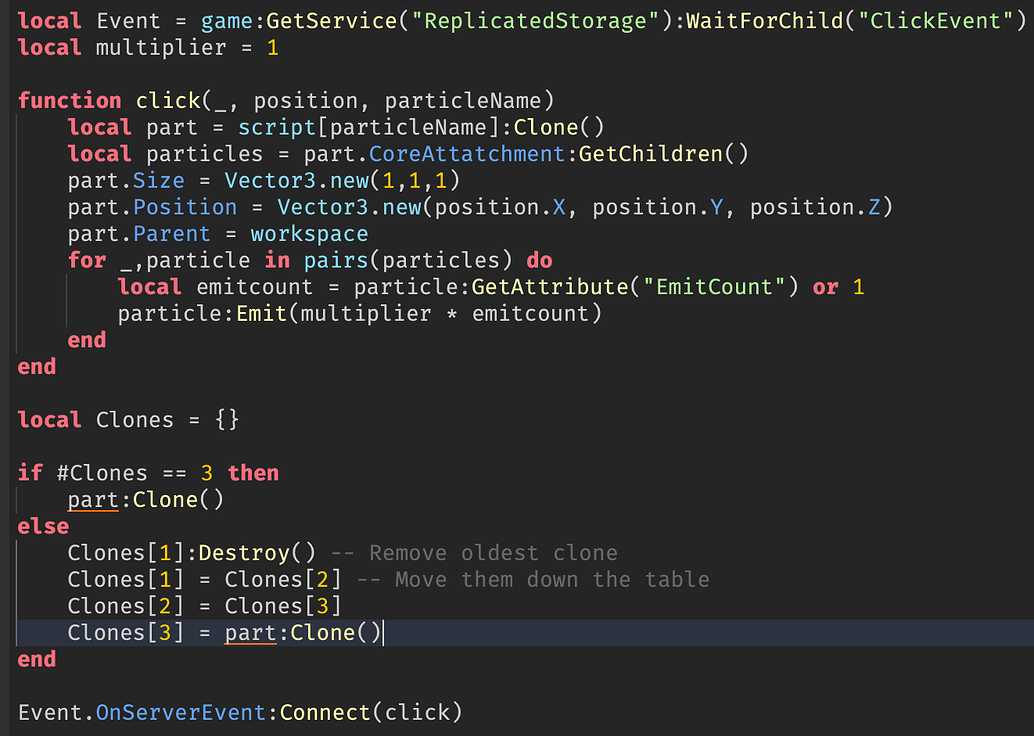
Technical Breakdown Of 10 BEST ROBLOX STEAL A BRAINROT SCRIPTS FEBRUARY Steal A Brainrot 1 . Delete A Local Script Scripting Support Developer Forum Roblox . 2026 DIRT Script Roblox Tutorial YouTube . Rolling Script Roblox At Catherine Fletcher Blog . How To Make Part Delete After Another One Is Spawned Scripting 2 1034x736



ALL NEW INFINITE SCRIPT FIGHTING ROBLOX CODES 2026 INFINITE SCRIPT . How To Remove Roblox Bar Scripting Support Developer Forum Roblox 2 690x353 . How To Remove Parental Controls On Roblox 2026 Complete Tutorial . Roblox 2026 YouTube Oar2 . Universal Script Universal Hub 2026 Rayfield Edition Roblox 0



How To Make A Script To Remove Part In Roblox Studio YouTube Hqdefault . NO KEY BLADE BALL SCRIPTS AUTO PARRY AUTO SPAM 2026 Fyp Roblox Blad Img. Roblox Delete Part Script YouTube . Roblox Scripting Coding Complete Guide To Master Roblox . How To Remove Scripts In Roblox Studio H Ng D N Chi Ti T V T I U D 2 690x493